Tungsten™ T5 Handheld 337
CHAPTER 15 Sending and Receiving Email Messages
3
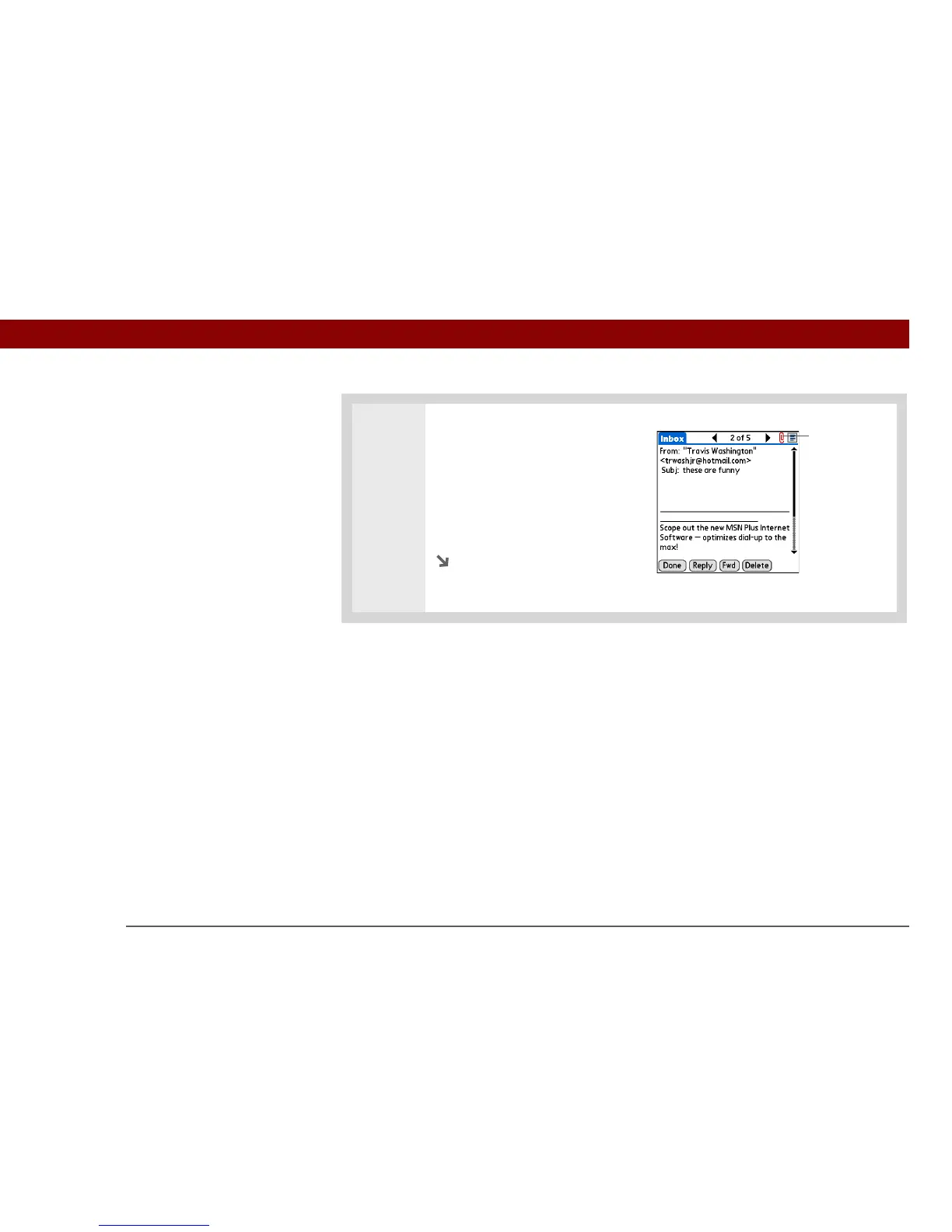
Tap the red paper clip icon in the
upper-right corner. If the
attachment is not downloaded, a
paper clip icon doesn’t appear
even though the message was
sent with an attachment. You
must download the attachment
for the paper clip icon to appear.
Continued
Paper clip icon



 To Next Page