Tungsten™ T5 Handheld 375
CHAPTER 15 Sending and Receiving Email Messages
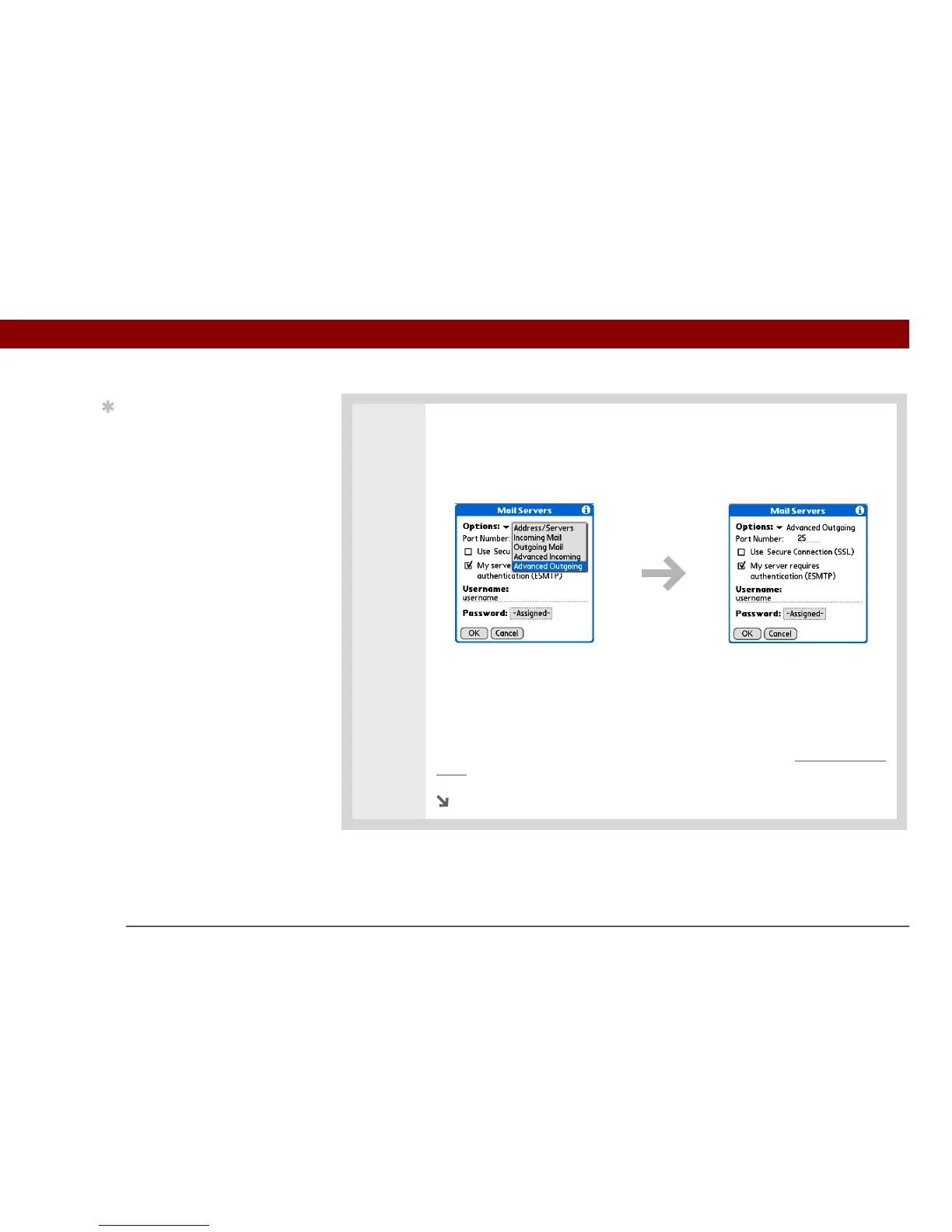
7 Manage advanced outgoing mail server (SMTP) settings:
a. On the Mail Servers screen, select Details.
b. Select the Options pick list, and then select Advanced Outgoing.
c. Do any of the following:
Port Number The default is 25, the port number most SMTP servers use. If you
are not sure about the correct port number, check with your mail server
administrator.
Use Secure Connection To send outgoing mail over a secure (Secure Socket
s
Layer, or SSL) connection, check the Use Secure Connection box.
Continued
Tip
If you need to enter new
authentication
information, enter your
username, tap the
Password box, enter a
password, and then
select OK. Check with
your email service
provider for
authentication username
and password
information.



 To Next Page