Tungsten™ T5 Handheld 439
CHAPTER 19 Sharing Information
0
1 Select the information you want to send:
a. Open an application
.
b. Select the entry you want.
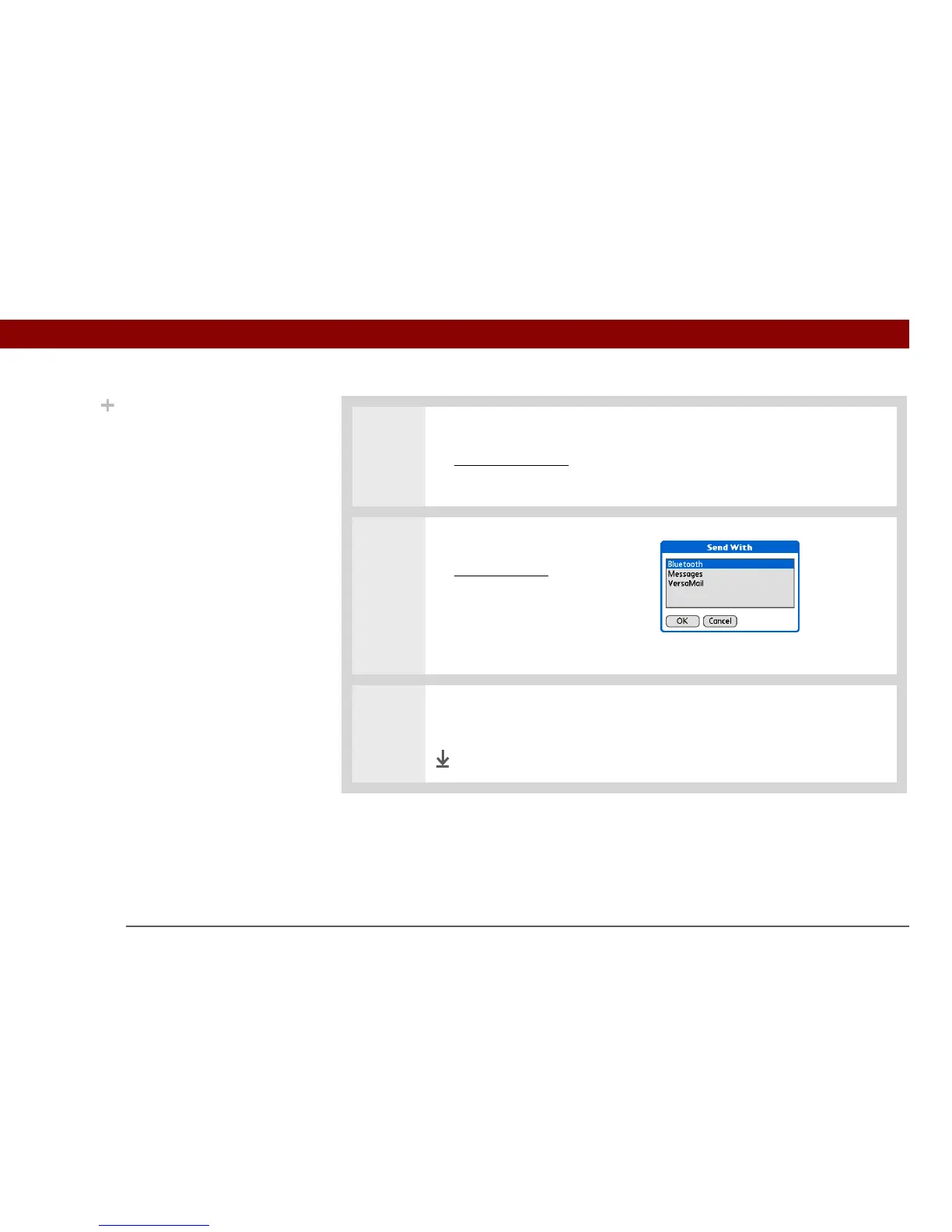
2 Select a sending method:
a. Open the menus
.
b. Select the Send menu item
in the leftmost menu.
c. Select Bluetooth, and then
select OK.
3 Select the receiving device on the Discovery Results screen, and then select OK.
The information is sent to the receiving device.
Done
Did You Know?
In most applications, the
leftmost menu is named
Record.



 To Next Page