Tungsten™ T5 Handheld 482
CHAPTER 22 Keeping Your Information Private
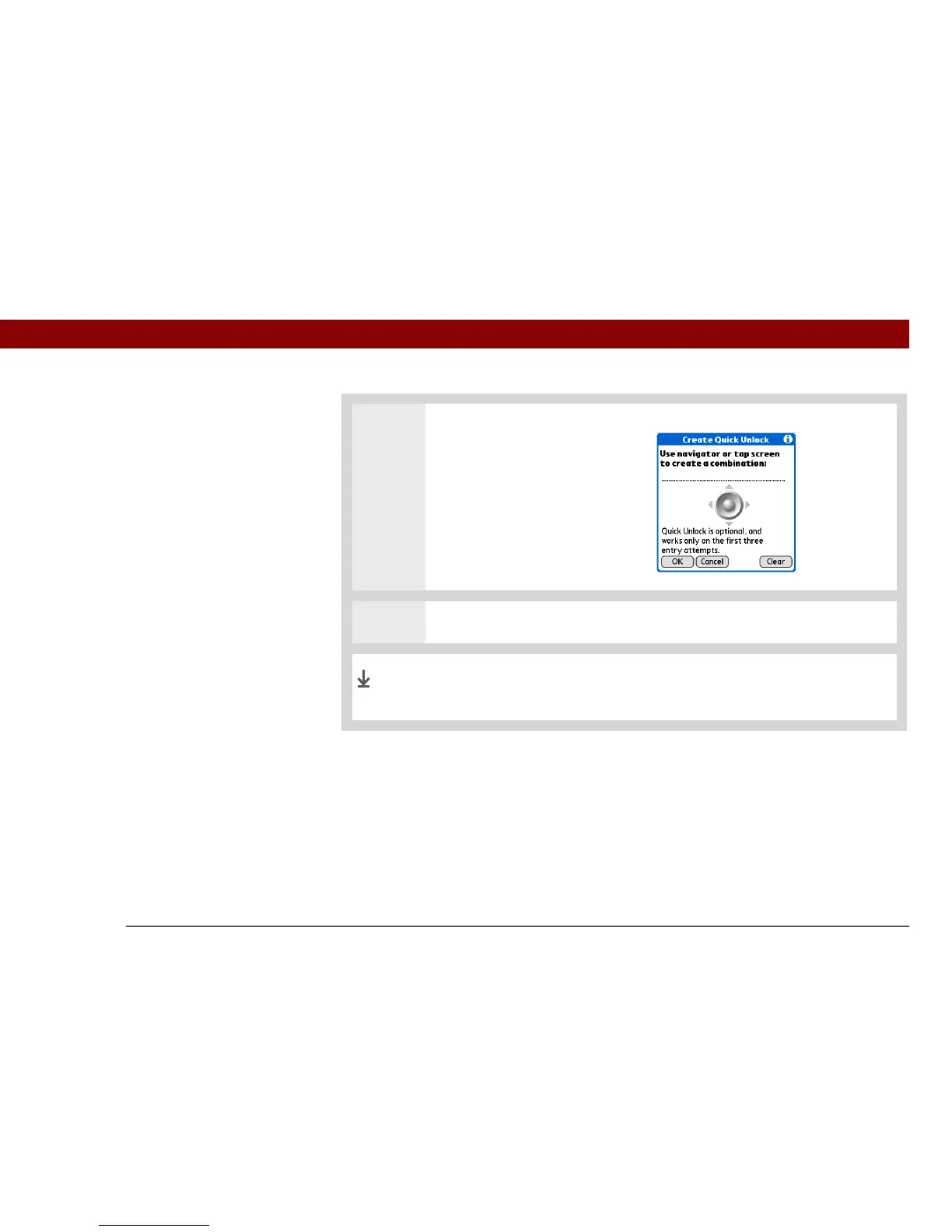
3 Create a Quick Unlock
combination sequence:
a. Use the 5-way or tap the
onscreen navigator to create a
combination.
For example, you might
choose Left-Right-Left as a
combination.
b. Select OK.
4 Select Done.
When your handheld is locked, you can now unlock it by using the
Quick Unlock combination, or by entering your password.
Done



 To Next Page