Tungsten™ T5 Handheld 519
CHAPTER 25 Customizing Your Handheld
0
1 Open an application.
2 Open the Select Font dialog box:
a. Open the menus
.
b. Select Options, and then select Font.
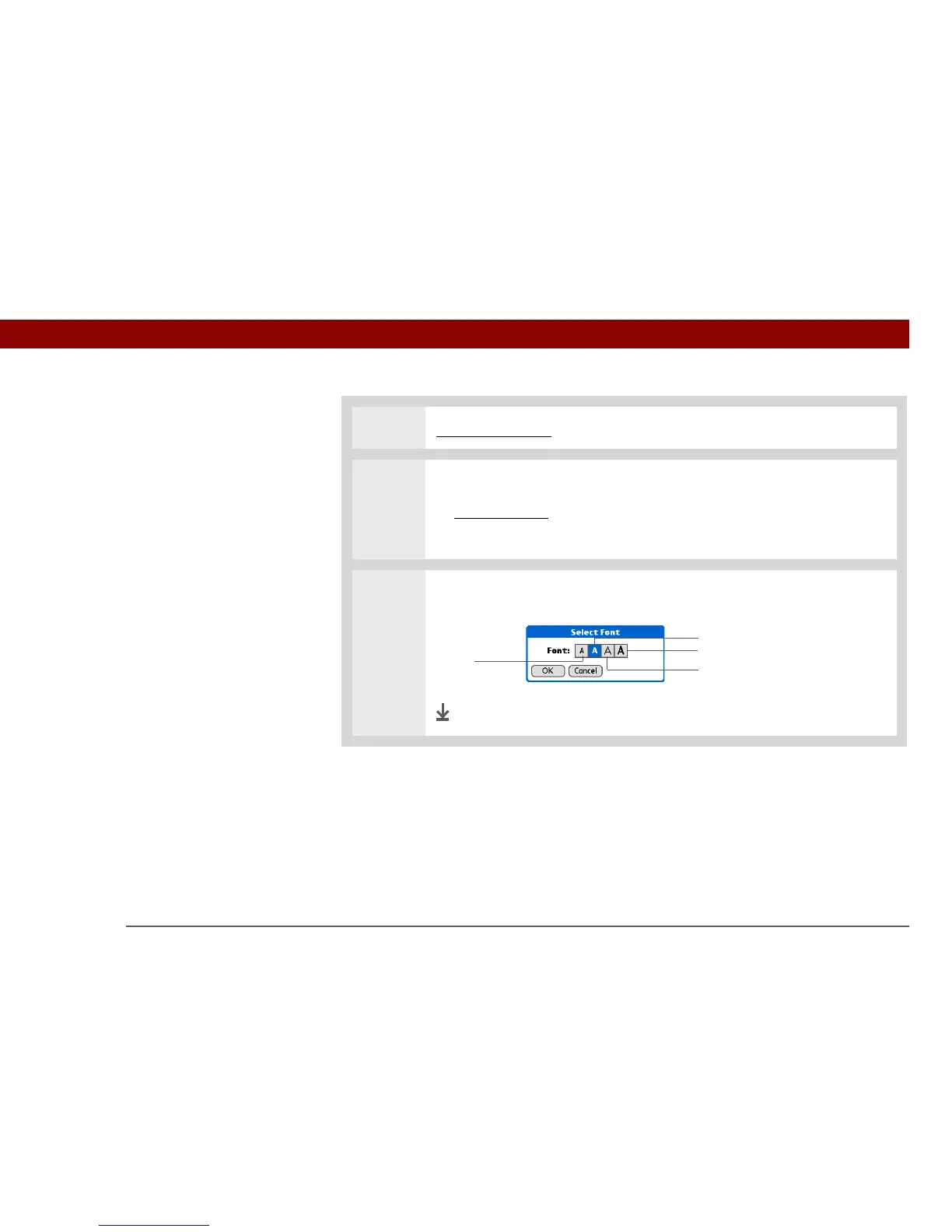
3 Select the font style you want to use, and then select OK.
Done
Small
Small bold
Large bold
Large



 To Next Page