Tungsten™ T5 Handheld 60
CHAPTER 4 Entering Information on Your Handheld
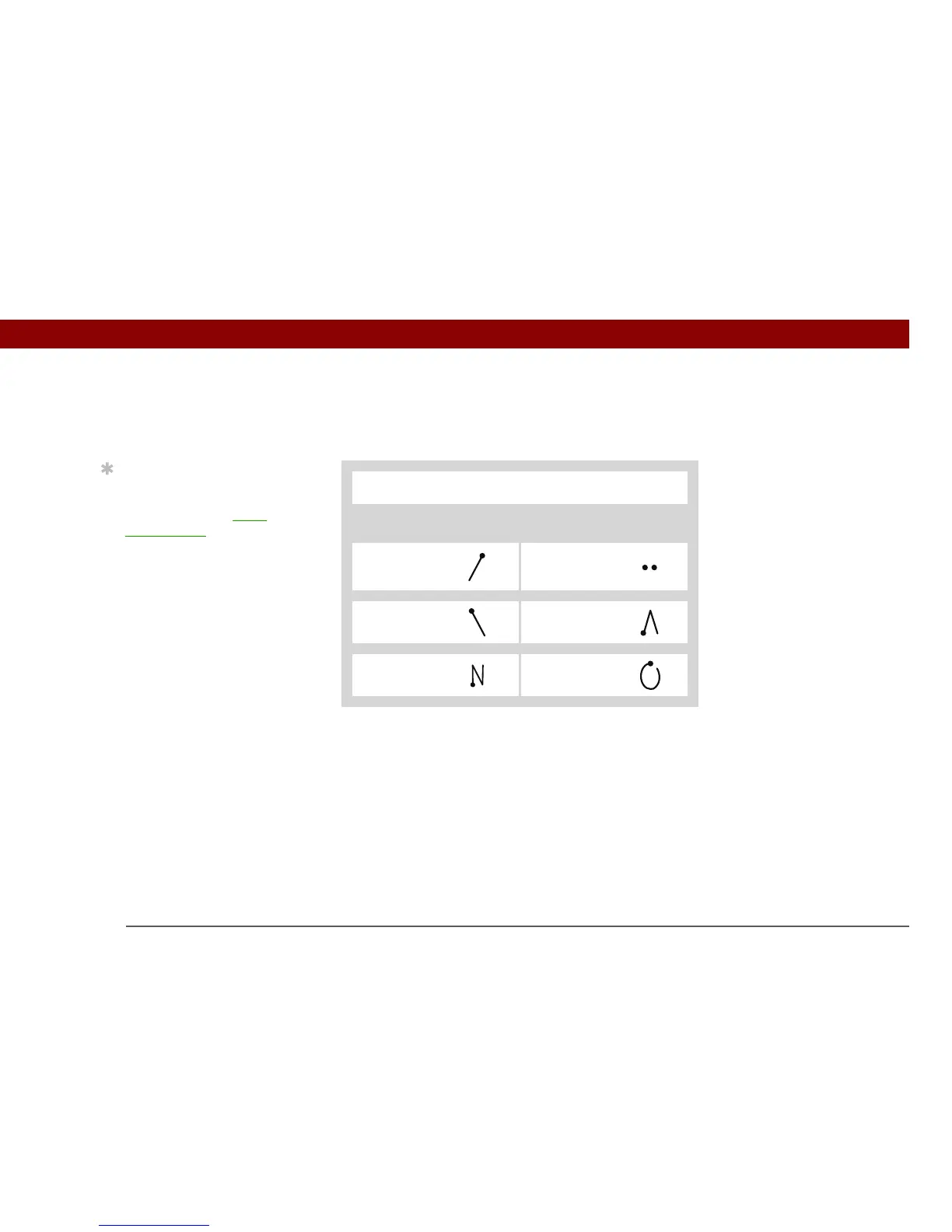
Graffiti 2 accented characters
For accented characters, write the letter on the left side of the input area, and then write the accent
on the right side of the input area.
0
Write these marks on RIGHT side of input area
Accent Stroke Accent Stroke
Acute
á
Dieresis
ä
Grave
à
Circumflex
â
Tilde
ã
Ring
å
Tip
Get help writing any of
the Graffiti 2 characters in
most applications. Open
the Edit menu and select
Graffiti 2 Help.



 To Next Page