S-DBS Installation Instructions
v1.0
Section 300
Issue 1 August 1990
INSTALLATION
Always set the power switch to 6E’PTEEe instaE%~~EtionnectiEithe AC power to
the key system unit (KSU).
Use the appropriate screwdriver to fasten the screws.
22
Handle the Main Unit carefully to avoid damaging the cover.
.a
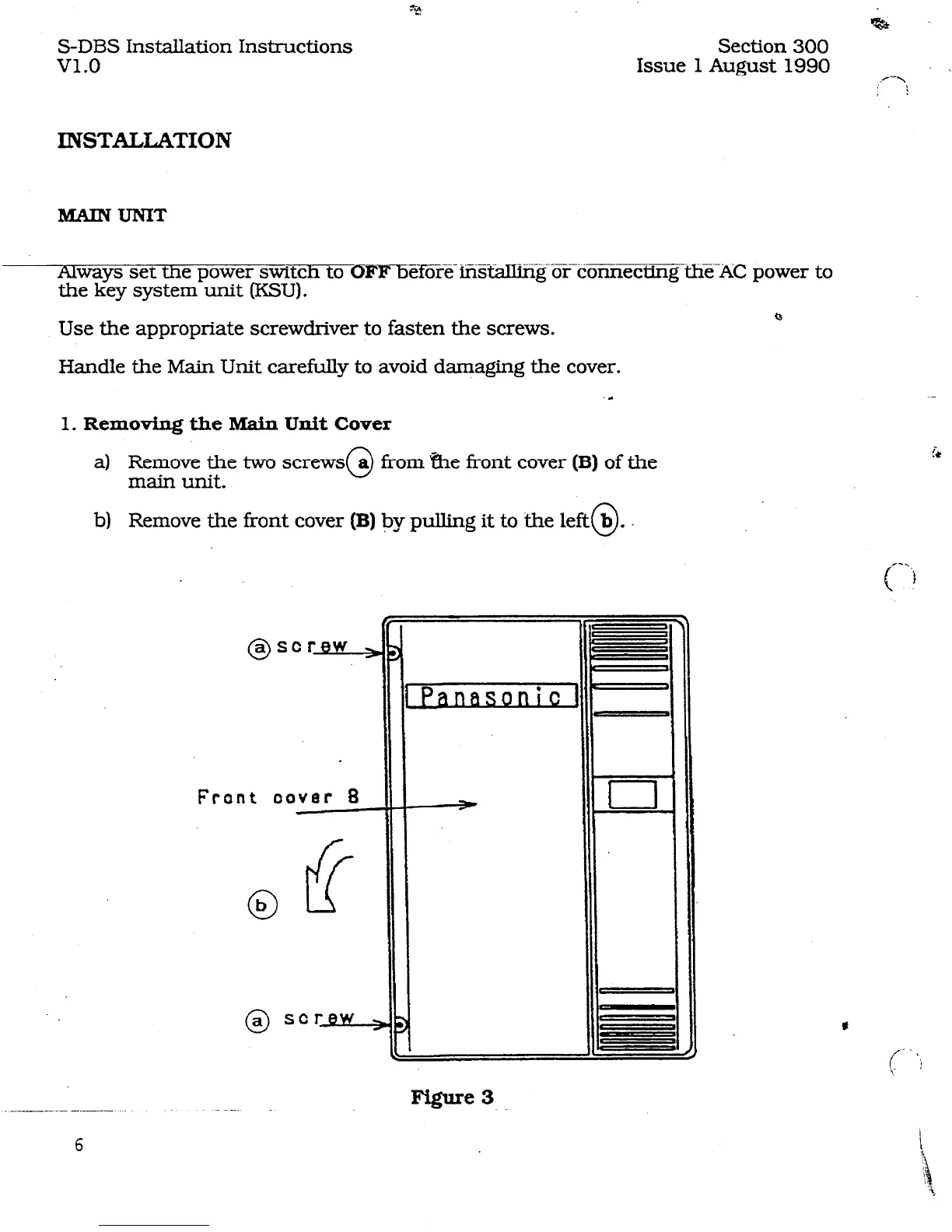
1. Removing the Main
Unit Cover
a) Remove the two screws
main unit.
0
a
from &e front cover
(B)
of the
b) Remove the tiont cover
(B) by
pulling it to the left@.
Frant
aover B
0
b
0
a SCrBw,
--.- -..-__
6












 To Next Page