Section 700
S-DBS Operating instructions
Issue 1 July 1990
Vl .o
Paging
* &rogramming Require&
Paging lets you contact people who are temporarily away from their phones, give
instructions to the entire staff, or communicate with several staff members at once.
Internal paging is possible through the speakers of other phones and through the
speakers of external paging systems.
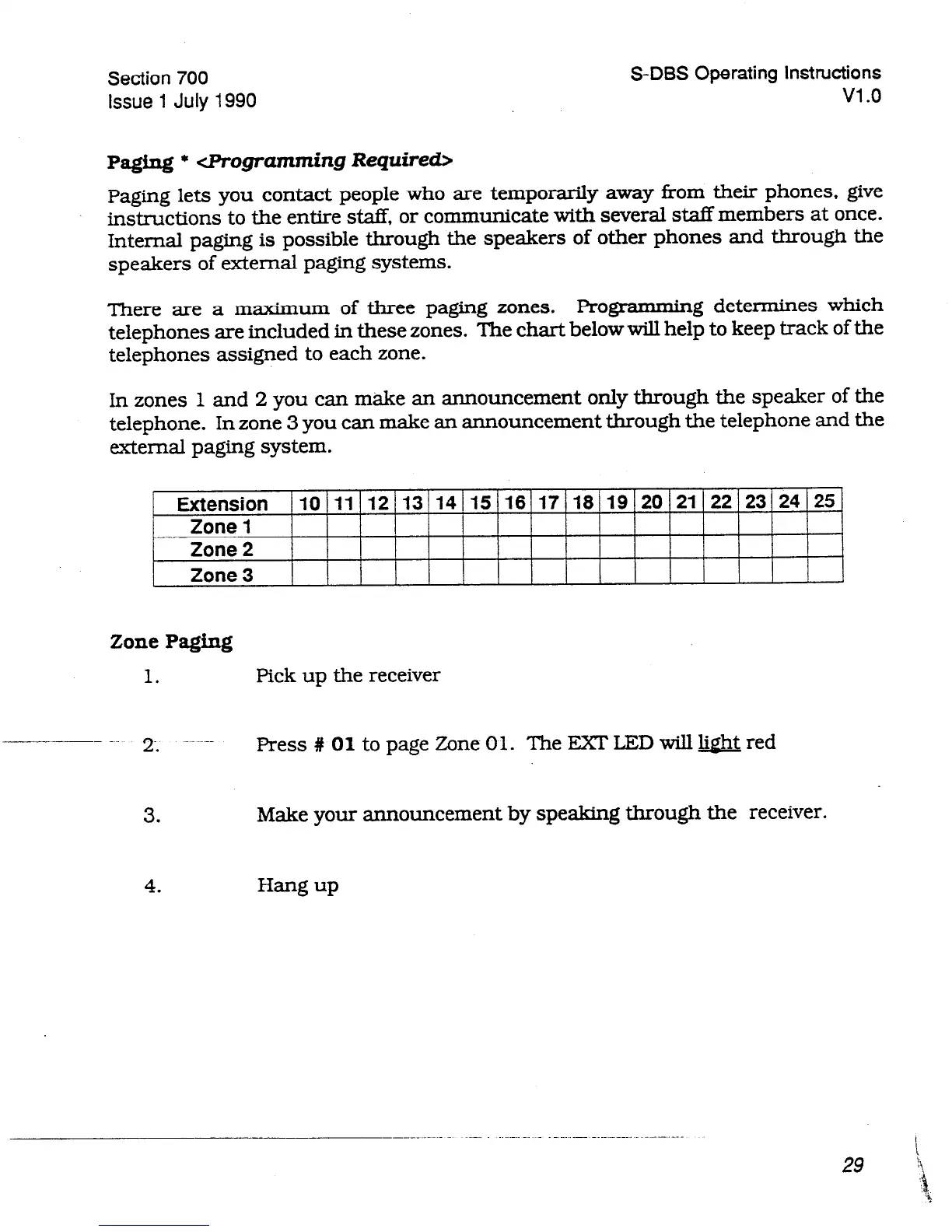
There are a maximum of three paging zones. Programming determines which
telephones are included in these zones. The chart below will help to keep track of the
telephones assigned to each zone.
In zones 1 and 2 you can make an announcement only through the speaker of the
telephone. In zone 3 you can make an announcement through the telephone and the
external paging system.
ZonePaging
1.
Pick up the receiver
-~--.- 2; --~~--
Press # 01
to page Zone 01. The EXT LED will light red
3.
Make your announcement by speaking through the receiver.












 To Next Page