DES
Remote Maintenance
SECTION 400 (Version 3.0)
Issue 1 January 1990
Chapter 4 Remote Maintenance
4 - 7 Remote Maintenance’ Outline
Programming can be done from outside the
system through telephone lines other that for the
attendant’s telephone. In such a case the
programming is done from data terminals
available on the market and the like.
In
addition
to the normal programming when operating from
oupide, it is also possible to check all the set DATA
by memory dumping.
4 - 2 Starting Remote Maintenance
There are two methods for stating remote
maintenance. The first method is to do the
operation completely from outside by using the
DISA function for achieving the remote
maintenance status after having telephoned the
system from outside. The second method is to
put the system in hold with the attendant’s
telephone to achieve the remote maintenance
status.
A. Remote maintenance mode with
DISA
After the system has answered the call made to
the trunk line specified in the systems DISA, the
DISA function can be used by inputting the
DISA code (not necessary with some system
settings). Then the remote maintenance
processing is made possible having inputthe
special remote maintenance number (#6) and
the 4 digit code for remote controlled
maintenance(code 9999 when not set).
B. Remote maintenance mode by
attendant’s telephone
Having put on hold after calling the patty which
is to carry out the remote maintenance with
the attendant’s telephone, the remote
maintenance processing is enabled by having
the special remote maintenance number input
The remote maintenance processing is then
made possible by inputting the special remote
maintenance number (86) and the 4 digit code.
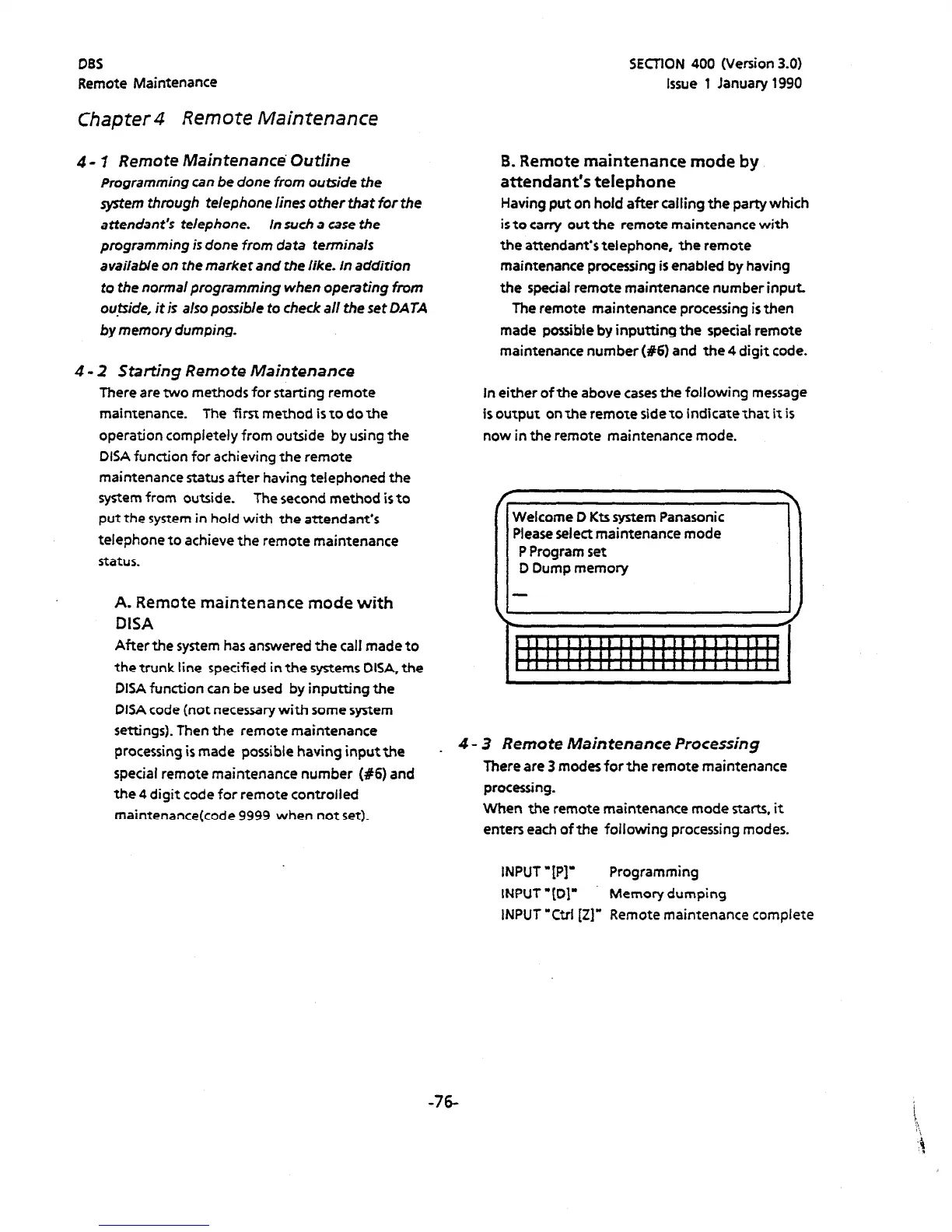
In either of the above cases the following message
is output on the remote side to indicate that it is
now in the remote maintenance mode.
4 - 3 Remote Maintenance Processing
There are 3 modes forthe remote maintenance
processing.
When the remote maintenance mode starts, it
enters each of the following processing modes.
INPUT -[PI’ Programming
INPUT ‘[Dl’ Memory dumping
INPUT ‘Ctrl [Z]” Remote maintenance complete
-76












 To Next Page