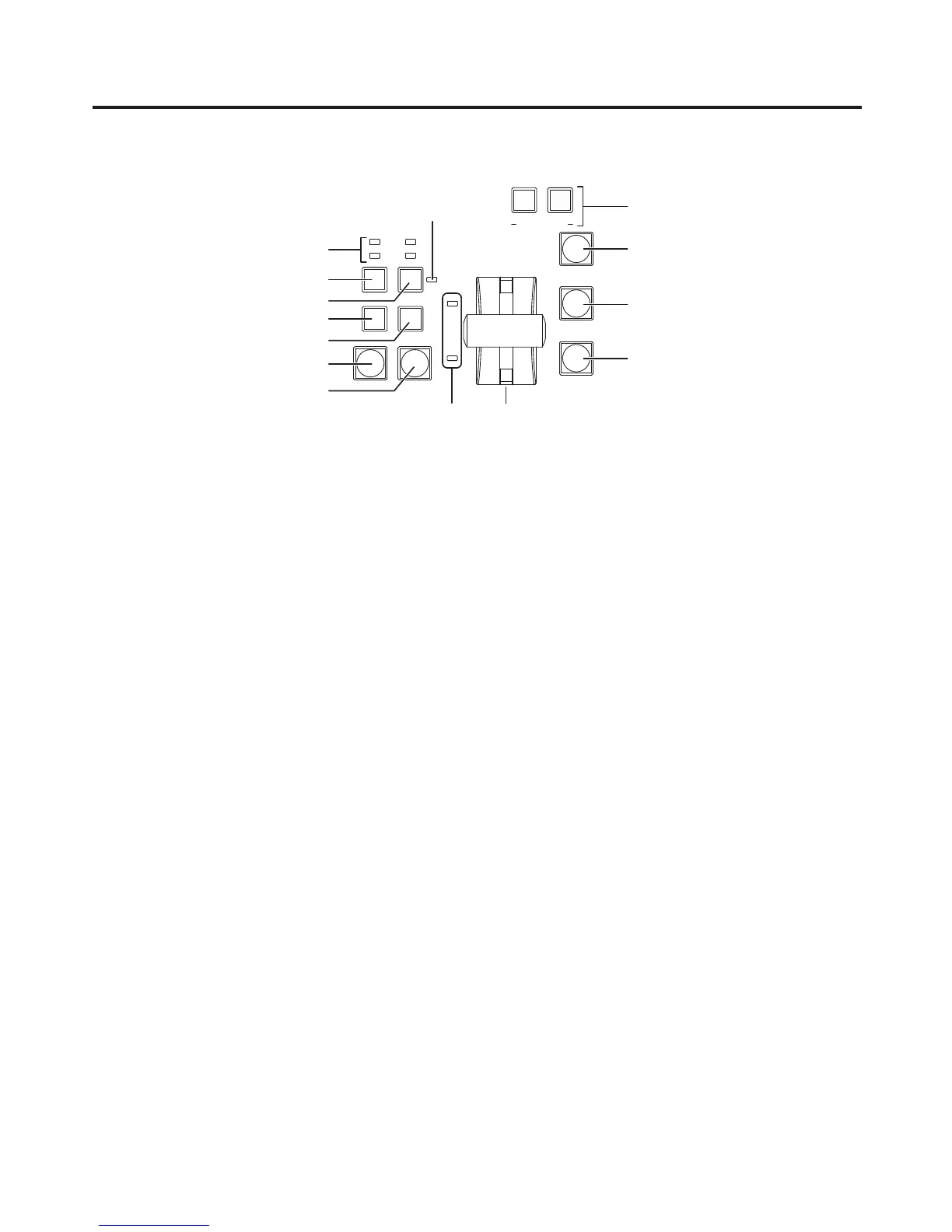
> [BKGD] button
This executes the background transition when the [AUTO] button (D) or fader lever (J) has been operated.
When the [BKGD] button is pressed and it is selected, its indicator lights in amber.
If the [KEY] button (?) is no
w pressed, the indicator goes off, and the de-selected status is established.
When the [BKGD] button and [KEY] button (?) are pressed at the same time, both buttons are set to the
selected status.
? [KEY] button
This executes the key transition when the [AUTO] button (D) or fader lever (J) has been operated.
When the [KEY] button is pressed and it is selected, its indicator lights in amber.
If the [BKGD] button (>) is now pressed, the indicator goes off, and the de-selected status is established.
When the [BKGD] button (>) and [KEY] button are pressed at the same time, both buttons are set to the
selected status.
@ KEY ON tally LED
This lights in red when the key ON status is established.
A MIX, WIPE selection status tally LEDs
These light up to indicate whether MIX or WIPE has been selected when background transitions or key
transitions are executed.
B [MIX] button
This is used to switch the A and B bus images while making them overlap.
During the transition, the A and B bus output total is kept at 100 %.
When the [MIX] button is pressed and it is selected, its indicator lights in amber.
If the [WIPE] button (C) is now pressed, it goes off, and the de-selected status is established.
C [WIPE] button
This is used to execute the transition using the pattern selected by the wipe pattern selector button (8).
When the [WIPE] button is pressed and it is selected, its indicator lights in amber.
If the [MIX] button (B) is now pressed, it goes off, and the de-selected status is established.













 To Next Page