99
5. System settings
5-8-2. Displaying the version information and option information
Information on the unit’s software and hardware versions and the statuses of the options are displayed.
1
Press the [FUNC] button to light its indicator, and press the [SYSTEM] button to display the SYSTEM menu.
2
Turn [F1] to display the MainVer sub menu.
3
Turn [F2] to select the item whose version is to be displayed using the Select item.
4
The version information is displayed in the Version item.
The system version information is displayed in the SysVer item.
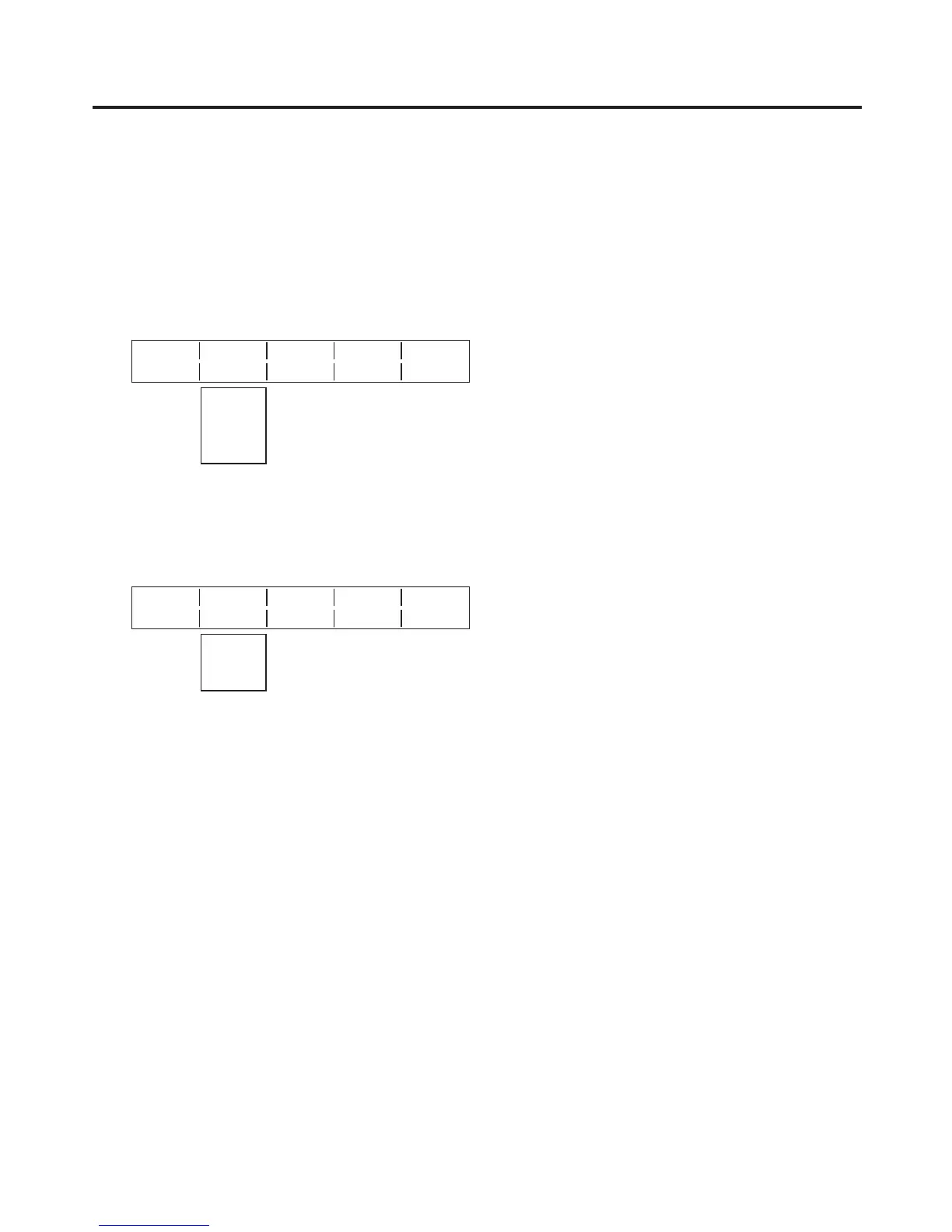
<Menu display>
MainVer Select Version SysVer
15/16 Soft 1.00 1.00.00
Control
Panel
Input
M/E
Soft: The software version information is displayed.
Control, Panel, Input, M/E:
The hardware version information is displayed.
5
Turn [F1] to display the OptVer sub menu.
<Menu display>
OptVer Select Board Version
16/16 IN-SL1 SDI 0001
IN-SL2
OUT-SL1
OUT-SL2
6 Turn [F2] to select the option slot using the Select item.
7
The types of the optional boards connected are displayed in the Board item.
IN-SL1, 2 (option input slots 1, 2)
SDI: SDI input board
Analog: Analogue input board
DVI: DVI input board
Cmpsit: Analogue composite input board
None: No optional board
OUT-SL1, 2 (option output slots 1, 2)
Analog: Analogue output board
DVI/Ana: DVI/analogue output board
SDI: SDI output board
None: No optional board
8
The optional board version information is displayed in the Version item.













 To Next Page