98
5. System settings
5-8. Status displays
5-8-1. Alarm status displays
These displays indicate a trouble status (alarm) in the power supply or fan.
1
Press the [FUNC] button to light its indicator, and press the [SYSTEM] button to display the SYSTEM menu.
2
Turn [F1] to display the Alarm sub menu.
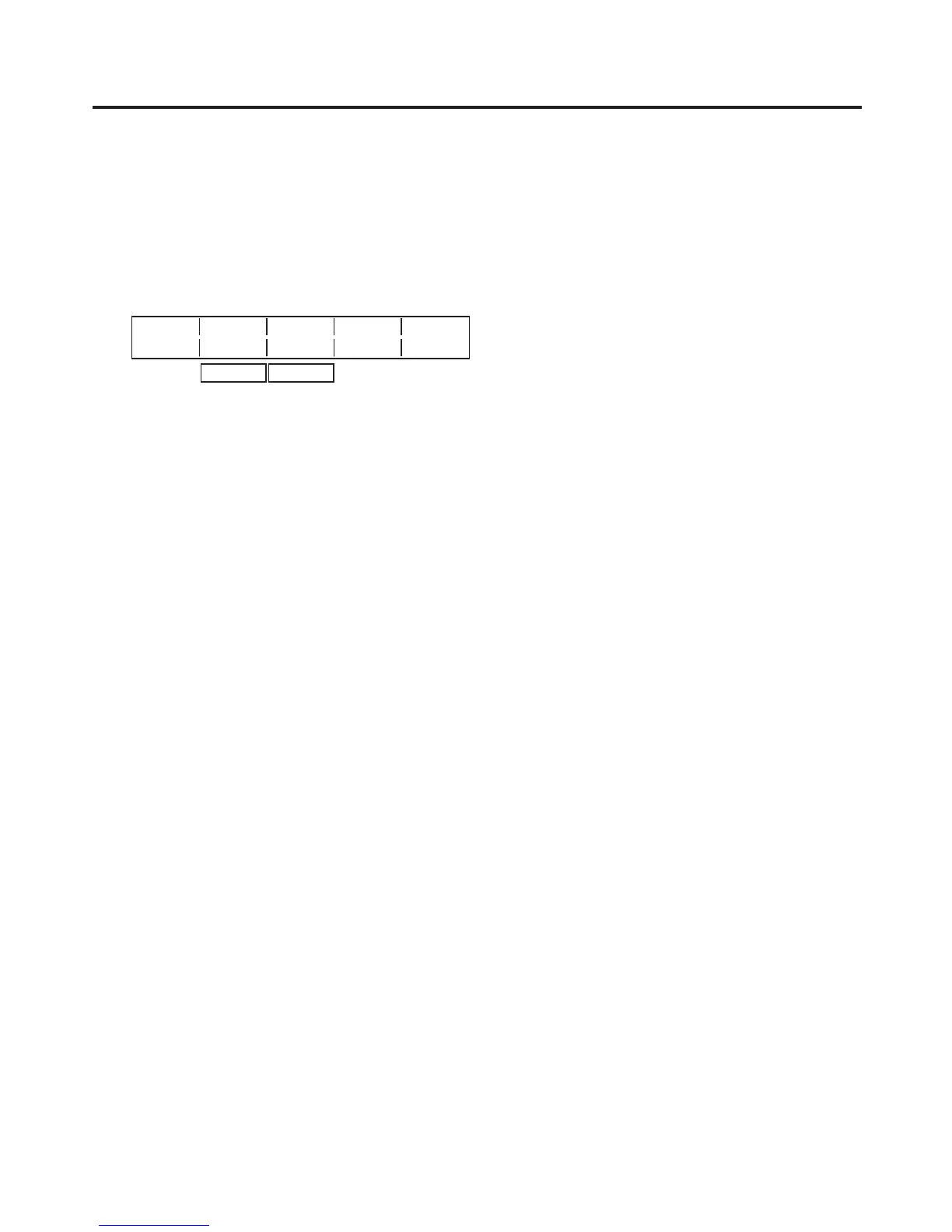
<Menu display>
Alarm Power Fan
8/16 NoAlarm NoAlarm
Alarm
Alarm
Power: This indicates a trouble status (alarm) in the power supply.
Alarm: Trouble
NoAlarm: No trouble
Fan: This indicates a troub
le status (alarm) in the fan.
Alarm: Trouble
NoAlarm: No trouble













 To Next Page