80
4. Input/output signal settings
4-8. Setting the on-screen display (OSD)
The menu screen is superimposed on the preview output or multi view display output for display.
1
Press the [FUNC] button to light its indicator, and press the [IN/OUT] button to display the IN/OUT menu.
2
Turn [F1] to display the OSD sub menu.
<Menu display>
OSD OSD Select
5/15 On PVW
Off
Multi
3 Turn [F2] to set whether to display the OSD using the OSD item.
On: OSD is displa
yed.
Off: OSD is not displa
yed.
This function can be assigned to a user button. See
5-3-1.
4
Turn [F3] to set the output destination using the Select item.
PVW: The men
u screen is superimposed onto the preview output, and output.
Multi: The men
u screen is superimposed onto the multi view display output, and output.
When On is selected as the OSD item setting, the m
ulti view display split frame and tally information are not
displayed on the monitor.
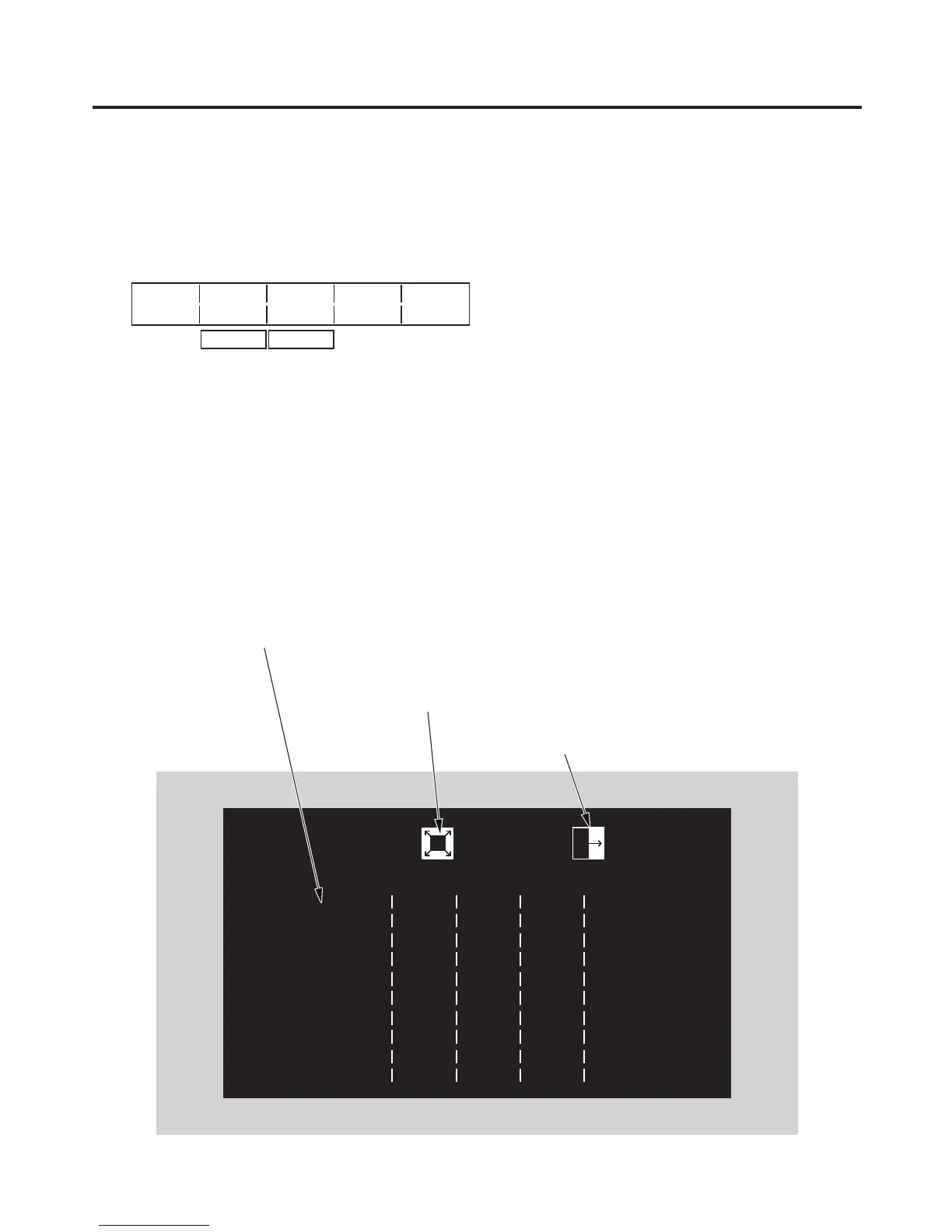
Examples of OSD displays
This indicates the wipe pattern for the background
transition.
This indicates the wipe pattern for the
key transition.
“>” appears to the left of the selected menu.













 To Next Page