72
4. Input/output signal settings
4-6. Adjusting the output signal phase
The phase of the output video signals can be adjusted.
1
Press the [FUNC] button to light its indicator, and press the [IN/OUT] button to display the IN/OUT menu.
2 T
urn [F1] to display the OutPhs sub menu.
<Menu display>
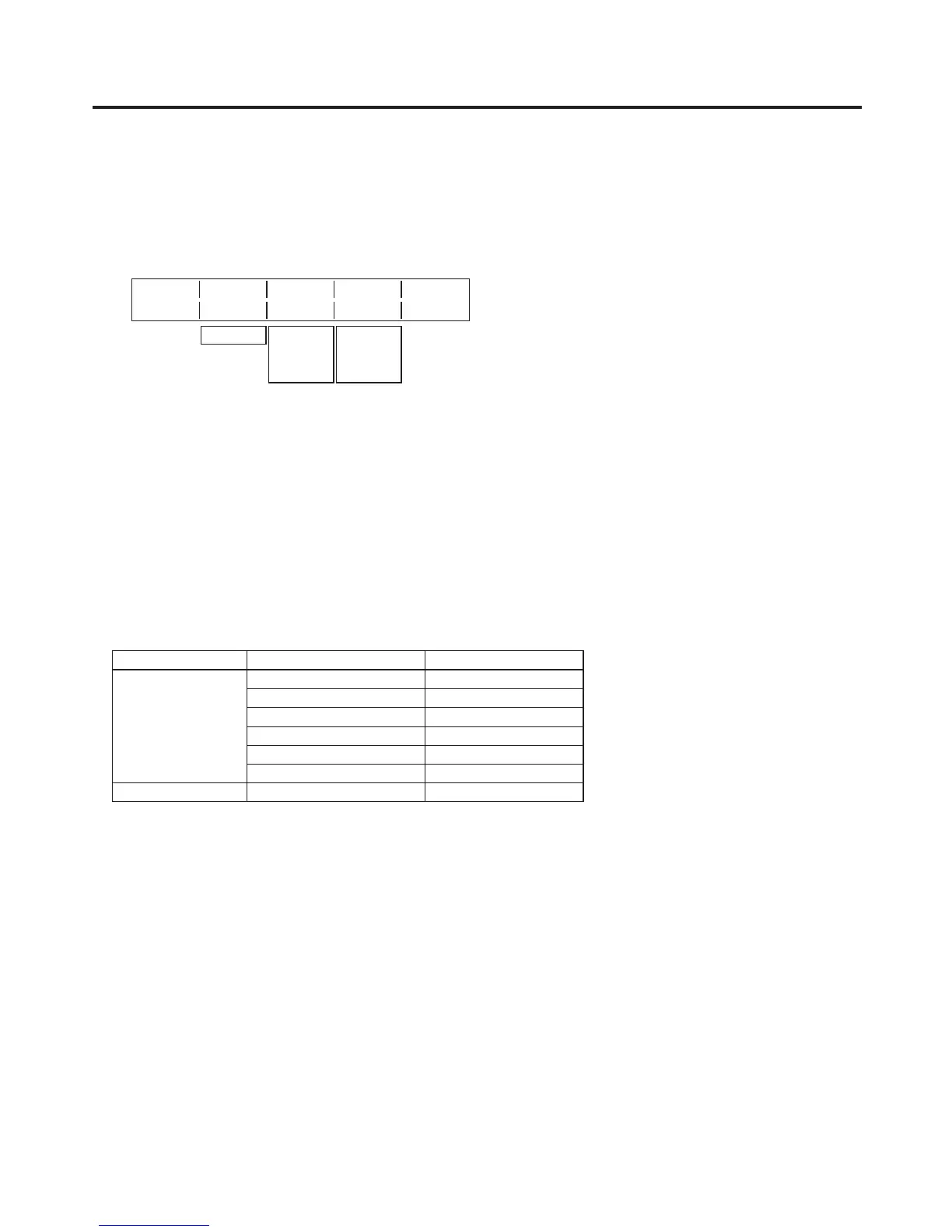
OutPhs System H-Phase V-Phase
4/15 0H 0 0
1H
−1320
|
+1319
−100
|
+100
3 Turn [F2], and select 0H or 1H using the System item.
0H:
The output video signals are output to the system REF signal with using in-phase.
The frame synchronizer function is ON for all input signals.
1H: The output video signals are output to the system REF signal with 1H dela
y.
When the frame synchronizer function is ON, the output video signals are output with 1 frame + 1H
delay.
4
Turn [F3] to adjust H phase using the H-Phase item.
H-Phase can be adjusted within a range of –0.5H to +0.5H.
5
Turn [F4] to adjust V phase using the V-Phase item.
V-Phase can be adjusted within a range of –100H to +100H.
Output video signal phase adjustment
Phase Video format Adjustment range
H-Phase
1080i/
59.94i −1100 to 1099
1080/
50i −1320 to 1319
720/59.94p −825 to 824
720/50p
−990 to 989
480/
59.94i −429 to 428
576/50i −432 to 431
V-Phase Same for all formats −100 to 100













 To Next Page