52
3. Basic operations
3-9. Switching the AUX output
The user can switch the AUX output signals.
The signals of any of the AUX bus crosspoint button 1 to 10, PGM (programme) signals, PVW (preview) signals or
CLN (clean) signals can be selected for output to the AUX bus.
[PGM]:
The PGM signals are output to the AUX bus.
[PVW]:
The PVW signals are output to the AUX bus.
[CLN]:
The clean signals (images whose DSK signals have been removed from the PGM signals) are output to
the AUX bus.
Selecting the output signals using the crosspoint buttons
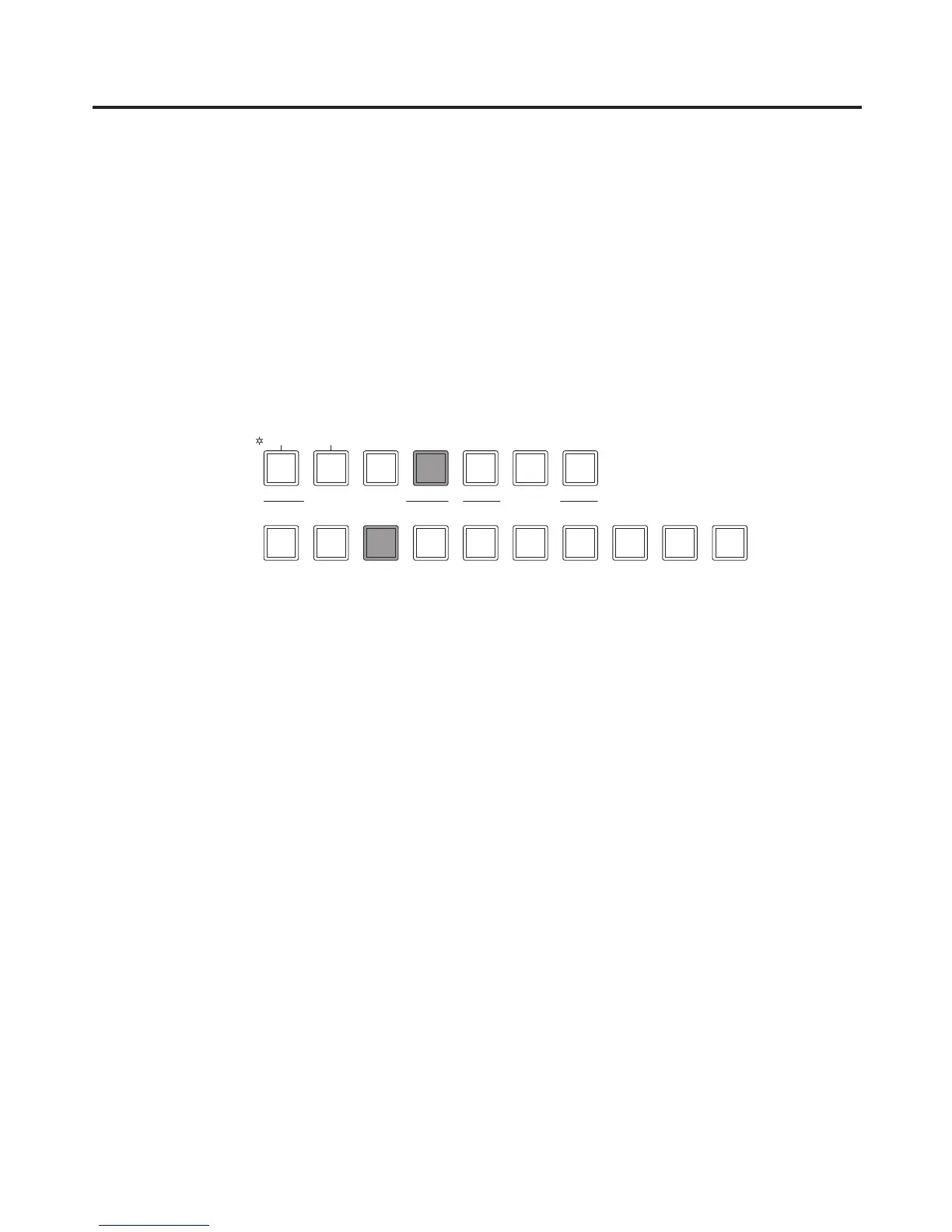
Press the [AUX] button among the AUX bus selector buttons to light its indicator, and press one of the AUX bus
crosspoint buttons 1 to 10, CLN, PVW or PGM button to select the AUX output signals.
The indicators of the [AUX] button and the selected button light in amber.













 To Next Page