47
3. Basic operations
3-5-6. DSK decorations
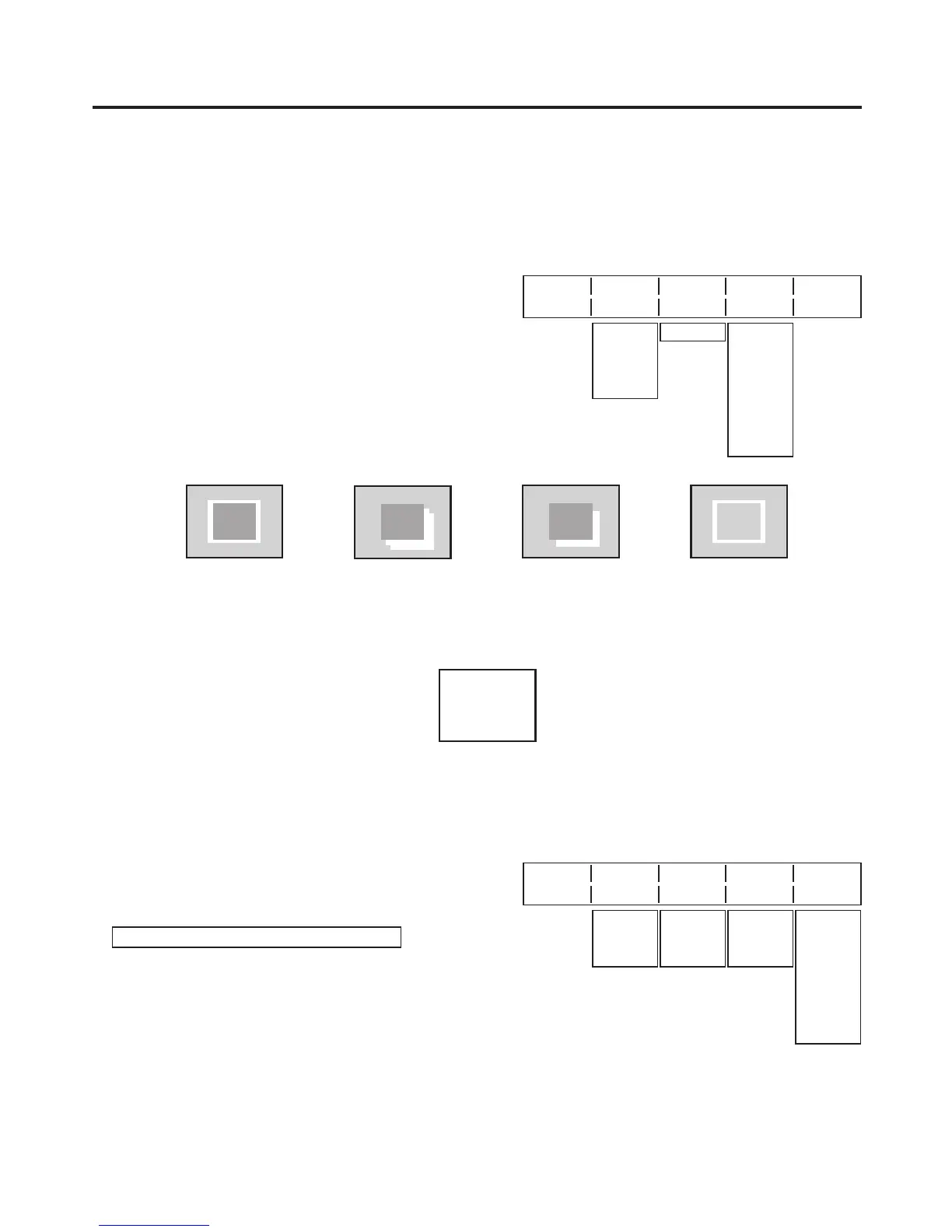
A border, shadow or other edge can be added to the DSK.
Setting the edge
1
Press the [FUNC] button to light its indicator, and press
the [DSK] button to display the DSK menu.
2
Turn [F1] to display the Edge sub menu.
3
Turn [F2] to select the edge type.
Off:
An edge is not added.
Border:
A border is added around the entire edge.
Drop:
A diagonal border is added.
Shadow:
A shadow is added.
Outline:
An outline (only a border with no fill) is added.
Edge Type Width Direc
4/7 Off 2 0
Border
Drop
Shadow
Outline
0-4 45
90
135
180
225
270
315
<Menu display>
4 Turn [F3] to set the edge width.
5
Turn [F4] to set the direction (in 45-degree increments) in which “Drop” and “Shadow” will be added.
(Top)
(Bottom)
(Right)(Left)
Setting the edge colour
1
On the DSK menu, turn [F1] to display the EdgeCol
sub menu.
2
Turn [F2], [F3] and [F4] to adjust the Hue, Sat and Lum
of the edge colour.
To call the preset colour
Turn [F5] to select the preset colour using the Load item,
and press the [F5] switch.
The Hue, Sat and Lum values are changed to the preset
colour values.
To save the values that were set before calling the
preset colour, refer to “3-10. Preset memory”.
<Menu display>
EdgeCol Hue Sat Lum Load
5/7 0.0 0.0 0.0 Black
0.0
|
359.9
0.0
|
100.0
0.0
|
108.0
Yellow
Cyan
Green
Magenta
Red
Blue
White













 To Next Page