38
3. Basic operations
3-3-8. Masking the key signals
These steps are taken to mask the key signals using the mask signal of the box pattern.
1
Press the [FUNC] button to light its indicator, and press the [KEY] button to display the KEY menu.
2
Turn [F1] to display the Mask sub menu.
<Menu display>
Mask Mask Invert
6/9 Off Off
Manual
4:3
On
3 Turn [F2], and select the masking method using the Mask item.
Off:
The key signals are not masked.
Manual:
The area that is set using the MaskAdj sub menu is masked.
4:3:
The signals are masked to the 4:3 aspect ratio.
4
Turn [F3] to set whether to invert the mask signal using the Invert item.
On: The mask signal is in
verted.
Off: The mask signal is not in
verted.
5
Turn [F1] to display the MaskAdj sub menu.
<Menu display>
MaskAdj
Left Top Bottom Right
7/9 −25.00 +25.00 −25.00 +25.00
6 Turn [F2] to [F5] to set the area to be masked.
Operation Parameter Description of setting Setting range Initial value
F2 Left Key left position −
50.00 to +50.00 −25.00
F3 Top Key top position −
50.00 to +50.00 +25.00
F4 Bottom Key bottom position −
50.00 to +50.00 −25.00
F5 Right Key right position −
50.00 to +50.00 +25.00
The Left setting cannot exceed the Right setting (and vice versa) and, similarly, the Top setting cannot
exceed the Bottom setting (and vice versa).
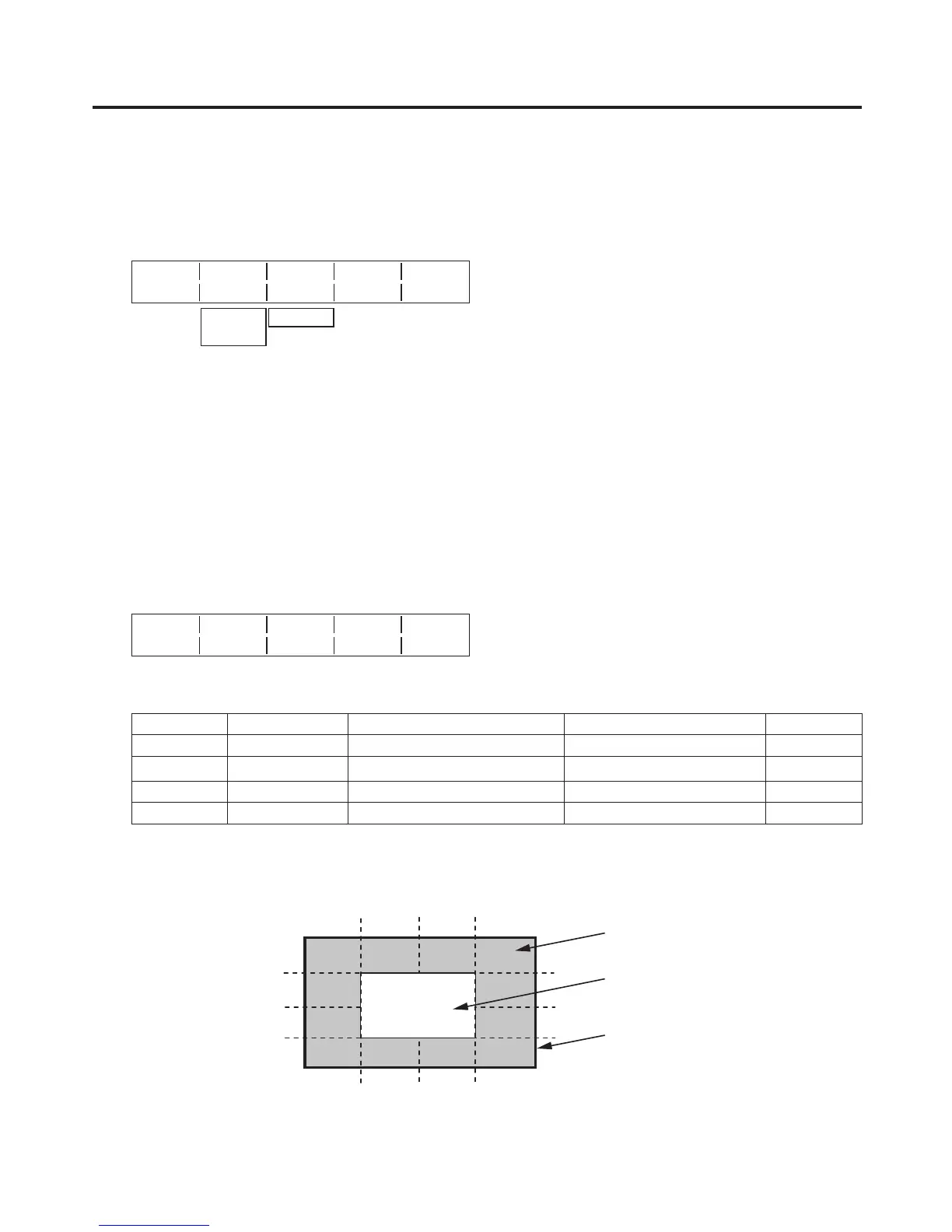
<Key mask setting> (figure shows the default values)













 To Next Page