86
5. System settings
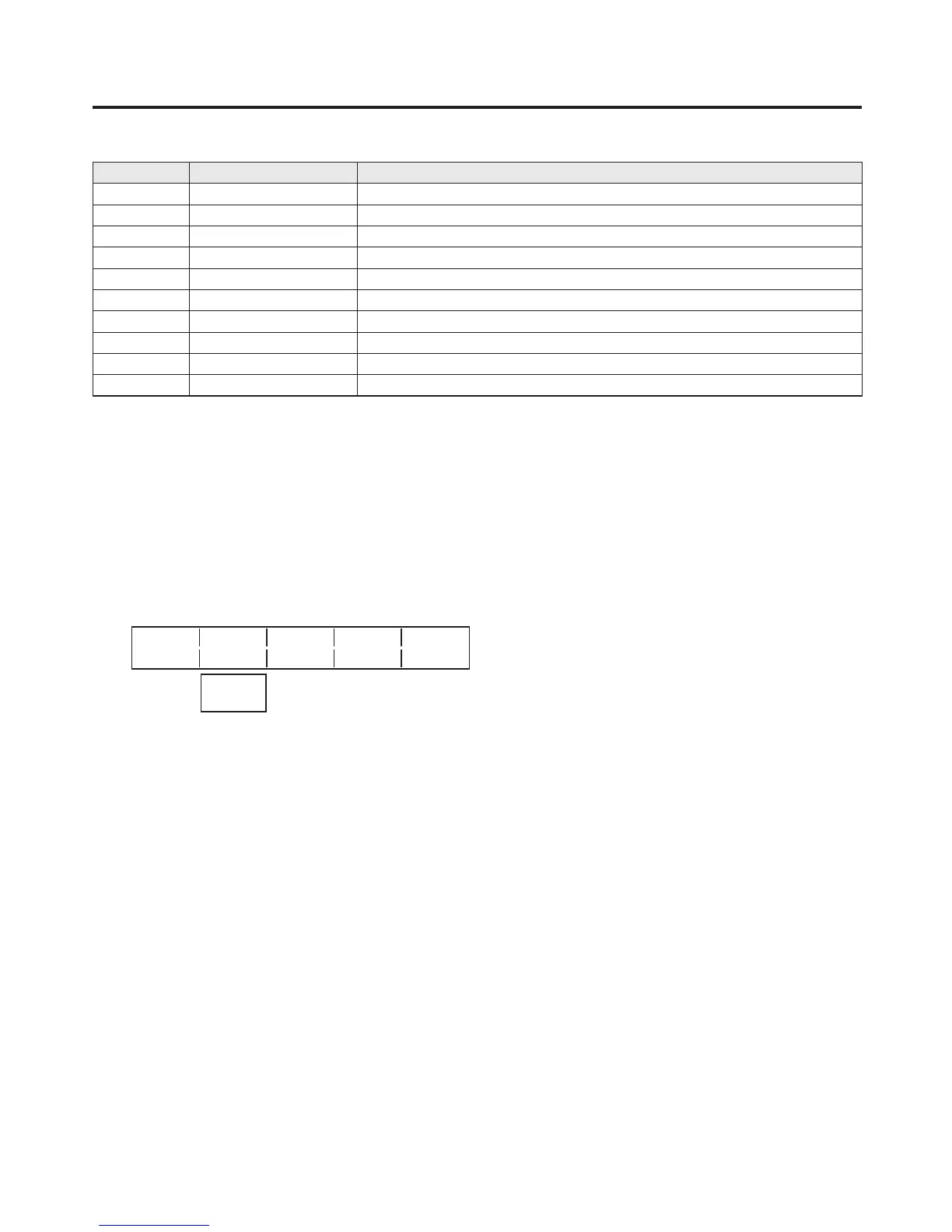
The table below lists the default settings.
Button Signal Description
XP1 BLACK Internally generated signal, black
XP
2 INPUT1 External video input 1: SDI
XP3 INPUT
2 External video input 2: SDI
XP4 INPUT3 External video input 3: SDI
XP
5 INPUT4 External video input 4: SDI
XP6 INPUT
5 External video input 5: SDI, analogue component, analogue composite and DVI
XP7 INPUT6 External video input 6: SDI, analogue component, analogue composite and DVI
XP8 INPUT7 External video input 7: SDI, analogue component, analogue composite and DVI
XP9 INPUT8 External video input 8: SDI, analogue component, analogue composite and DVI
XP10 CBGD Internally generated signal, colour background
If the optional board has not been connected, black images are input for INPUT5 to 8.
5-2-2. Setting the crosspoint switching
The timing at which the crosspoints are to be switched can be set.
1 Press the [FUNC] b
utton to light its indicator, and press the [XPT] button to display the XPT menu.
2 T
urn [F1] to display the XPTSwch sub menu.
3 T
urn [F2], and select the switching timing using the Timing item.
<Menu display>
XPTSwch
Timing
3/3 Any
Field1
Field2
Any: The crosspoints are switched in the nearest field. This is suited to live applications.
Field1: The crosspoints are s
witched in field 1. This is suited to editing applications.
Field2: The crosspoints are s
witched in field 2. This is suited to editing applications.













 To Next Page