55
3. Basic operations
STORE: This is used to store the panel settings in the preset memory.
1
Press the [FUNC] button to light its indicator, and press the [MEMORY] button to display the MEMORY
menu.
2
Turn [F1] to display the PSMEM sub menu.
3
Turn [F2], select “Store” using the Mode item, turn [F3], and set the preset memory number using the
NO.Sel item.
4 Press the [F
5] switch (Exec) to store the settings.
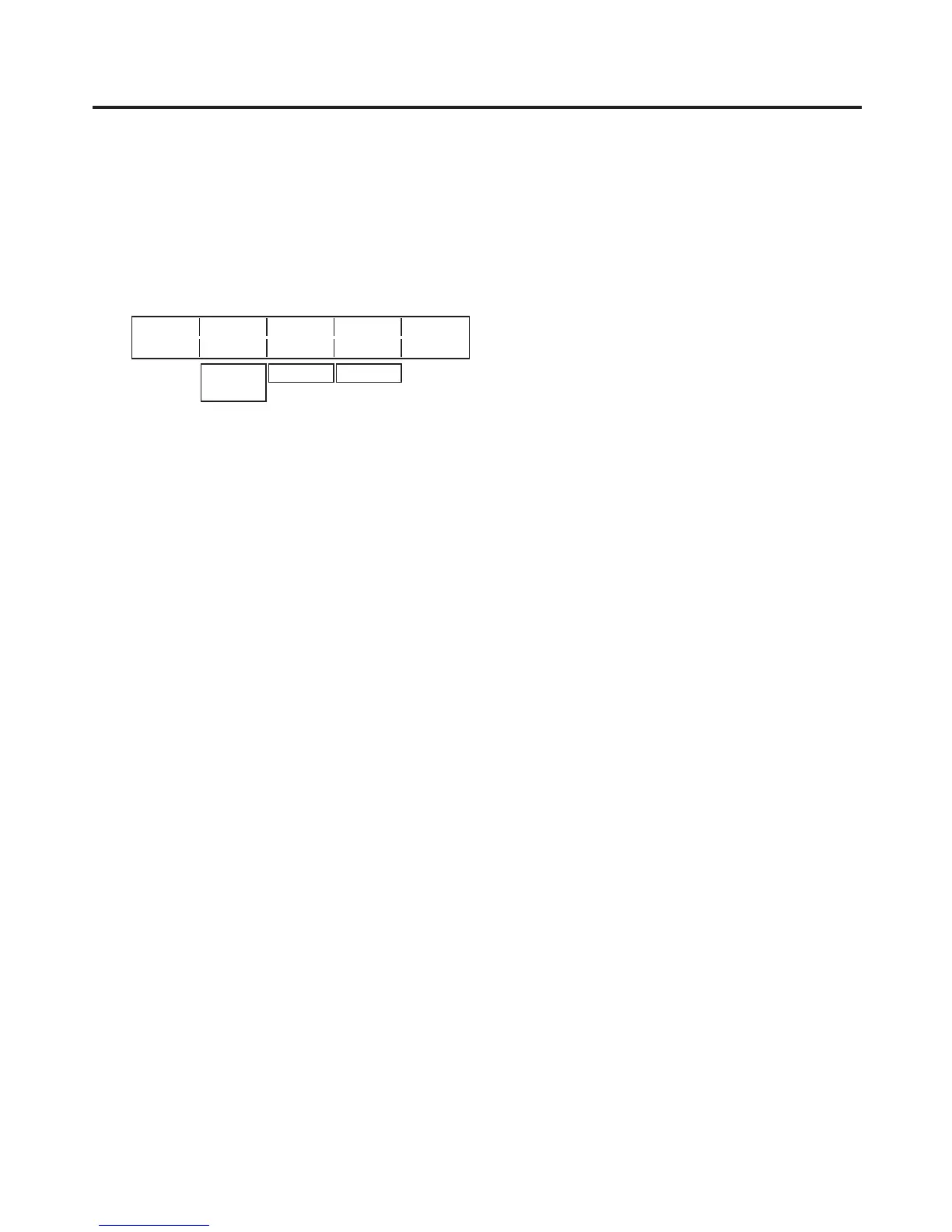
<Menu display>
PSMEM Mode NO.Sel XPT Exec
1/4 Store 1 Disable
Recall
Clear
1-10 Enable
The “” appears at the left of the number when data has been saved in the preset memory.
RECALL: This is used to recall the preset memory data and change the panel settings.
1
On the MEMORY menu, turn [F1] to display the PSMEM sub menu.
2
Turn [F2], select “Recall” using the Mode item, turn [F3], and set the preset memory number using the
NO.Sel item.
3
Turn [F4] to select whether to call the crosspoint selection status using the XPT item.
Enable: The data stored in the preset memor
y is used.
Disable: The data stored in the preset memor
y is not used, and the settings prior to recall are retained.
4
Press the [F5] switch (Exec) to recall the settings.
CLEAR: This is used to clear contents in the preset memory.
1
On the MEMORY menu, turn [F1] to display the PSMEM sub menu first.
2
Turn [F2], select “Clear” using the Mode item, turn [F3], and set the preset memory number using the
NO.Sel item.
3
Press the [F5] switch (Exec) to clear the content.


 To Next Page
 Loading...









