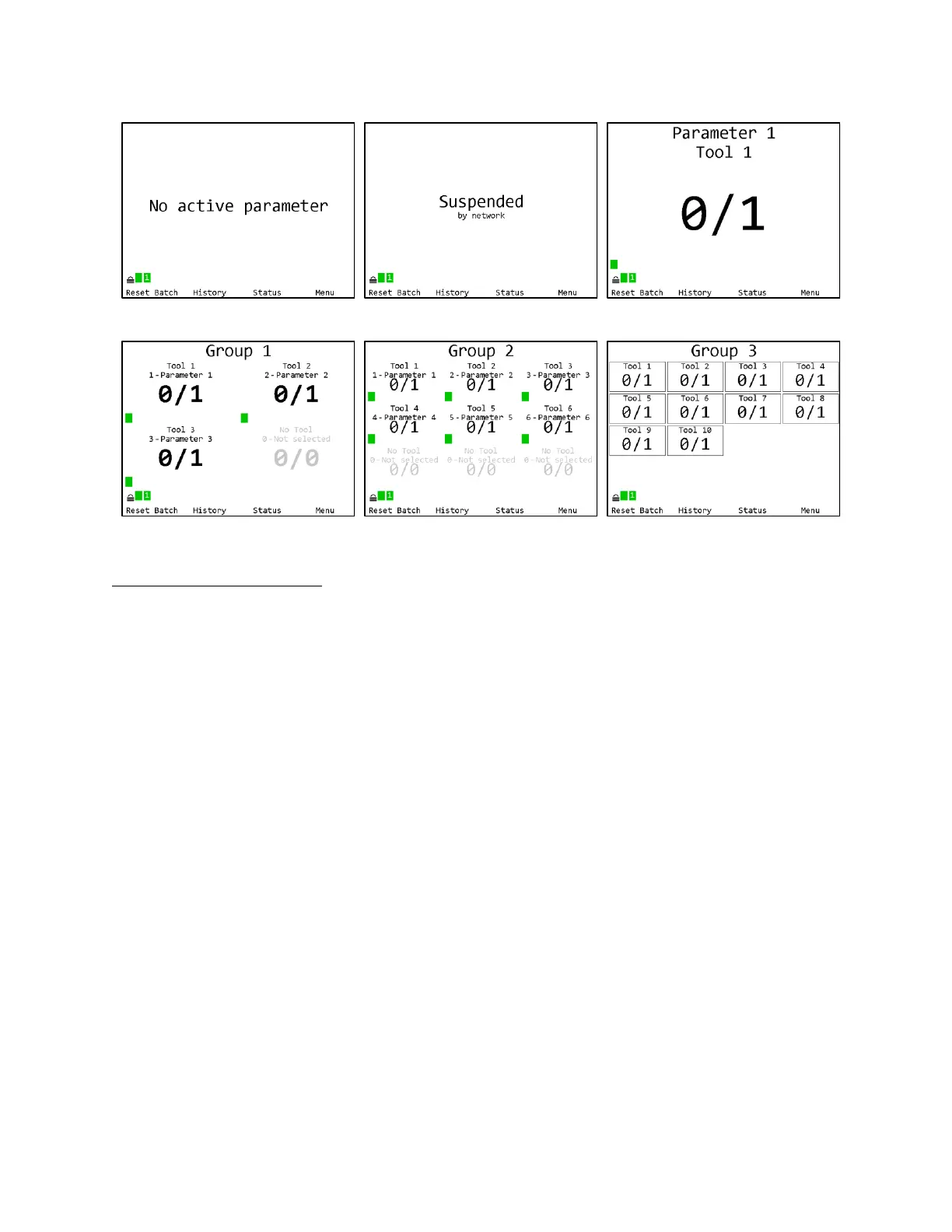
Tightening Notifications
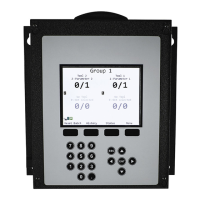
Every time a tightening is received from a running tool, the background of the area of the screen
showing the current parameter and batch count for the tool will be shaded with a color indicating
the status of the tightening.
• Red – A rejected tightening occurred.
• Green – An accepted tightening occurred that did not complete a batch.
• Blue – An accepted tightening occurred that completed a batch. If the qualifier NOKs setting
is set to Count, this further indicates that no rejected tightenings were counted towards this
batch.
• Yellow – An accepted or rejected tightening occurred that completed a batch. This color will
only occur when the qualifier NOKs setting is set to Count and one or more rejected
tightenings were counted towards the current batch.











 To Next Page