EYFR03 User Manual 37 of 110 v1.6.0
Chapter 3: Configuring the unit 20 January 2020
This setting controls the IP address of the qualifier for Ethernet networks.
Subnet Mask
Default: 255.255.255.0
This setting controls the subnet mask for Ethernet networks.
Gateway
Default: 192.168.1.13
This setting controls the default gateway setting for Ethernet networks.
Use DHCP
Default: no
This setting determines if the controller will attempt to automatically acquire a network address
or if it will use the one entered manually. When set to yes, the IP Address, Subnet Mask, and
Gateway settings are ignored.
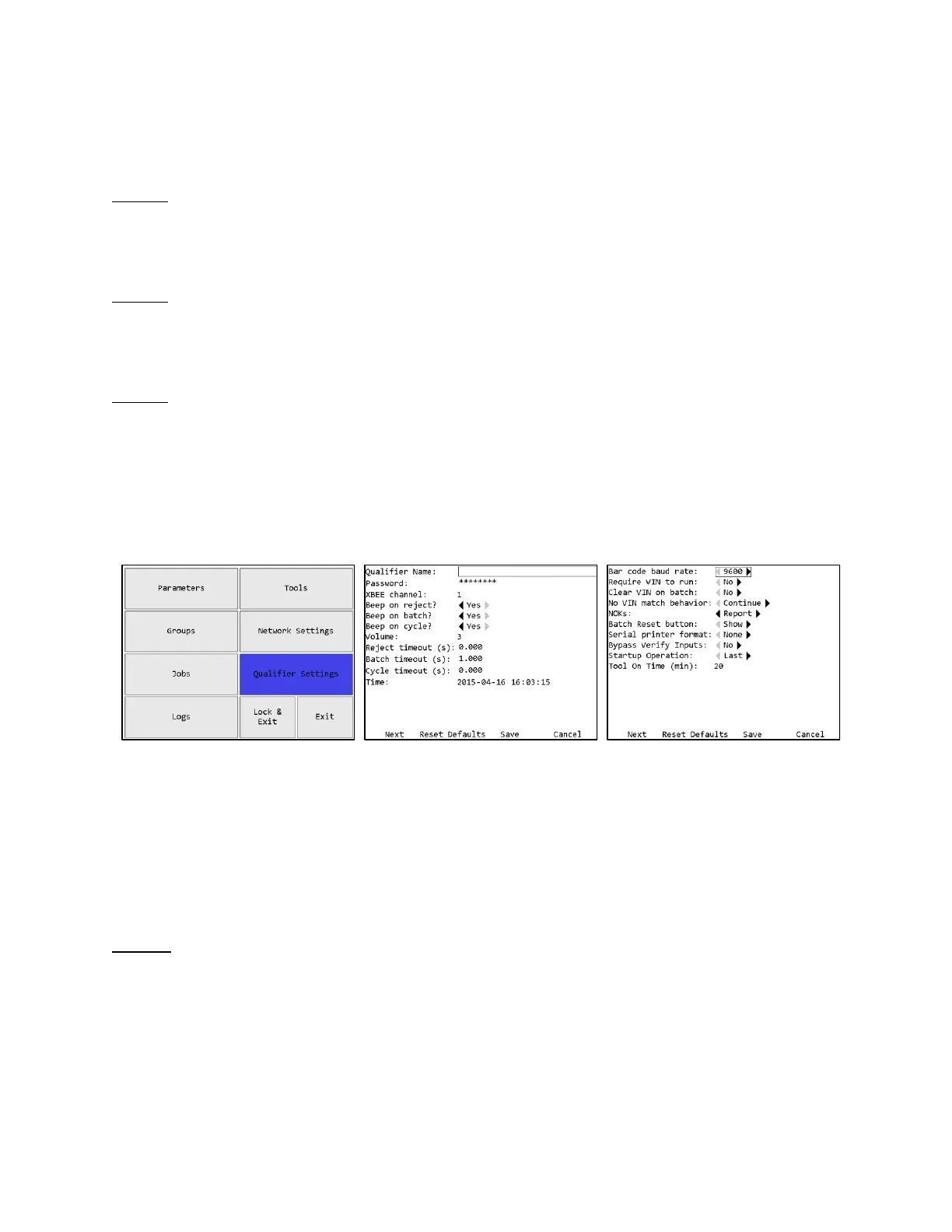
Qualifier Settings
The Qualifier Settings screen contains the settings for the overall unit.
Soft keys
1. Next – Goes to the other page of the Qualifier Settings screen.
2. Reset Defaults – Goes to the Reset Defaults screen
3. Save – Saves changes made to the qualifier configuration.
4. Cancel [ESC] – Cancels changes made to the qualifier configuration.
Page 1
Qualifier Name
The qualifier name can be up to 25 numbers, letters, or decimal points.
The qualifier name is sent to the network in the Controller Name field of various commands.











 To Next Page