EYFR03 User Manual 48 of 110 v1.6.0
Chapter 4: 20 January 2020
Introduction
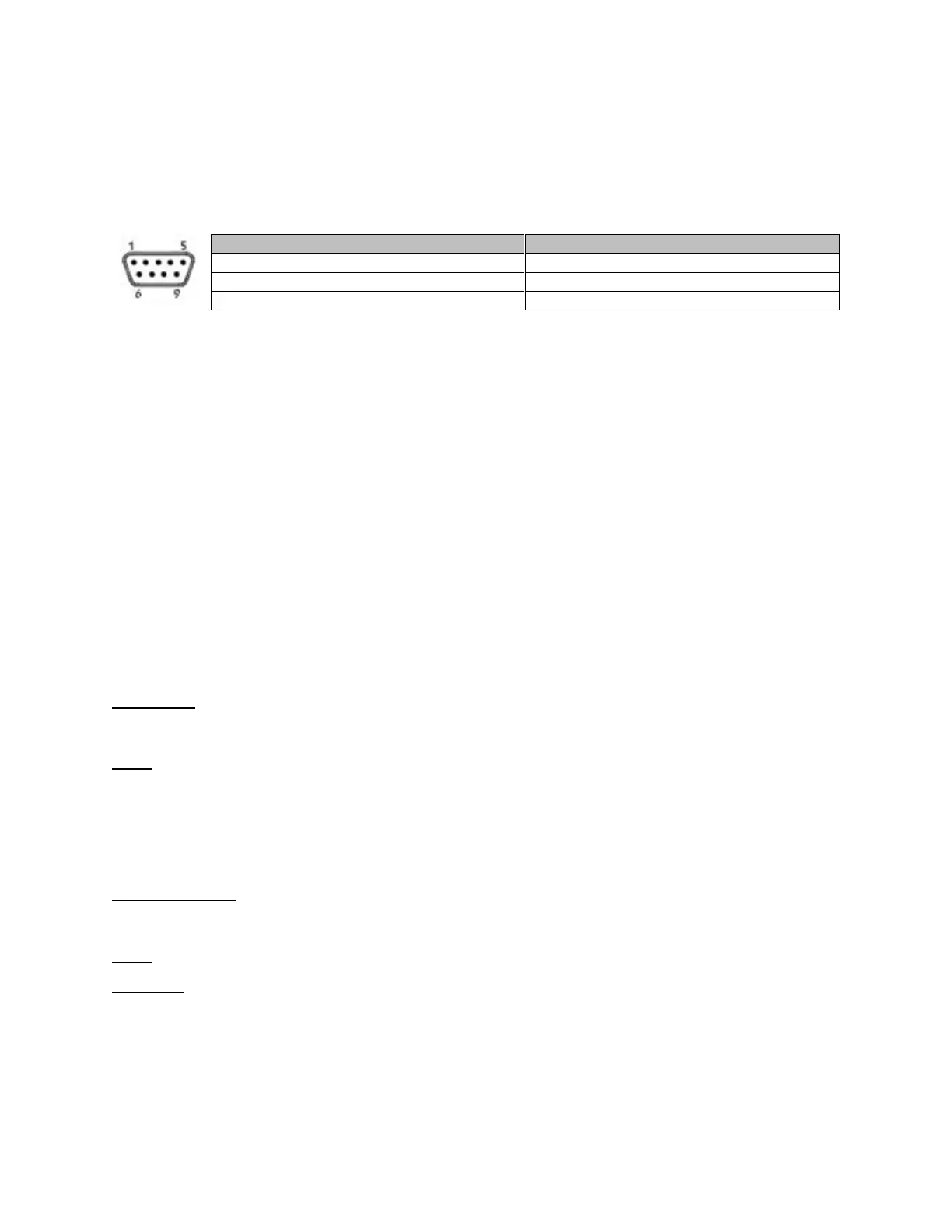
The EYFR03 has a DSUB-9 serial port that provides bar code reading and serial printing
functionality. As the same connector is used for both functions, you will need a special Y-style
cable if you want to attach both a barcode reader and a serial printer to the EYFR03 at the same
time.
Barcode
The bar code functionality of the EYFR03 was developed and tested against the Symbol LS2208
bar code reader, which uses CODE39 bar codes. This format starts and ends all bar codes with
an asterisk “*”.
The EYFR03 further specifies a format of data within the bar code. The data is grouped into
sections, separated by a percent symbol “%”. If the bar code data does not start and end with a
percent symbol, it will be treated as a VIN number. The general structure for a command bar
code is:
*%<command>%<data>%*
A VIN bar code is:
*<VIN number>*
The remainder of this chapter lists the bar code commands provided by the unit. Section
headings are the command number followed by the command name.
1. Cell ID
This command sets the Cell ID number reported by the unit in ACOP result messages.
Data: number of up to 4 digits (0-9999)
Example:
*%01%4305%*
This bar code would set the Cell ID of the unit to 4305.
2. Channel ID
This command sets the Channel ID number reported by the unit in ACOP result messages.
Data: number of up to 2 digits (0-99)
Example:
*%02%19%*
This bar code would set the Channel ID of the unit to 19.











 To Next Page