EYFR03 User Manual 44 of 110 v1.6.0
Chapter 3: Configuring the unit 20 January 2020
Reset Defaults
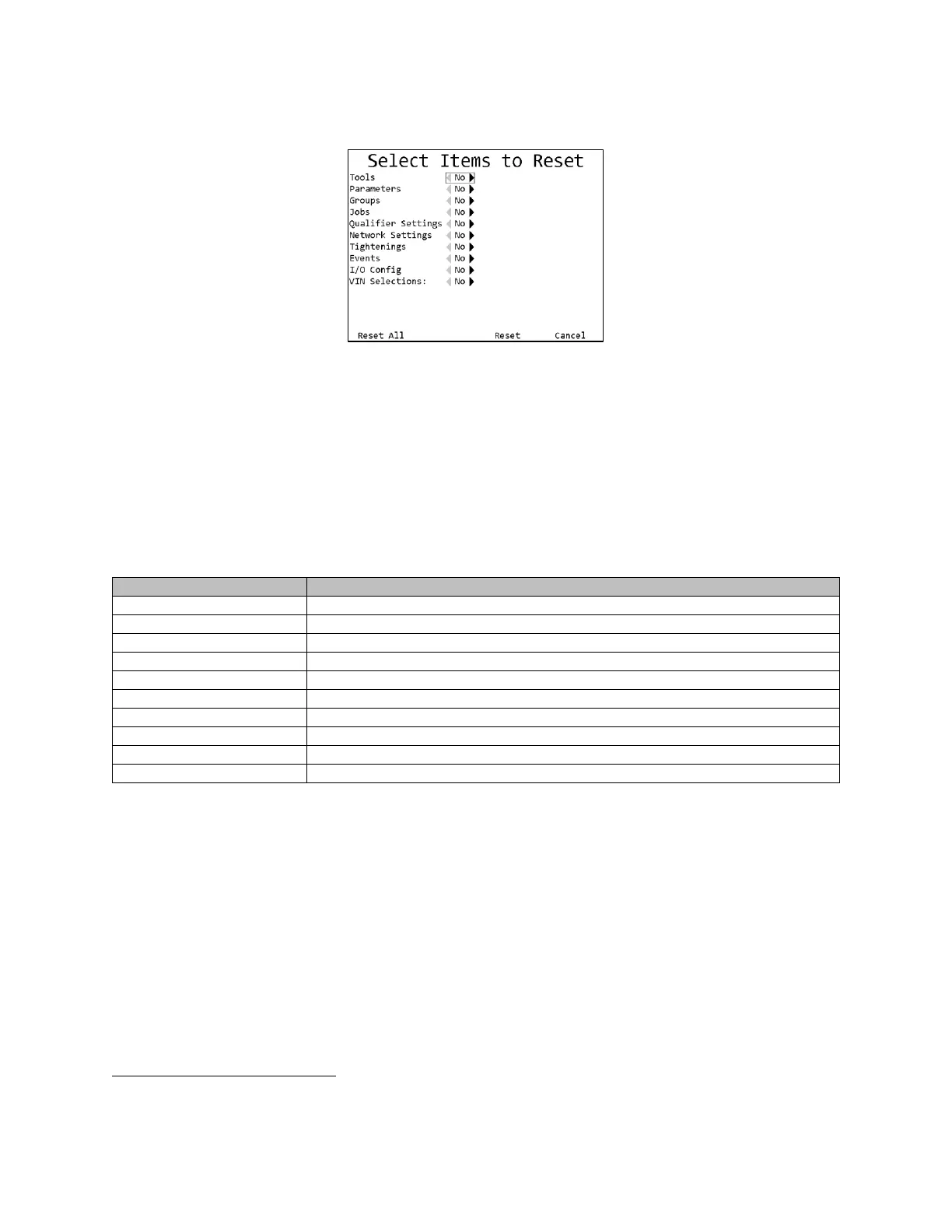
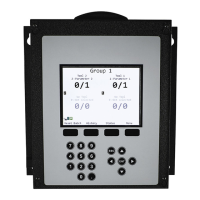
Figure 43: Reset Defaults screen
Soft keys
1. Reset All – Resets all configuration to factory defaults.
2. No function
3. Reset – Resets the selected parts of the configuration to factory defaults.
4. Cancel [ESC] – Returns to the Qualifier Settings screen without resetting any configuration.
The Reset Defaults screen allows you to restore the unit to the factory defaults. You may select
some or all parts of the configuration to reset.
Resetting some parts of the configuration may invalidate other parts that are not being reset.
If the XBEE channel was changed from the default, the unit will go to the Channel Change screen to update the
tools back to the default XBEE channel when resetting the default qualifier settings.









 To Next Page