EYFR03 User Manual 45 of 110 v1.6.0
Chapter 3: Configuring the unit 20 January 2020
Channel Change
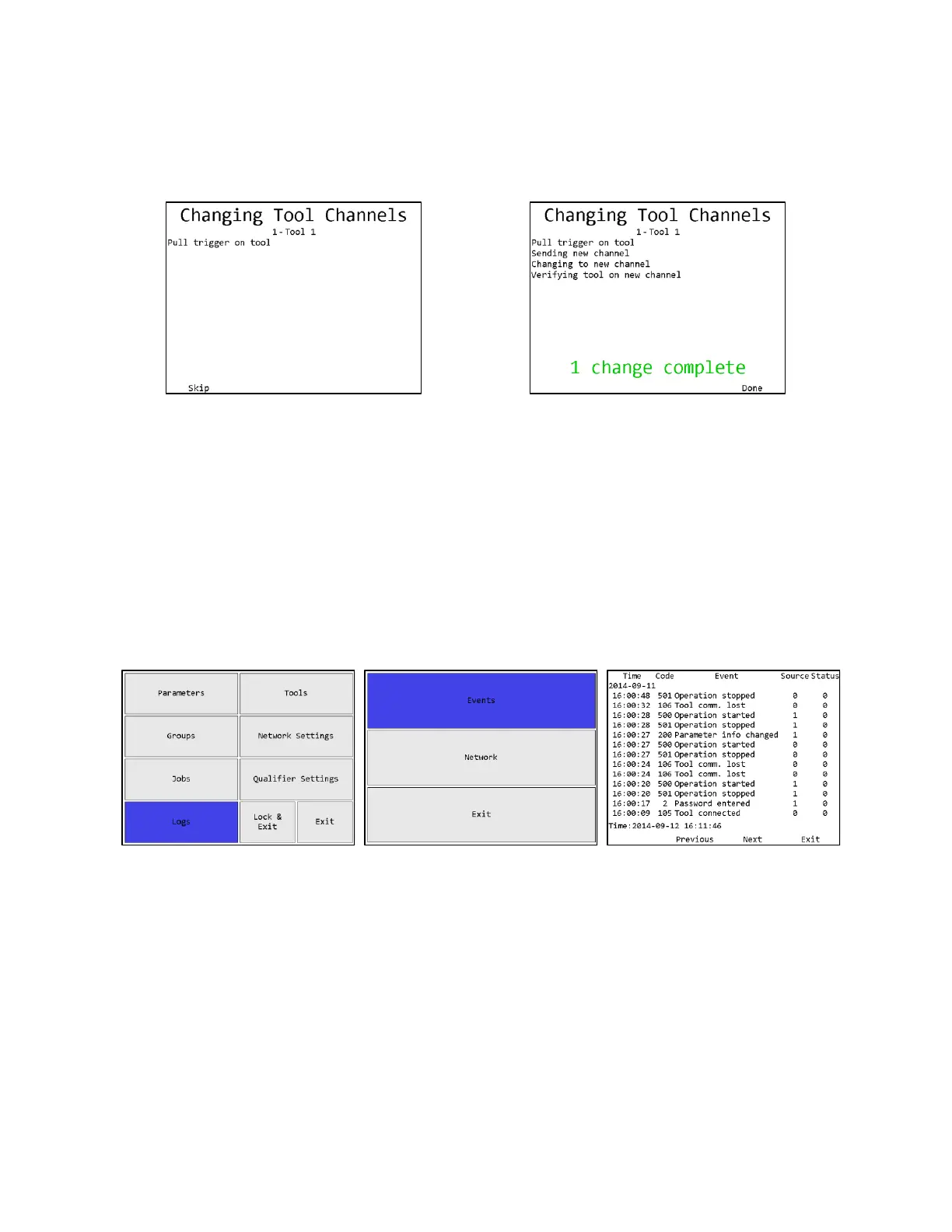
When you change the XBEE channel from the Qualifier Settings screen, the unit will go to the
Channel Change screen to update the learned tools with the new channel setting.
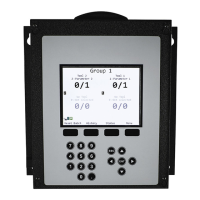
Figure 44: Channel Change screen
Figure 45: Channel Change, tool 1 complete
Tools will need to be cycled to perform the channel change. Once all tools have been updated,
the unit will return to the main menu. If you cannot perform the update on all learned tools at
this time, you may press Skip to skip the tool. This will allow the unit to finish the channel
change, but will leave any skipped tools on the previous channel. When you want to use the
tools that were not updated, they must be updated to the correct channel by pulling the battery
and replacing it in the tool. Make sure no other units are in learn mode when you do this, or the
tool may learn to the other unit instead. The tool should reconnect to the unit on the new channel
and return to normal function.
Events
Figure 46: Main menu – Logs
Figure 47: Logs Menu screen –
Network
Figure 48: Network Log screen
Soft keys
1. No function
2. Previous – Go to the previous page of more recent events. When on the first page, this key
will be blank.
3. Next [ENT] – Go to the next page of older events. When on the last page, this key will be
blank.
4. Exit [ESC] – Returns to the Run screen.







 To Next Page