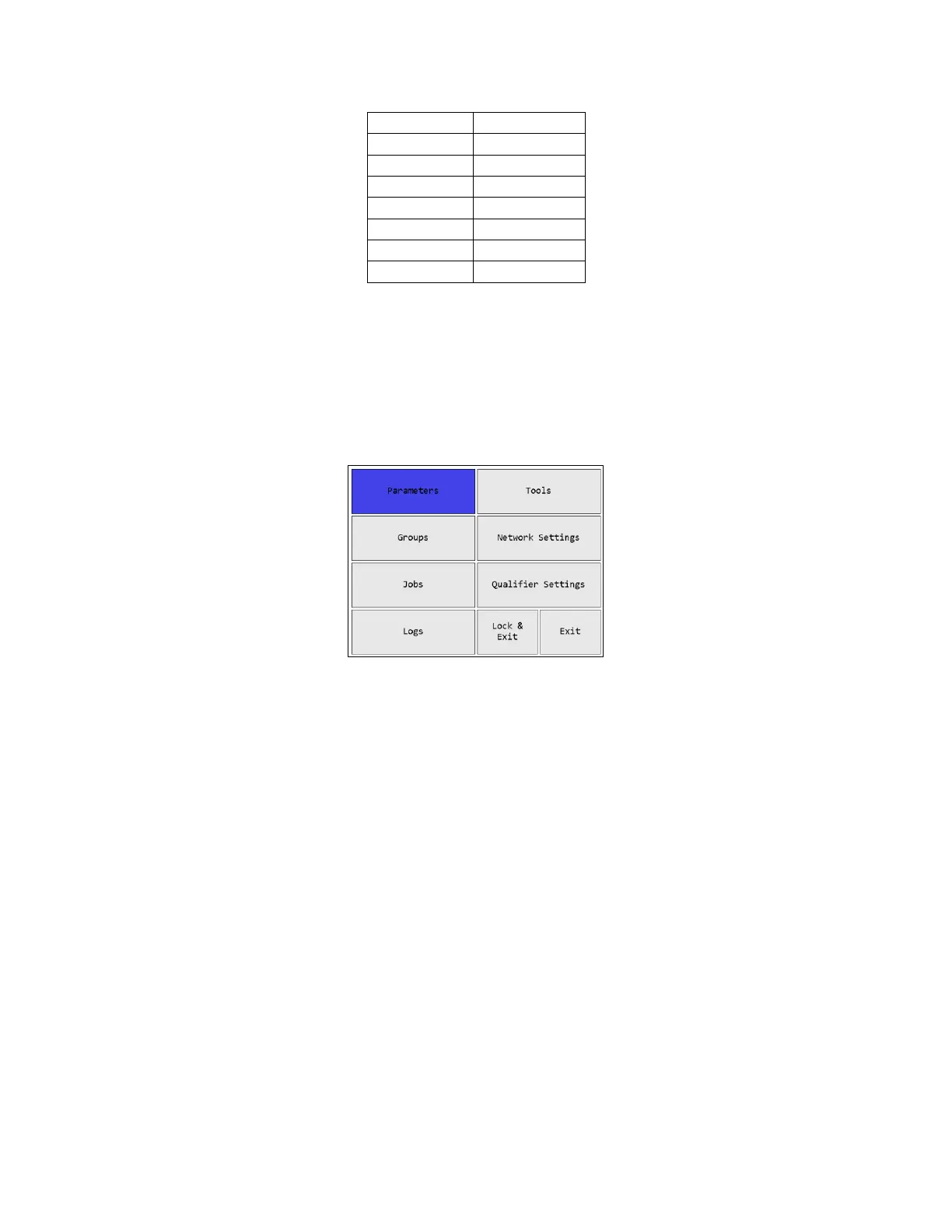
(Since neither 1 nor 0 have associated letters, pressing them will only enter the number.)
Once you have entered the desired name, press Save or ENT. This does not permanently save
the value just entered. You must also save from the screen that sent you to the letter screen. If
you no longer want to change the value, press Cancel or ESC. At this point, the unit will return
to the previous screen without changing the value.
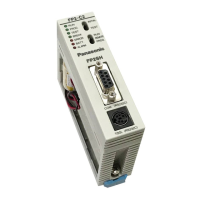
Main Menu
Figure 15: Main Menu
The EYFR03 menu provides the entry point to configure and control the unit. You must enter
the box password before entering the menu from the Run screen. If you cannot remember the
password, you may reset it to the factory default (1011) by entering the sequence “6853.48” on
the Run screen. Use the arrow keys to navigate to the desired entry and press ENT to go to the
entry’s screen. To exit the menu, press ESC or navigate to Lock & Exit or Exit and press ENT.
Pressing ESC or Lock & Exit will “lock” the menu and return to the Run screen, requiring the
password to be reentered before the menu can be accessed again. Pressing Exit will return to the
Run screen without locking the unit, allowing the menu to be reentered without entering the
password.











 To Next Page