28
VQT1N45
You can select the language on the screen display and the menu screen.
1 Press the MENU button, then select [LANGUAGE] and press the cursor
button.
2 Select [English] and press the cursor button.
Recording mode
∫ [BASIC]
[SCENE MODE] (l 59)
[D.ZOOM] (l 44)
[GUIDE LINES] (l 51)
[CLOCK SET] (l 30)
[SET WORLD TIME] (l 31)
∫ [VIDEO]
[REC MODE] (l 38)
[24pDIGITAL CINEMA] (l 51)
[FADE COLOR] (l 48)
[WIND CUT] (l 52)
[MIC SETUP] (l 52)
[MIC LEVEL] (l 53)
[AGS] (l 35)
∫ [PICTURE]
[PICT.QUALITY] (l 43)
[HI-SPEED BURST] (l 54)
[FLASH] (l 55)
[FLASH LEVEL] (l 55)
[RED EYE] (l 55)
[SHTR SOUND] (l 56)
∫ [ADVANCED]
[REC LAMP]
[ZEBRA] (l 56)
[COLOR BAR] (l 56)
[MF ASSIST] (l 60)
[AUTO SLOW SHTR] (l 57)
[SHOOTING GUIDE] (l 40)
[Digital Cinema Color] (l 57)
∫ [SETUP]
[FORMAT CARD] (l 77)
[DISPLAY]
[DATE/TIME] (l 30)
[DATE FORMAT] (l 30)
[POWER SAVE]
[QUICK START] (l 39)
Language selection
Menu list
The recording lamp lights up during recording
and flashes when the unit receives a signal
from the remote control or when the self-timer
is counting down. When this is set to [OFF], it
does not light during recording.
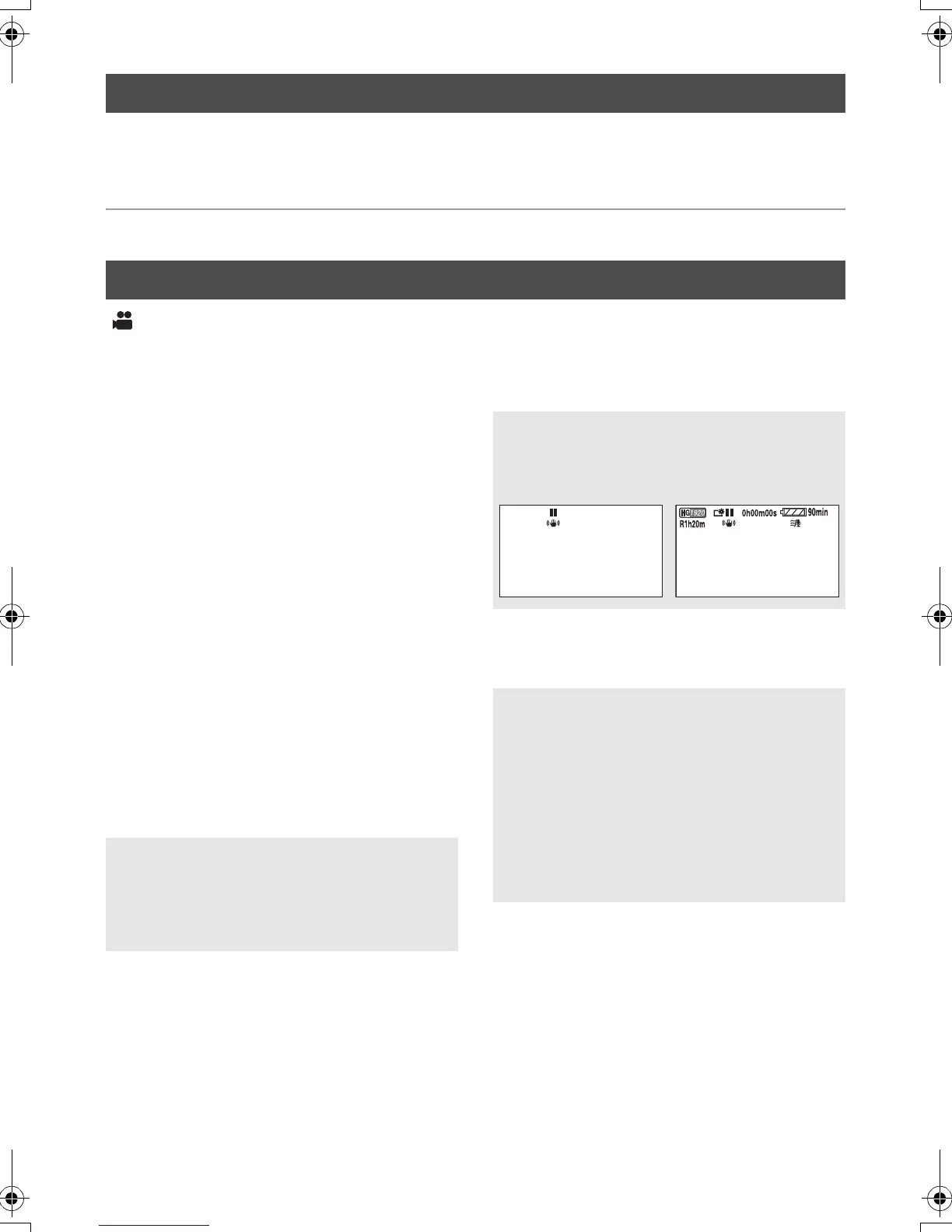
The screen indications are selected as shown
in the illustration below.
[OFF] [ON]
[OFF]:
The power saving function is not activated.
[5 MINUTES]:
When about 5 minutes have passed without
any operation, this unit automatically turns off
to save battery life.
≥ When using the AC adaptor, connecting the
unit to a PC, printer or DVD burner or PRE-
REC is used, the power saving function will
not activate.
DEC 15 2008
1
+
DEC 15 2008
HDCSD9P-VQT1N45_ENG.book 28 ページ 2007年12月26日 水曜日 午後5時57分















 To Next Page