45
VQT1N45
Recording
(Basic)
5
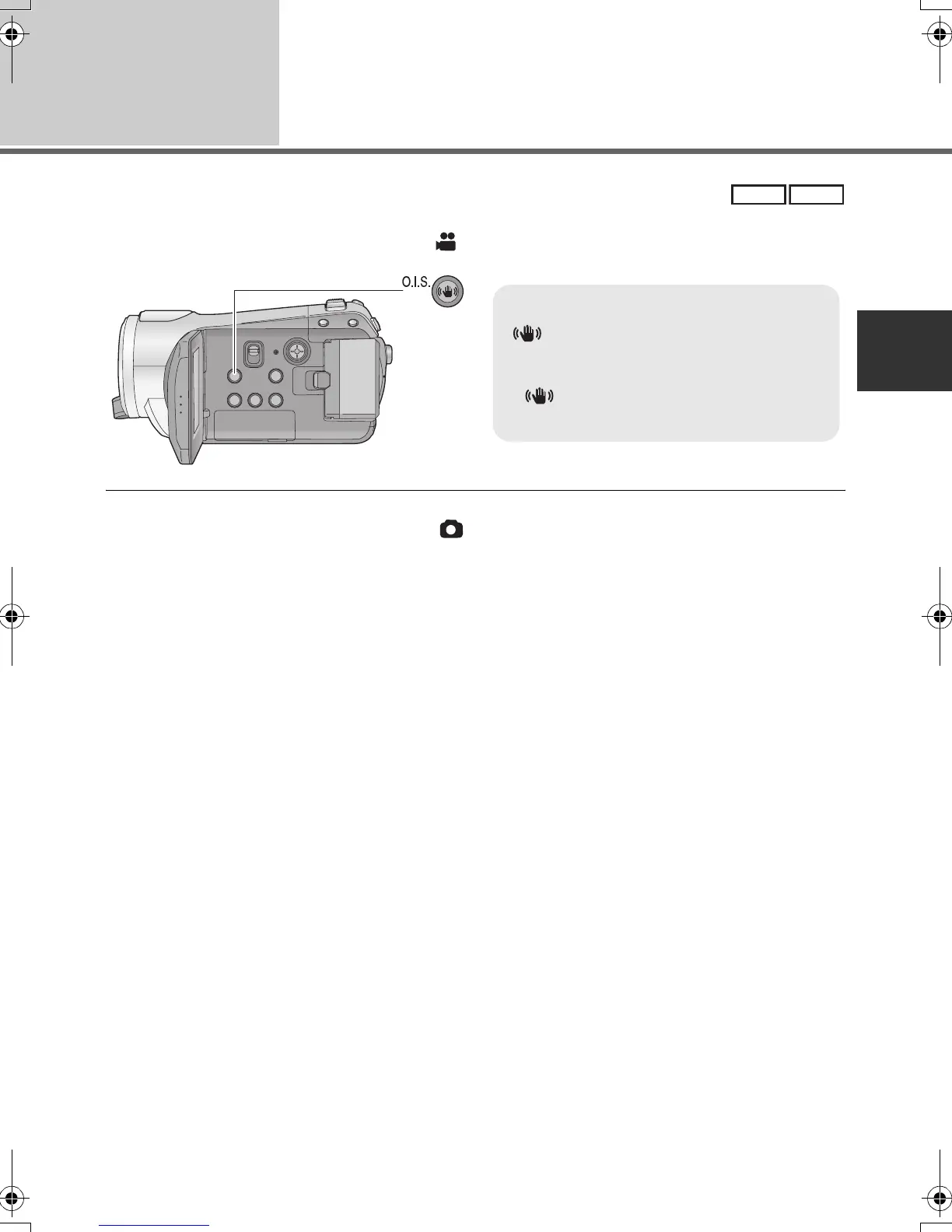
Image stabilizer function
Reduces the image shaking (jitter) due to hand movement.
¬Operate the mode switch to select .
≥ This function’s default setting is [ON].
≥ In still picture recording mode, pressing the button halfway increases the effect of the image
stabilizer function. (MEGA optical image stabilizer)
≥ When a tripod is used, we recommend that you turn the image stabilizer off.
≥ In the following cases, the image stabilizer function may not work effectively.
jWhen the digital zoom is used
jWhen the unit is shaken greatly
jWhen you record a moving subject while tracking it
jWhen the conversion lens is used
VIDEO
PHOTO
Optical image stabilizer button
[ , O.I.S.]
Press this button to switch on/off the
image stabilizer function.
≥ [ ] appears on the screen.
O.I.S.: Optical Image Stabilizer
HDCSD9P-VQT1N45_ENG.book 45 ページ 2007年12月26日 水曜日 午後5時57分















 To Next Page