EasyManua.ls Logo

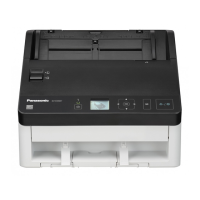
Panasonic KV-S5078Y - User Manual

Panasonic KV-S5078Y
141 pages
Print Icon
To Next Page IconTo Next Page
Loading...
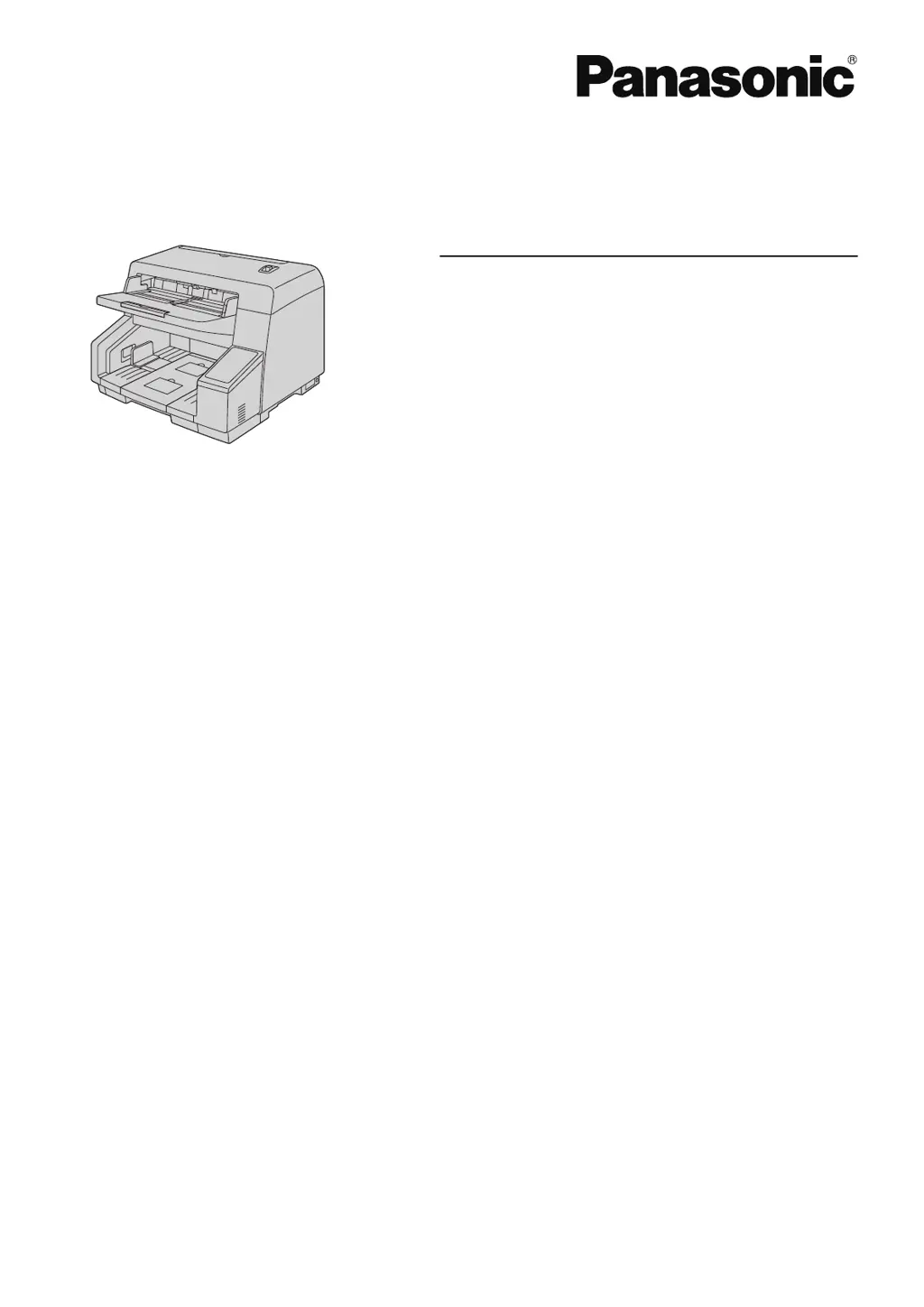
Operating Manual
Document Scanner
Model No. KV-S5078Y
KV-S5058
These instructions contain information on operating the scanner. Before reading these instructions, please read
the Quick Installation Guide enclosed with this unit.
Keep all documentation in a safe place for future reference.
Current model availability depends on your country/area. Please contact your dealer.

Table of Contents

Questions and Answers

  • B
    bartlettlindaAug 19, 2025
    What to do if my Panasonic KV-S5078Y is not recognized by my computer?
    • D
      Donna WelchAug 19, 2025
      If your Panasonic Scanner isn't recognized by your computer, there are several potential reasons: * Ensure the USB or LAN cable is correctly connected. * If connected via a USB hub or switch, connect the scanner directly to the computer. * If using a USB cable, use the one included with the scanner. For LAN, use a category 5 or enhanced category 5 cable or greater. * If the scanner has been inactive and powered off, turn it back on. * If you're using a LAN connection, verify that your network settings are correct. * If the software isn't installed correctly, uninstall and reinstall it.
  • A
    alexhessAug 21, 2025
    Why does my Panasonic Scanner keep jamming?
    • R
      Robin CarterAug 21, 2025
      If your Panasonic Scanner is experiencing frequent paper jams: * Make sure the document isn't wrinkled; smooth it out if it is. * Clean the rollers, as they may be dirty. * Realign the document to ensure it's correctly positioned. * Reduce the number of sheets in the feed tray to below the limit mark on the document guide.
  • D
    David ValdezAug 23, 2025
    How to improve the scan speed of my Panasonic KV-S5078Y?
    • D
      Deborah HughesAug 23, 2025
      If your Panasonic Scanner's scan speed is slow: * If connected via USB 1.1 or USB 2.0, switch to a USB 3.0, USB 3.1, or USB 3.2 connection. * If using a LAN connection, the scanning speed may be slower due to network traffic. Consult your network administrator.
  • A
    Angie HoffmanAug 26, 2025
    Why does my Panasonic Scanner keep double feeding?
    • A
      Andrew OdonnellAug 26, 2025
      If your Panasonic Scanner is double feeding: * Clean the paper feed roller, separation roller, or double feed prevention roller if they are dirty. * If cleaning doesn't help, replace these rollers if they're worn down. * Clean the double feed detectors. * Flatten the document, especially if the sides aren't the same height due to curling or folding, and reduce the number of sheets. * If using unsupported or thick paper, copy the document onto compatible paper and scan the copy. * If the paper is too short, copy it onto a compatible size and scan the copy. * Realign the document. * Reduce the number of sheets in the feed tray. * Turn the unit off and on again.
  • N
    npachecoAug 27, 2025
    How to fix vertical streaks on Panasonic KV-S5078Y Scanner documents?
    • M
      Michael GlassAug 27, 2025
      If you're seeing vertical streaks on scanned documents from your Panasonic Scanner, it's likely that the scanning glasses are dirty. Clean the conveyors, scanning glasses, and the white reference area on the scanning background rollers.
  • E
    Eric PhillipsAug 29, 2025
    Why is the scanned image from my Panasonic KV-S5078Y skewed?
    • M
      michelleshafferAug 29, 2025
      If the scanned image from your Panasonic Scanner is skewed: * Adjust the document guides to fit the size of the document, ensuring the document isn't placed slanted on the feed tray. * Flatten the document if the right and left sides are uneven due to curling or folding, and reduce the number of sheets.
  • K
    kenneth60Aug 31, 2025
    How to remove dark spots on Panasonic Scanner documents?
    • M
      Michael ReedSep 1, 2025
      If dark spots or noise are appearing on your scanned documents from the Panasonic Scanner, the scanning glasses are likely dirty. Clean the conveyors and scanning glasses.
  • T
    Thomas FoxSep 2, 2025
    How to fix uneven scanning density on Panasonic KV-S5078Y?
    • J
      jackkimSep 3, 2025
      If the scanning density is uneven on your Panasonic Scanner, it may be due to dirty scanning glasses. Clean the conveyors and scanning glasses. If that doesn't resolve the issue, perform shading adjustment.
  • J
    Joseph BakerSep 4, 2025
    What to do if Panasonic KV-S5078Y won't start scanning?
    • A
      Austin RoweSep 4, 2025
      If your Panasonic Scanner doesn't start scanning even when the document is loaded: * Ensure the document is loaded correctly. * If the document's edge is curled, flatten it before loading.
  • J
    joseph94Sep 6, 2025
    Why is the color off on my Panasonic Scanner?
    • W
      walshcristinaSep 6, 2025
      If the color of the scanned document from your Panasonic Scanner is extremely different from the original: * Adjust the settings of your computer monitor to accurately reflect the document's color. * If the color of documents may not be scanned properly, setting the value for [Chroma] higher in the scanning conditions may solve this problem.

Summary

Key Features of the Scanner

Key Scanning and Connectivity Features

Details network functions, push scan modes, double feed detection, and other operational features of the scanner.

Getting Started

Scanner Operation

Scanner Modes

Push Scan Modes and Output Files

Explains the different push scan modes (USB, Network PC, Preset) and their configurations.

Configuration and Network Settings

Maintenance and Troubleshooting

Paper Jam Clearing and Internal Cleaning

Provides procedures for clearing paper jams and cleaning internal scanner components.

Troubleshooting Common Issues

Offers solutions for common scanner problems like connectivity, speed, and document feeding issues.

Error Codes and System Errors

Lists scanner error codes, their causes, and remedies for diagnosing and resolving issues.

Panasonic KV-S5078Y Specifications

General IconGeneral
BrandPanasonic
ModelKV-S5078Y
CategoryScanner
LanguageEnglish

Related product manuals