EasyManua.ls Logo

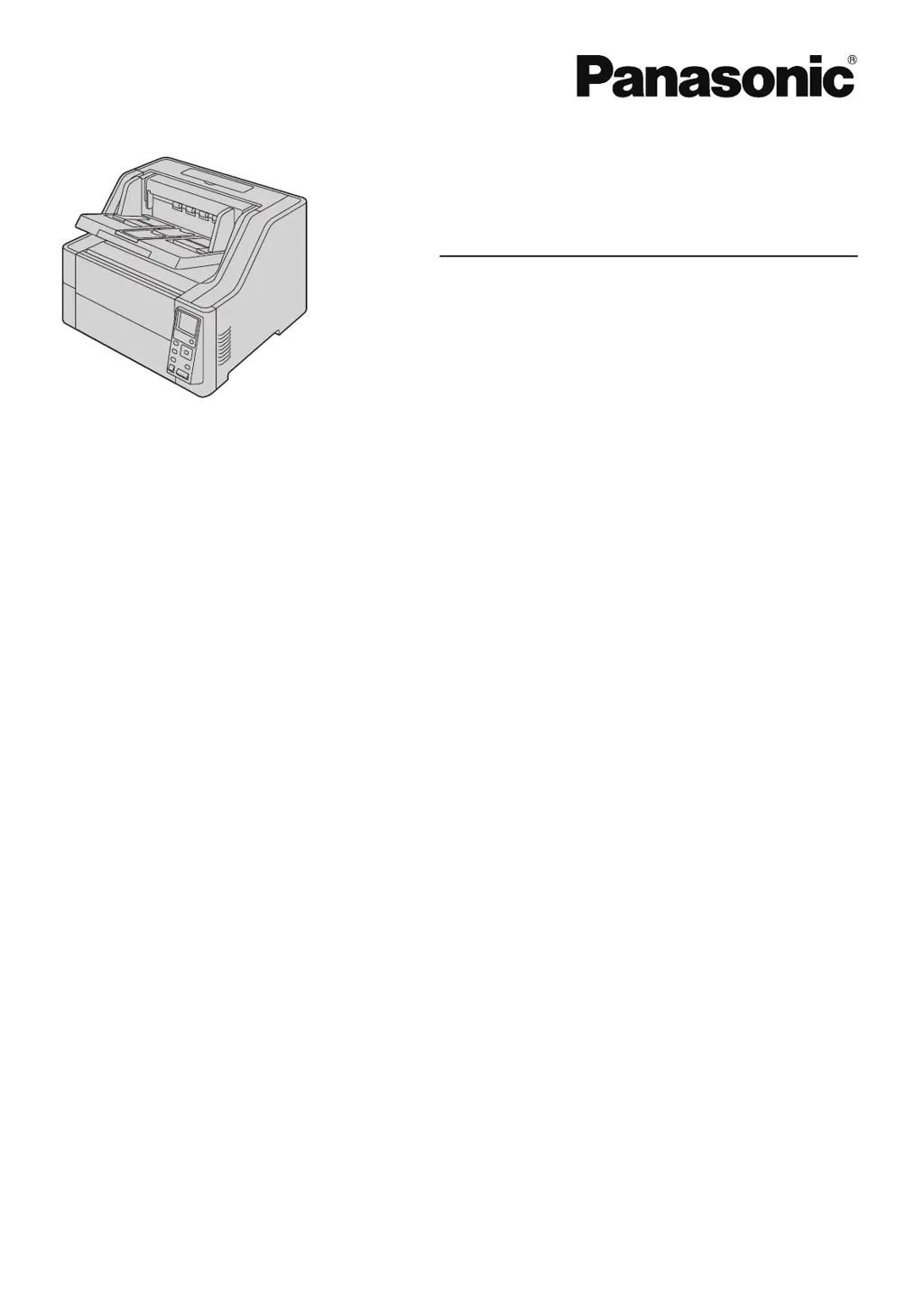
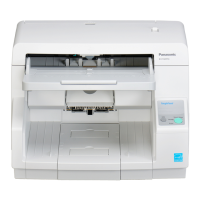
Panasonic KV-S8147 - User Manual

Panasonic KV-S8147
104 pages
Print Icon
To Next Page IconTo Next Page
Loading...
Operating Manual
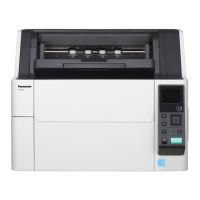
Document Scanner
Model No. KV
-S8147
KV-S8127
These instructions contain information on operating the scanner. Before reading these instructions, please read
the Quick Installation Guide enclosed with this unit.
Keep all documentation in a safe place for future reference.
Current model availability depends on your country/area. Please contact your dealer
.

Table of Contents

Questions and Answers

  • C
    Chelsea CastanedaAug 20, 2025
    Why does my Panasonic Scanner not recognize the computer?
    • M
      Marc WarrenAug 20, 2025
      Your Panasonic Scanner may not be recognized by the computer for several reasons: * The USB cable might not be correctly connected, so ensure it is properly connected. * The software may not be correctly installed. You can uninstall and then reinstall the software. * The scanner is connected via a USB hub. Avoid connecting via a USB hub. * There could be a problem with the USB cable. Use the USB cable included with the scanner. * The unit’s power may be off. Turn the unit's power ON.
  • C
    cbrownAug 25, 2025
    Why does my Panasonic KV-S8147 Scanner frequently have paper jams?
    • P
      pamelasheltonAug 25, 2025
      Paper jams may occur frequently if: * The paper thickness mode is not appropriate for the documents. Change the paper thickness mode. * The document is wrinkled. Smooth out the document. * The rollers are dirty. Clean the rollers. * The sensors are dirty. Clean all of the sensors. * The document is not aligned correctly. Realign the document. * Too many sheets are set on the feed tray. Remove sheets until the sheets on the feed tray are under the limit mark on the document guide.
  • K
    Karen MccallAug 26, 2025
    What to do if the image for a scanned document from Panasonic KV-S8147 is blank?
    • C
      Crystal HarmonAug 27, 2025
      If the image for a scanned document is blank, it might be because the document was loaded upside down. Load the documents with the surface to be scanned facing up.
  • O
    obakerAug 28, 2025
    Why is the scan speed slow on my Panasonic Scanner?
    • B
      Brian NorrisAug 28, 2025
      The scan speed may be slow if the scanner is connected over a USB 1.1 connection. Connect over USB 2.0 / USB 3.0.
  • G
    gloganAug 30, 2025
    Why is the scanned image from my Panasonic Scanner skewed?
    • C
      Christopher ScottAug 30, 2025
      A scanned image may be skewed if: * The document guides are not adjusted to the size of the document, or the document is set slanted on the feed tray. Adjust the document guides properly to the size of the document. * The right and left sides of the document are not the same in height, because of curling or folding. Flatten the document and load it again after reducing the number of sheets.
  • M
    martinezshannonSep 1, 2025
    Why do dark spots or noise appear on scanned documents from my Panasonic KV-S8147 Scanner?
    • D
      David HarrisSep 1, 2025
      Dark spots or noise can appear on scanned documents if the scanning glasses are dirty. Clean the conveyor and scanning glasses.
  • J
    Jennifer ChavezSep 3, 2025
    Why do vertical streaks appear on the scanned document from my Panasonic Scanner?
    • P
      Patrick BishopSep 3, 2025
      Vertical streaks may appear on the scanned document because the scanning glasses are dirty. Clean the conveyor and scanning glasses.
  • E
    Erica WalshSep 5, 2025
    What to do if the document has been loaded on the feed tray, but the Panasonic Scanner does not start scanning?
    • J
      Jim CohenSep 5, 2025
      If the scanner does not start scanning after loading the document, it may be due to: * The document is not loaded properly. * The sensor cannot detect the document because the edge of the document is curled. Flatten the document and load it again.
  • G
    gstephensSep 7, 2025
    Why is the scanning density uneven on my Panasonic KV-S8147?
    • L
      Lisa OlsonSep 7, 2025
      Uneven scanning density may occur if the scanning glasses are dirty. Clean the conveyor and scanning glasses. If cleaning does not improve the scanning density, perform shading adjustment.
  • H
    hlinSep 9, 2025
    Why is the color of the scanned document from my Panasonic KV-S8147 Scanner extremely different from the original document?
    • N
      Nicole RobinsonSep 9, 2025
      The color of the scanned document may be extremely different from the original document because: * The settings of the computer monitor are wrong. Adjust the computer monitor settings. * Depending on the documents scanned, the color of documents may not be scanned properly. Setting the value for [Chroma] higher in the scanning conditions may solve this problem.

Summary

Introduction

Documentation Overview

Manuals and Software CD-ROM Contents

Details the included Operating Manual, Quick Installation Guide, and CD-ROM contents.

System Requirements

Scanner Feature Highlights

Before You Start

Important Precautions and Notices

Covers illegal duplication, environmental requirements, CD-ROM handling, and general warnings.

Location of Controls

Scanner Installation

Operation Panel Overview

Basic Operations

Using the Scanner

Preparing Documents for Scanning

Covers compatible paper types, incompatible documents, and general document preparation.

Scanning Documents

Step-by-step guide on loading and initiating the scanning process.

Push Scan Functionality

Details how to set up and perform scanning without direct computer interaction.

Clearing Paper Jams

Care and Maintenance

Replacing Scanner Rollers

Guides on how to replace worn-out paper feed, separation, and double feed prevention rollers.

Optional Imprinter Unit

Installing the Imprinter Unit and Ink Cartridge

Instructions for installing the pre-imprinter or post-imprinter and their ink cartridges.

Replacing the Ink Cartridge

Guides on how to remove and install the ink cartridge for the imprinter.

Troubleshooting and Appendix

Troubleshooting Common Issues

Provides solutions for common scanner problems like LED status, recognition, and speed.

Error Code Reference

Lists scanner error codes, their causes, and recommended remedies.

Panasonic KV-S8147 Specifications

General IconGeneral
BrandPanasonic
ModelKV-S8147
CategoryScanner
LanguageEnglish

Related product manuals