Focus / Zoom – Using AF
163
[Focus Limiter]
You can restrict the range for AF to work.
The focusing speed of AF increases when you limit the range where AF
works.
1
Set the focus mode to [AFS] or [AFC].
≥Set the focus mode lever. (ÎSelecting the Focus Mode: 153)
2
Set [Focus Limiter].
≥ ¨ [ ]/[ ] ¨ [ ] ¨ [Focus Limiter]
[ON]
Enables the following settings.
[OFF]
Disables the following settings.
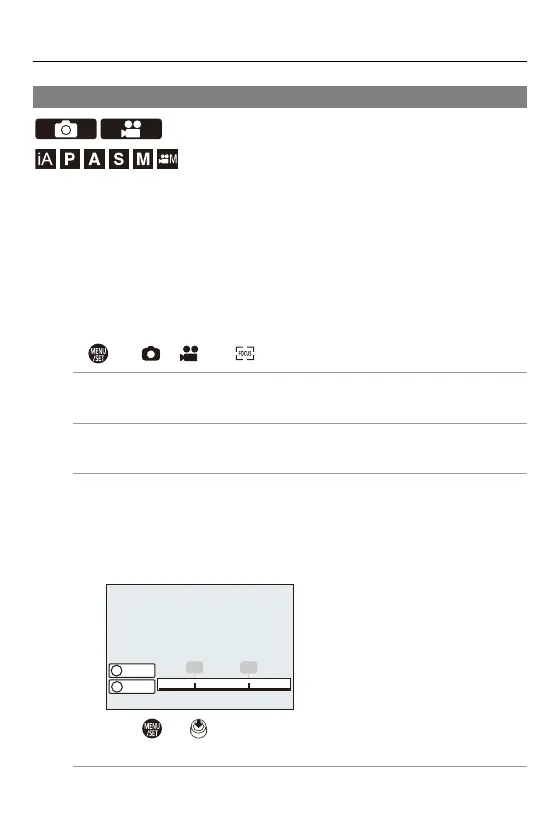
[SET]
1 Use the same procedure as MF (ÎRecord Using MF: 195) to check the
focus, then press [WB] or [ISO] to set the range of operation for AF.
• This can also be set by touching [Limit1]/[Limit2].
• [Limit1]/[Limit2] can be set from either.
2 Press or to confirm the setting.
• Press [DISP.] to return the operation range to the default setting.
∞
1(m) 0.5 0.3
1 2
Limit1
Limit2
WB
ISO



 To Next Page
 Loading...











