Camera Customization – [Dial Operation Switch]
534
Temporarily Change Dial Operation
1
Set [Dial Operation Switch] to the Fn button. (ÎFn
Buttons: 517)
2
Switch dial operation.
≥Press the Fn button set in Step
1
.
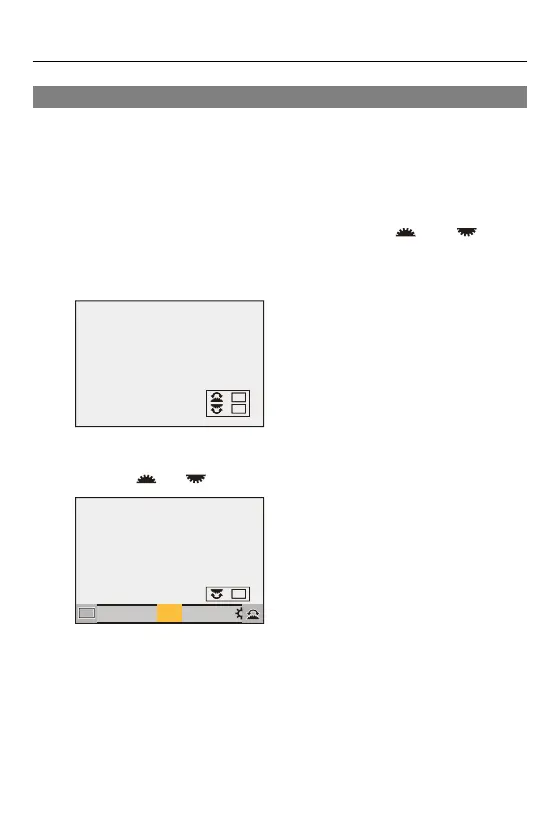
≥A guide will display the functions registered to and .
•
If no operations are performed, then several seconds later, the guide
disappears.
3
Set the registered function.
≥Rotate or while the guide is displayed.
4
Confirm your selection.
≥Press the shutter button halfway.
ISOISOISOISO
WBWBWBWB
AWBc
AWBw
WBWBWBWBWBWBWBWBWBWBWB
AWBAWB
ISOISOISOISO



 To Next Page
 Loading...











