Wi-Fi / Bluetooth – Connecting to a Smartphone
629
1
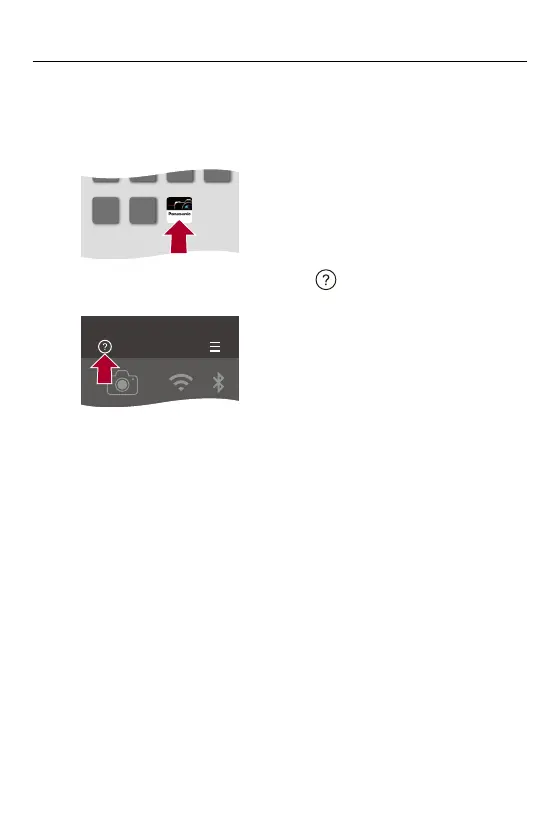
On the smartphone, start up “LUMIX Sync”.
≥A message regarding device (camera) registration is displayed.
Select [Next].
•
If you have closed the message, select [ ], then register the camera using
[Camera registration (pairing)].
2
Check the content in the displayed guide and select
[Next] until the screen to register the camera is
displayed.
LUMIX Sync



 To Next Page
 Loading...











