Basic
- 20 -
Recording Sequence
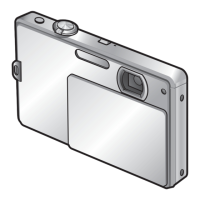
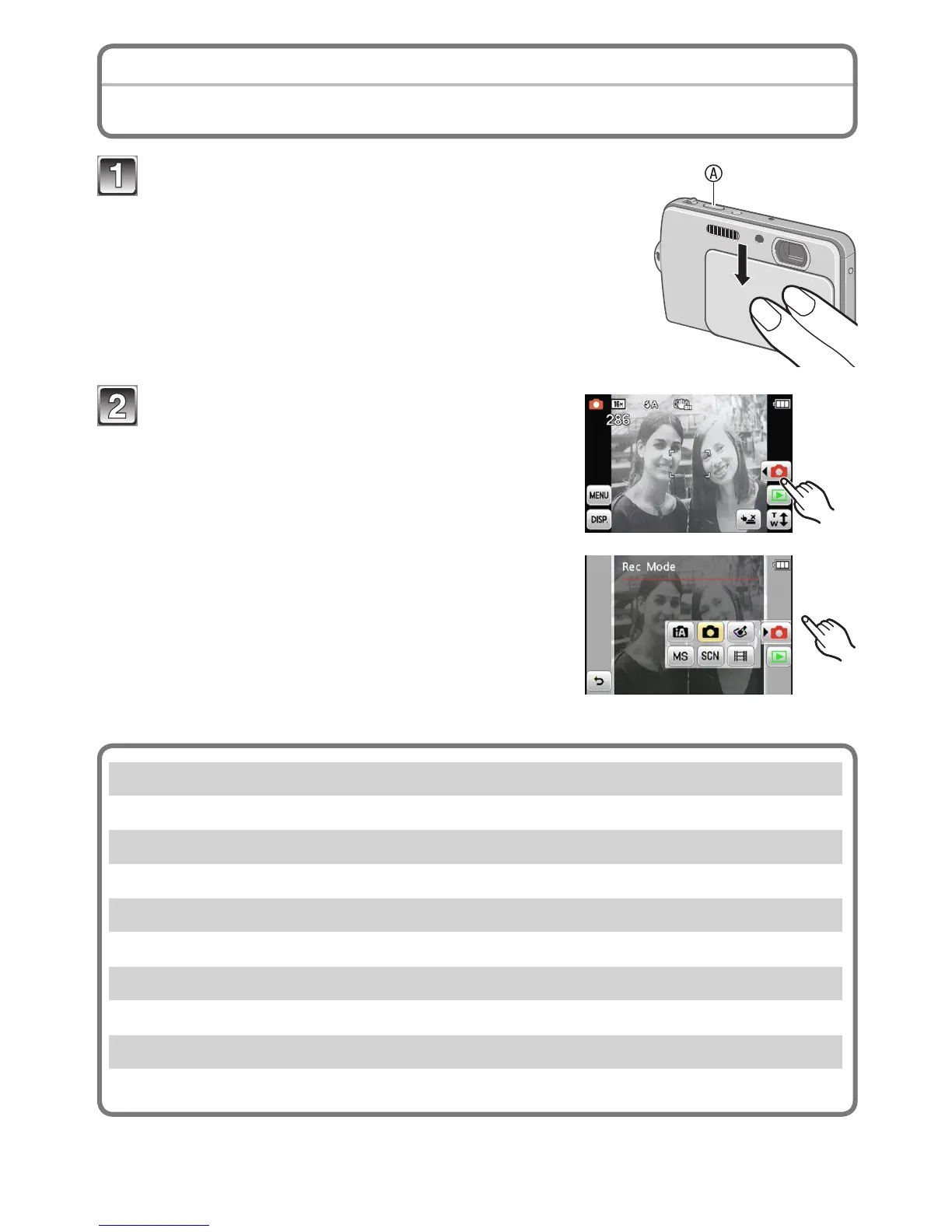
Open the lens cover.
The camera is turned on in Recording Mode. (Recording
is possible with this setting.)
A Shutter button
Select Recording Mode.
1Touch [
w
1].
2Touch the mode icon.
• The description is displayed after the rst
touch.
• When operating from Playback Mode, touch
[1] rst to switch to Recording Mode, and
then perform 1.
List of [Rec] Modes
4
Intelligent Auto Mode (P22)
The subjects are recorded using settings automatically selected by the camera.
1
Normal Picture Mode (P26)
The subjects are recorded using your own settings.
<
Cosmetic Mode (P59)
Takes a picture adjusting the skin texture.
5
Scene Mode (P60) /
/
My Scene Mode (P61)
This allows you to take pictures that match the scene being recorded.
6
Motion Picture Mode (P34)
This mode allows you to record motion pictures with audio.


 To Next Page
 Loading...