Basic
- 25 -
Settings in Intelligent Auto Mode
[Rec] Mode menu
– [Flash]
/ [Selftimer] / [Picture Size]
/ [Burst] / [Color Mode]
• [Color Mode] can set the color effects of [STD.], [Happy], [B/W] or [SEPIA]. When
[Happy] is selected, it is possible to automatically take a picture with a higher level of
brilliance for the color brightness and vividness.
¼
The settings which can be selected are different from when other [Rec] Modes are used.
[Setup] menu
– [Clock Set] / [World Time] / [Beep] / [Language] / [Stabilizer Demo.]
Other items in the [Setup] menu which are not displayed can be set in the Normal Picture
Mode, etc.
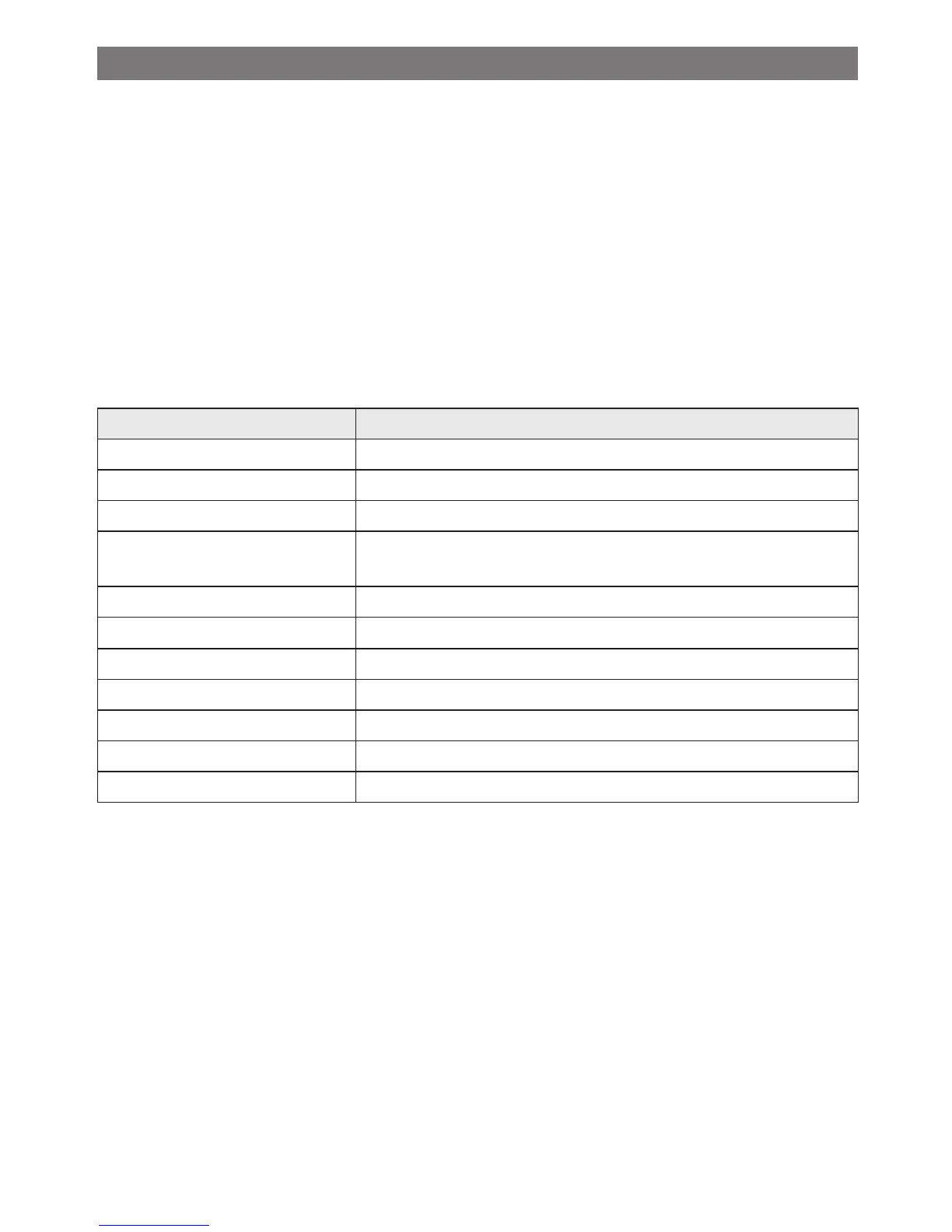
• The settings of the following items are xed.
Item Settings
[LCD Mode] (P43) [Auto Power LCD]
[Auto Power Off] (P43) [5 MIN.]
[Auto Review] (P44) [2 SEC.]
[Sensitivity] (P77)
[,] (Intelligent ISO)
(The maximum ISO sensitivity: ISO1600)
[White Balance] (P78) [AWB]
[AF Mode] (P79)
3 (Set to [9] when a face cannot be detected)
[i.Exposure] (P82) [ON]
[i.Resolution] (P82) [i.Zoom]
[AF Assist Lamp] (P85) [ON]
[Red-Eye Removal] (P85) [ON]
[Stabilizer] (P86) [ON]
• The following functions cannot be used.
– [Exposure] / [Digital Zoom]



 To Next Page
 Loading...