Basic
- 32 -
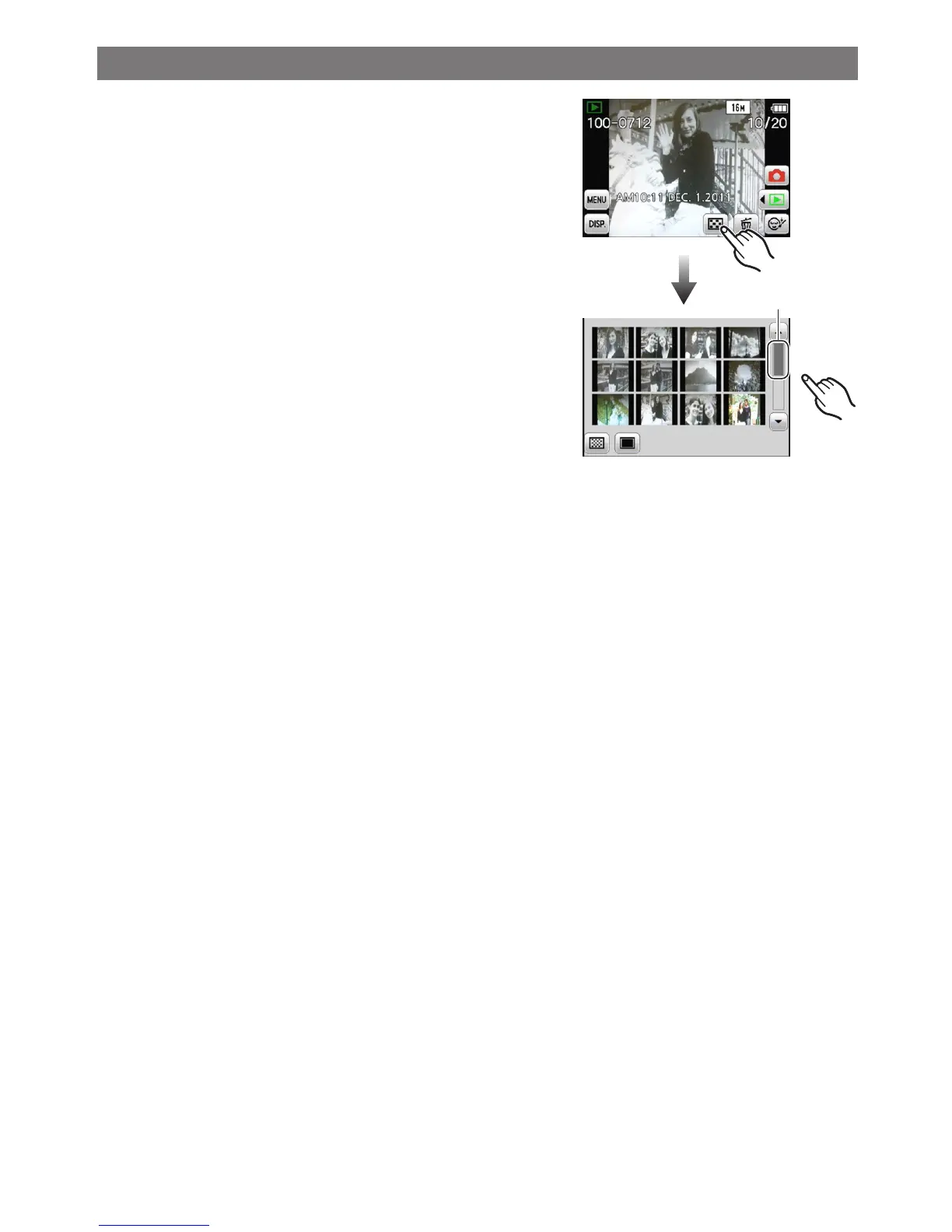
Displaying Multiple Screens (Multi Playback)
A
Touch [[] to change to the 12 screen
display.
• Each time you touch, the display method is
switched.
[9] 1 screen, [[] 12 screens, []] 30 screens,
[t] Calendar (P90)
• This can also be switched by moving the zoom
lever to [6] (W) or [7] (T).
• The screen can be switched by dragging the slide
bar A up or down (P8).
• The screen can be switched gradually by dragging
the screen up or down.
• Pictures displayed using [[] cannot be played
back.


 To Next Page
 Loading...