Basic
- 52 -
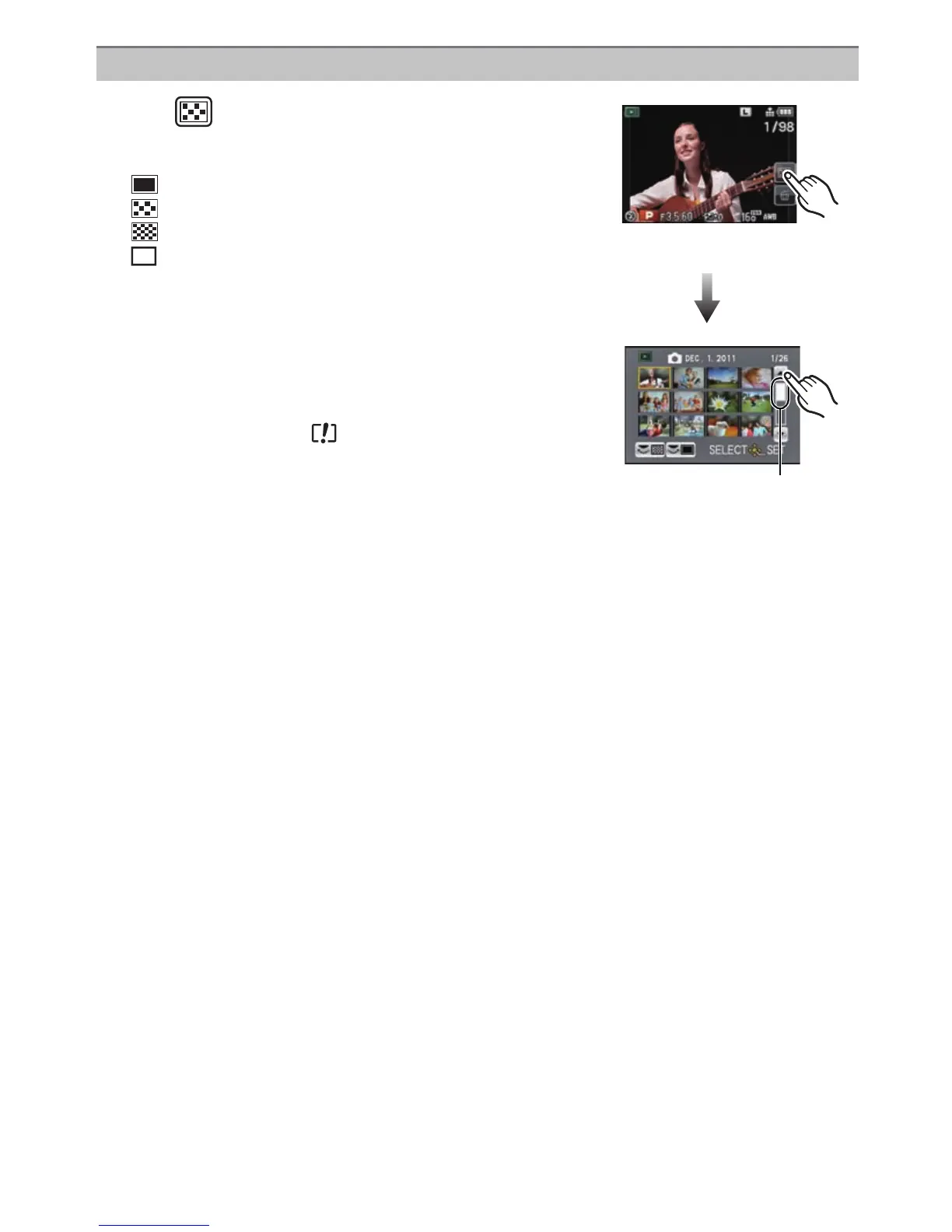
Displaying multiple screens (Multi Playback)
Touch [ ].
• It is possible to switch the playback screen by touching the
following icons.
–[ ]: 1 screen
–[ ]: 12 screens
–[ ]: 30 screens
–[ ]: Calendar screen display
• Playback screen can also be switched by rotating the rear dial.
• Switch the screen by touching [3]/[4] if these are displayed on
the slide bar.
• Screen can be switched by dragging the slide bar up or down.
A Slide bar
• The screen can be switched gradually by dragging the screen
up or down (P11).
• Pictures displayed using [ ] cannot be played back.
∫ To return to Normal Playback
Touch the picture to select.
CAL



 To Next Page
 Loading...











