Basic
- 56 -
The motion picture file formats that can be played back on this unit are AVCHD recorded
on a Panasonic Digital Camera (LUMIX) (excluding AVCHD Progressive), MP4, and
QuickTime Motion JPEG.
Playing Back Motion Pictures
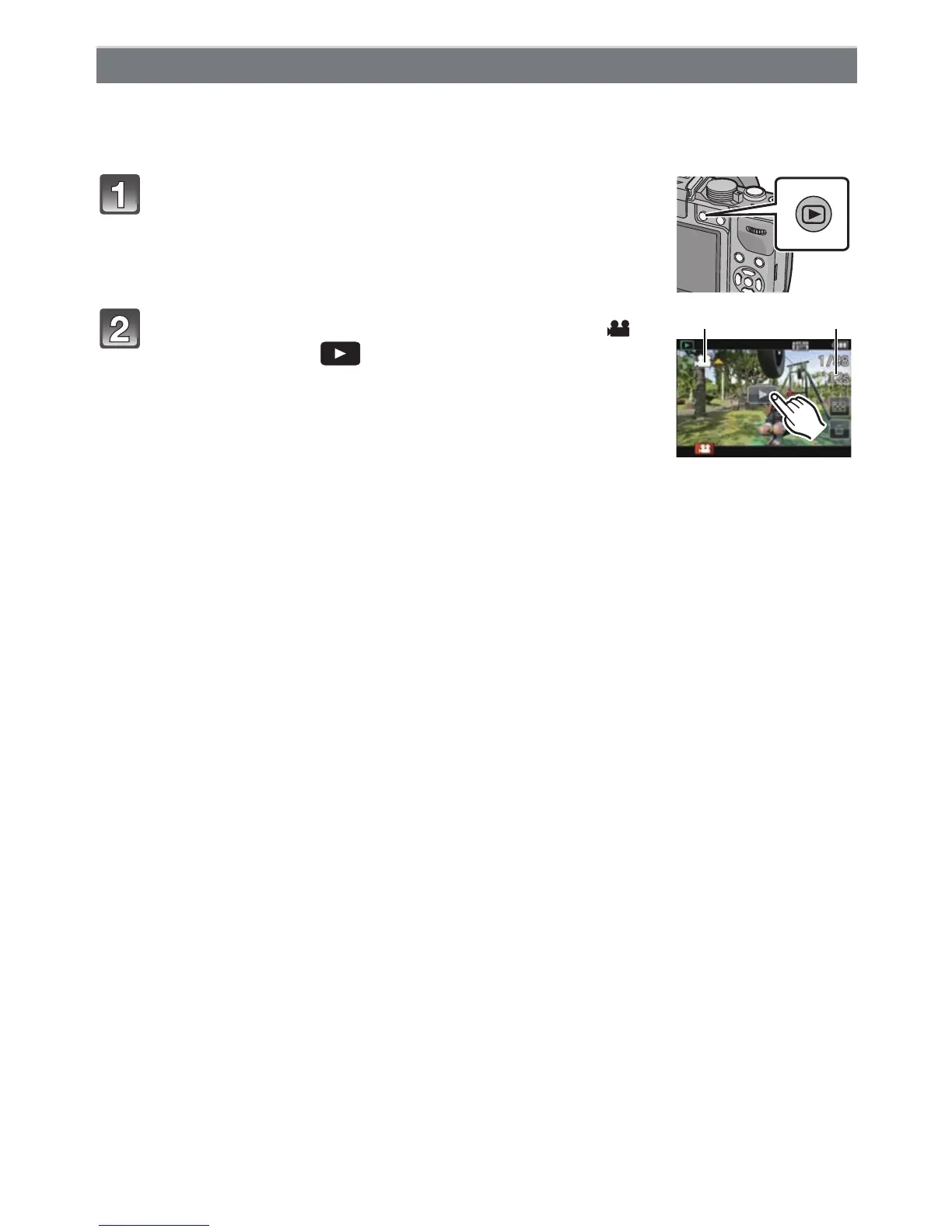
Press [(].
Select a picture with a Motion Picture icon ([ ])
and then touch [ ] to play back.
A Motion picture icon
B The motion picture recording time
• After playback starts, the elapsed playback time is displayed on
the screen.
For example, 8 minutes and 30 seconds is displayed as
[8m30s].
• Some information (recording information, etc.) is not displayed for motion pictures
recorded in [AVCHD].
• Pressing the cursor button 3 to allows you to play back motion pictures.
Display at the right of the screen while playing back corresponds to 3/4/2/1 on the
cursor button.



 To Next Page
 Loading...











