Basic
- 66 -
Perform these settings if you need to.
About the Setup Menu
[CLOCK SET], [ECONOMY] and [AUTO REVIEW] are important items. Check their
settings before using them.
For details on how to select the [SETUP] menu settings, refer to P62.
•
Refer to “Setting Date/Time (Clock Set)” on P27 for other information.
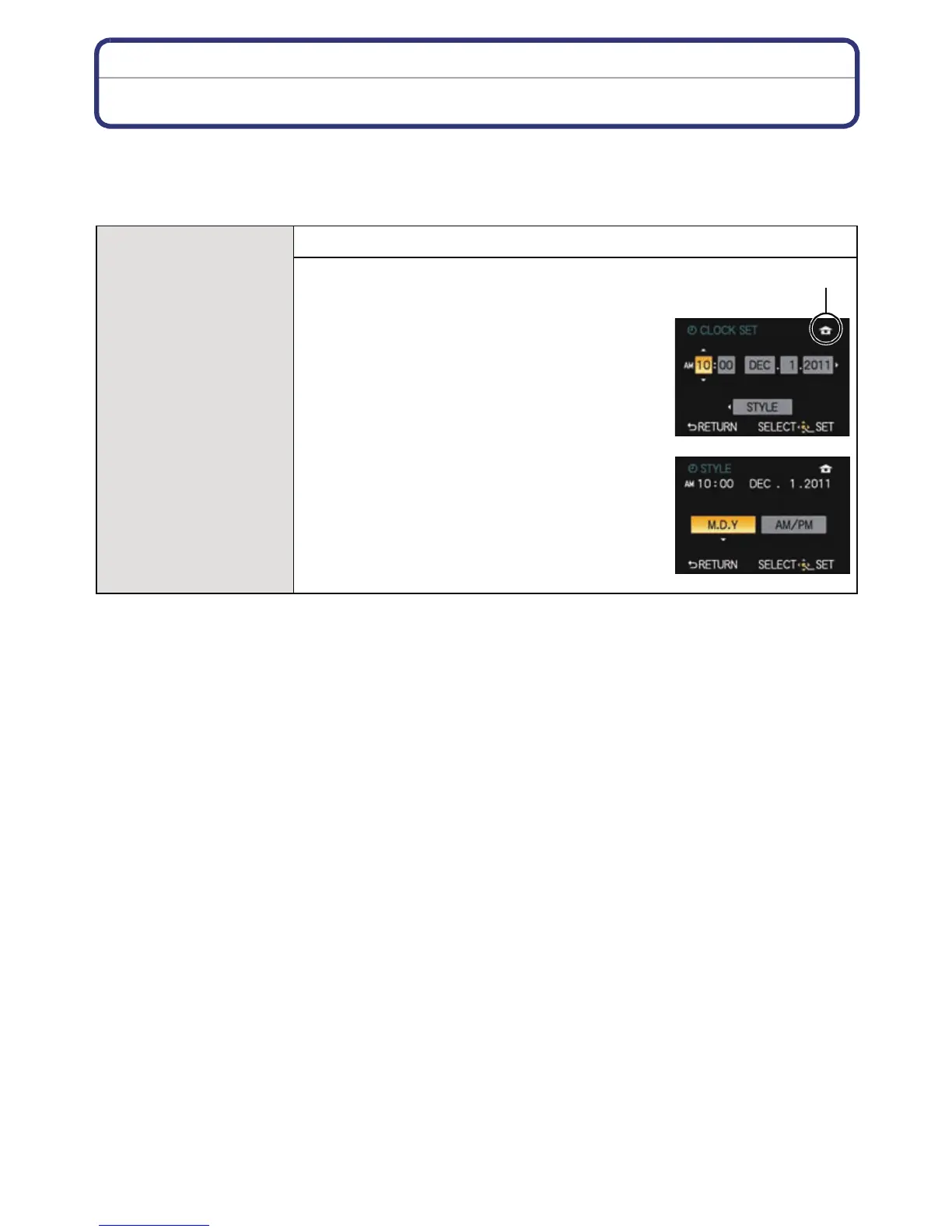
U [CLOCK SET]
Setting Date/Time.
1 Press 2/1 to select the items, and
press 3/4 to set.
A [WORLD TIME] setting
To set the display order and the time
display format.
• Setup screen for display order and the
time display format is displayed by
selecting [STYLE] and then pressing
[MENU/SET].
2 Press [MENU/SET] to set.



 To Next Page
 Loading...











