Recording
- 142 -
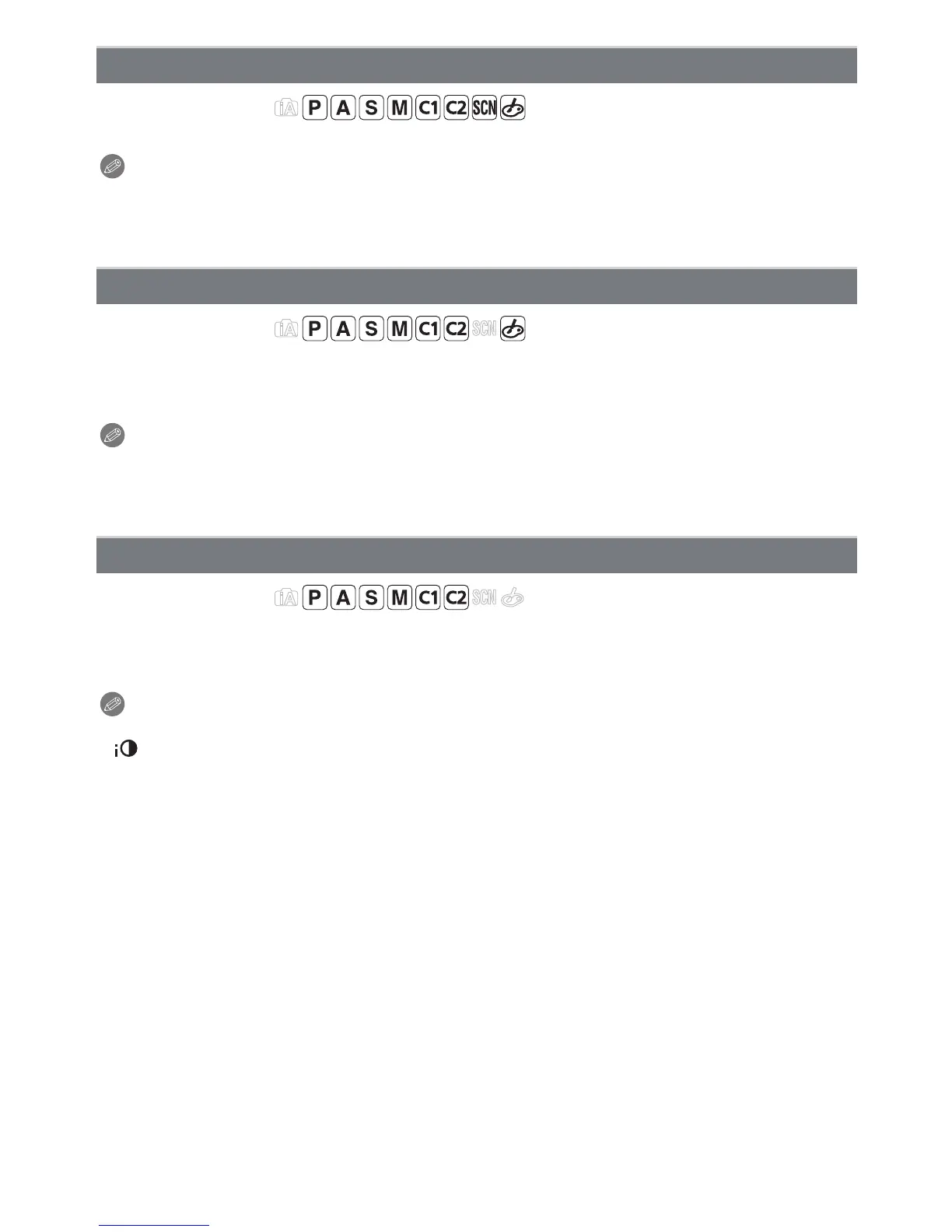
Applicable modes:
Adjust the flash output if the recorded pictures are too bright or too dark.
Note
•
You can adjust from [j2 EV] to [i2 EV] in steps of [1/3 EV].
• Select [0 EV] to return to the original flash output.
• [i] or [j] is displayed on the flash icon in the screen when the flash level is adjusted.
Applicable modes:
Pictures with sharp profile and resolution can be taken by utilizing the Intelligent
Resolution Technology.
[OFF]/[LOW]/[STANDARD]/[HIGH]/[EXTENDED]
Note
•
[EXTENDED] allows you to take natural pictures with a higher resolution.
• The speed of burst and continuous recording becomes slower when [EXTENDED] is used.
• When recording a motion picture, [EXTENDED] changes to [LOW].
Applicable modes:
Contrast and exposure will be adjusted automatically when there is a big difference in
brightness between the background and subject, to bring the image close to how you see.
[OFF]/[LOW]/[STANDARD]/[HIGH]
Note
•
This feature may be automatically disabled, depending on the lighting conditions.
• [ ] in the screen turns to yellow when [I.DYNAMIC] is in effect.
• [LOW], [STANDARD], or [HIGH] represents the maximum range of effect.
[FLASH ADJUST.]
[I.RESOLUTION]
[I.DYNAMIC] (Intelligent dynamic range control)



 To Next Page
 Loading...











