Recording
- 86 -
Applicable modes:
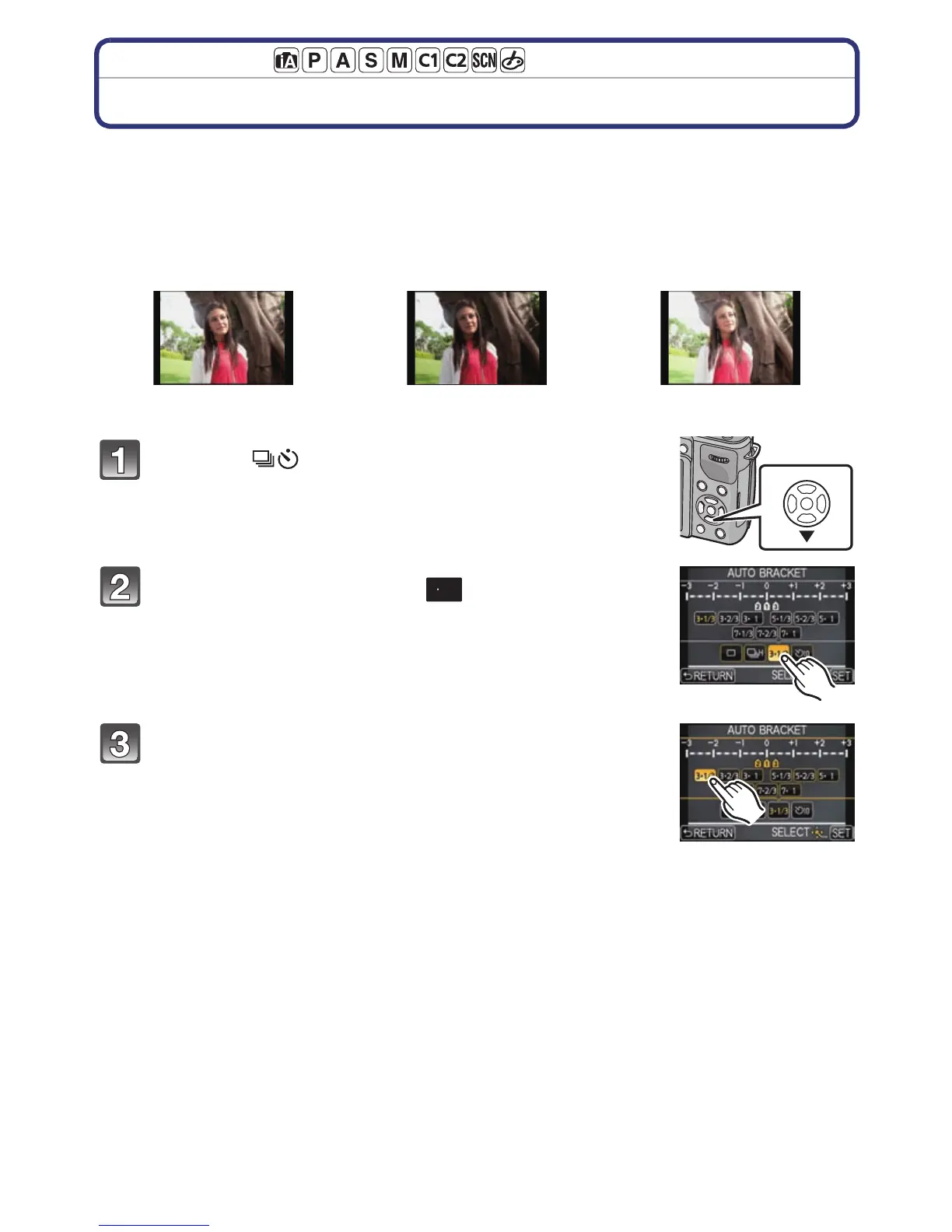
Taking Pictures using Auto Bracket
Maximum of 7 pictures will be recorded with different exposure settings following the
Exposure Compensation range every time the shutter button is pressed.
With Auto Bracket
[STEP]: [3•1/3], [SEQUENCE]: [0/s/r]
Press 4 ().
Touch Auto Bracket icon ([ ], etc.).
Select and touch the step.
1st picture 2nd picture 3rd picture
d0EV j1/3 EV i1/3 EV



 To Next Page
 Loading...











