Recording
- 74 -
Applicable modes:
Recording
Optical Image Stabilizer
Using one of these modes, jitter during picture taking is detected, and the camera
automatically compensates the jitter, enabling jitter-free images to be taken.
∫ Setting the Stabilizer in the [REC] Mode menu
1 Select [STABILIZER] in the [REC] Mode menu. (P62)
2 Press 3/4 to select the setting and then press [MENU/SET].
•
The [STABILIZER] feature is only available if the lens you are using has an internal
stabilizer.
• Exit the menu after it is set.
A lens which supports the stabilizer function is required.
–
The interchangeable lens (H-PS14042, H-FS014042) support the stabilizer function.
–The interchangeable lens (H-H014) does not support the stabilizer function.
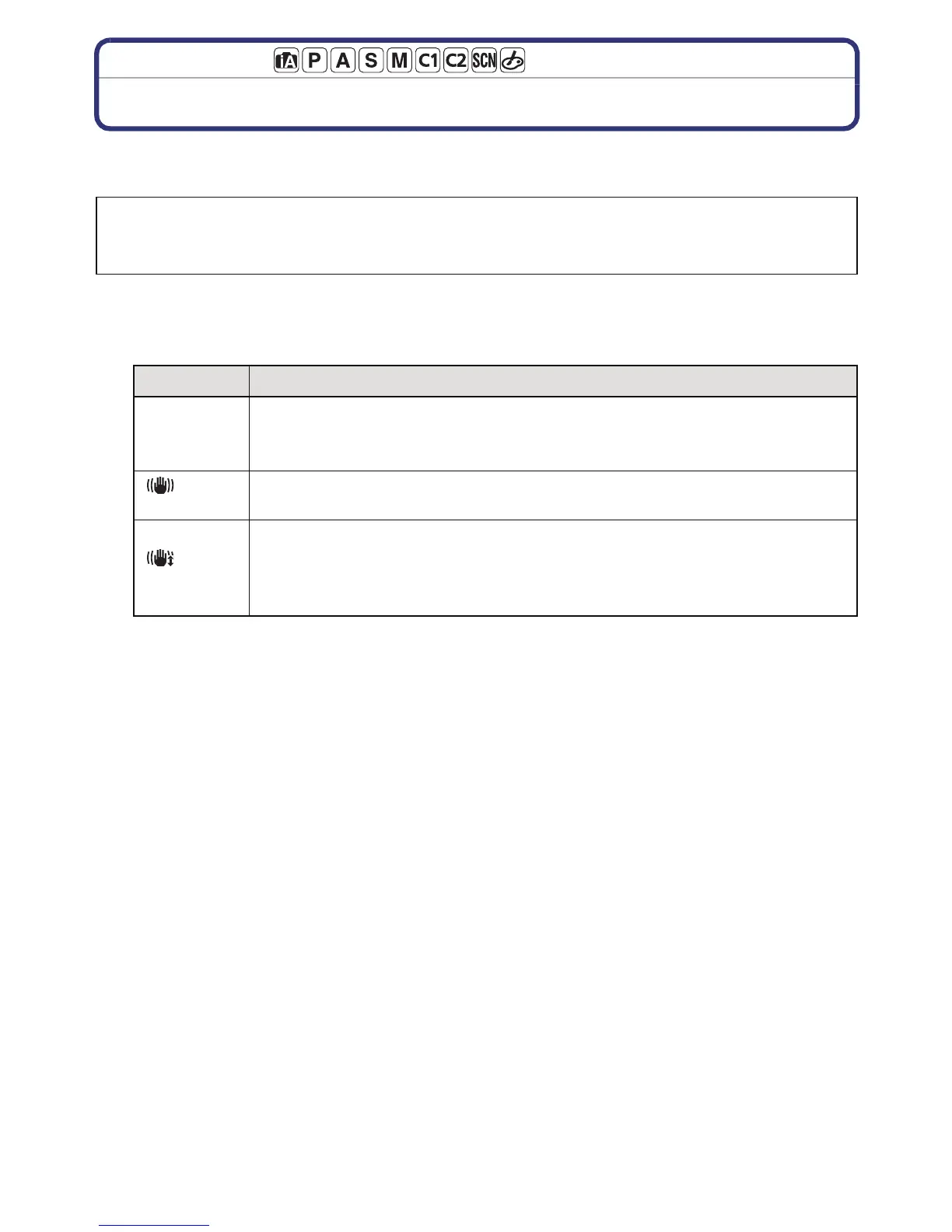
Item
Settings
[OFF]
[STABILIZER] does not work.
(This can be selected only when using a lens without the [O.I.S.]
switch.)
[]
(Normal)
Vertical and horizontal shake are compensated for.
[]
(Panning)
Camera shake is corrected for up/down movements. This mode is ideal
for panning (a method of taking pictures which involves turning the
camera to track the movements of a subject which continues to move
in a fixed direction).



 To Next Page
 Loading...











