Basic
- 58 -
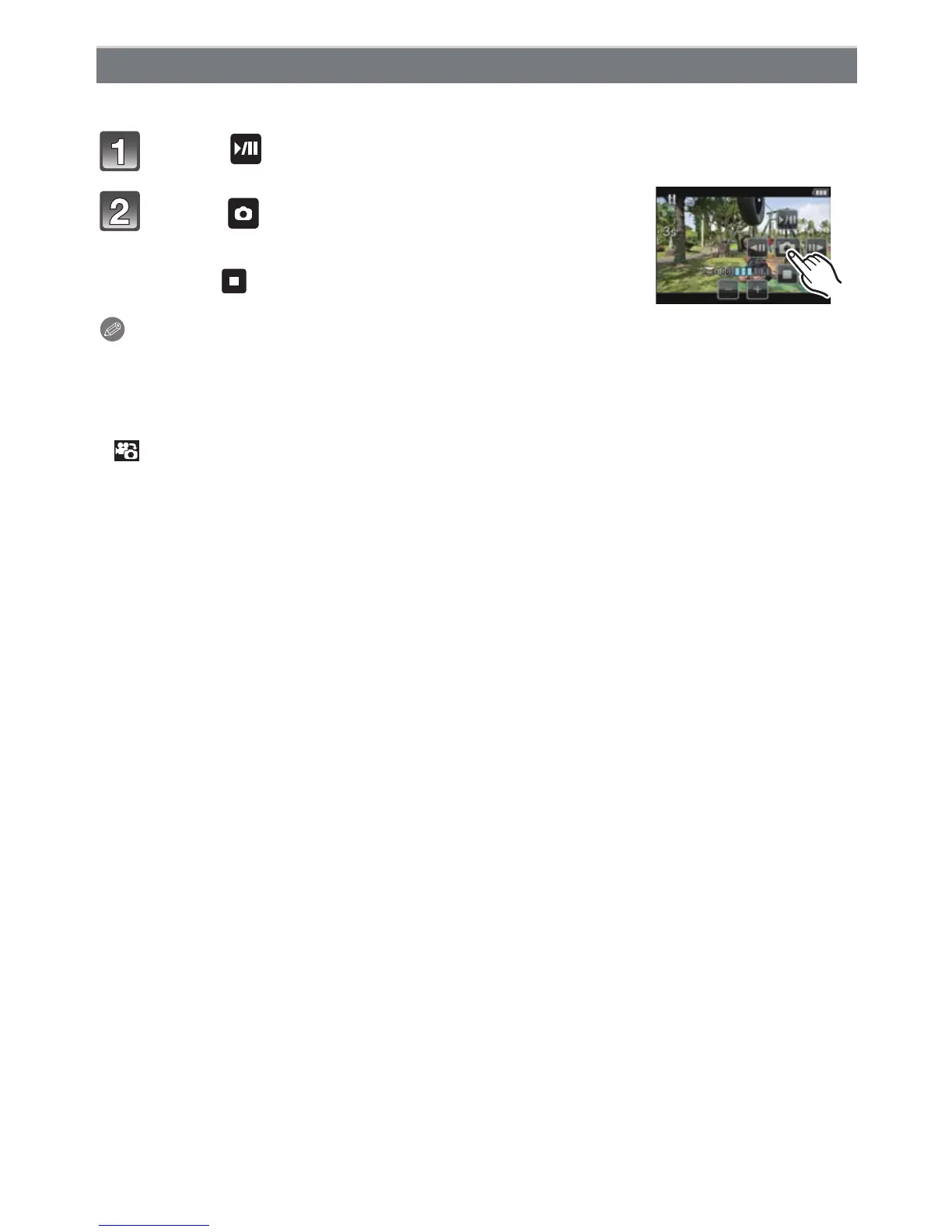
You can create a single still picture from a recorded motion picture.
Touch [ ] during Motion Picture playback using touch operation.
Touch [ ].
• Confirmation screen is displayed. It is executed when [YES]
is selected.
Touch [ ] to exit Motion Picture playback after it is executed.
Note
•
It will be saved with [PICTURE SIZE] set to [S] (2 M), [ASPECT RATIO] set to [W], and
[QUALITY] set to [›].
• Still pictures created from a motion picture may be coarser than with normal picture quality.
• While recording [MP4], using [VGA], the ability to create still pictures is disabled.
• You may not be able to save still pictures from a motion picture taken on other equipment.
• [ ] is displayed during playback of still pictures created from motion pictures.
Creating Still Pictures from a Motion Picture



 To Next Page
 Loading...











