Playback/Editing
- 176 -
You can set protection for pictures you do not want to be deleted by mistake.
1 Select [PROTECT] on the [PLAYBACK] Mode menu. (P62)
2 Press 3/4 to select [SINGLE] or [MULTI] and then press [MENU/SET].
∫ Canceling all the [PROTECT] settings
1 Select [PROTECT] on the [PLAYBACK] Mode menu.
2 Press 3/4 to select [CANCEL] and then press [MENU/SET].
•
Confirmation screen is displayed. It is executed when [YES] is selected.
Exit the menu after it is executed.
Note
•
The [PROTECT] feature is only designed to work with this camera.
• Even if you protect pictures on a card, they will be deleted if the card is formatted.
• Even if you do not protect pictures on a card, they cannot be deleted when the card’s
Write-Protect switch is set to [LOCK].
[PROTECT]
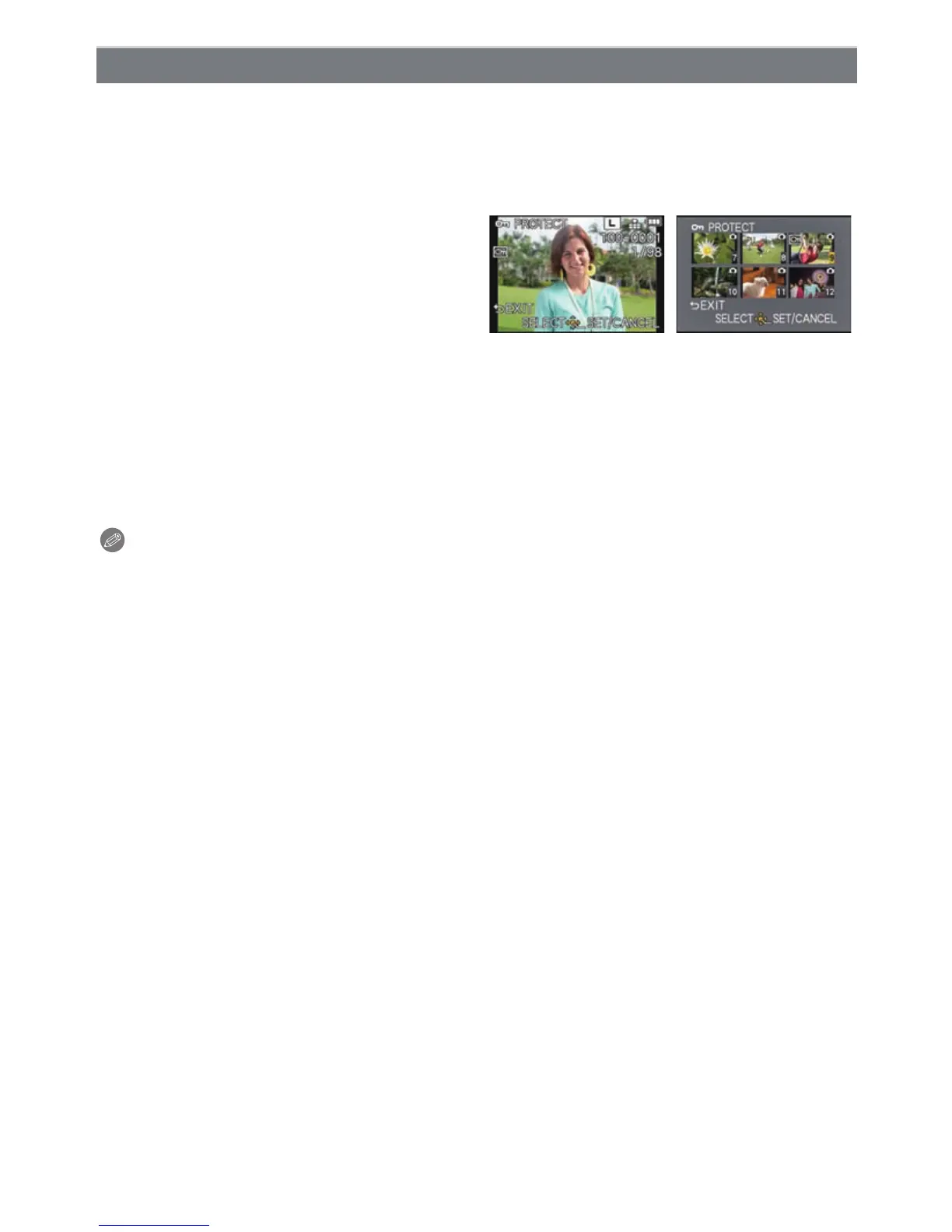
3 Select the picture, and then press
[MENU/SET].
When [MULTI] has been selected
• Repeat these steps for each picture.
• The settings are canceled when
[MENU/SET] is pressed again.
• Exit the menu after it is set.
[SINGLE] [MULTI]
Press 2/1 to select
the picture.
Press 3/4/2/1 to
select the pictures.



 To Next Page
 Loading...











