Playback/Editing
- 168 -
Recorded motion picture can be divided in two. It is recommended for when you want to
divide a part you need with a part you do not need.
Dividing a motion picture is permanent. Decide before you divide!
1 Select [VIDEO DIVIDE] on the [PLAYBACK] Mode menu. (P62)
2 Press 2/1 to select the motion picture to divide, and then press [MENU/SET].
4 Press 4.
•
Confirmation screen is displayed. It is executed when [YES] is selected.
Exit the menu after it is executed.
• Motion picture may be lost if the card or battery is removed while processing the dividing.
Note
•
The [VIDEO DIVIDE] feature only works on motion pictures recorded on this camera.
• Avoid trying to divide motion picture near the very beginning or end of the motion picture.
• With [MP4] motion pictures, the order of pictures will change if divided.
It is recommended to search these motion pictures by using Calendar Playback (P53) or
[VIDEO ONLY] in the [PLAYBACK MODE].
• The [VIDEO DIVIDE] feature will be disabled during the following conditions:
– Motion pictures with a short recording time
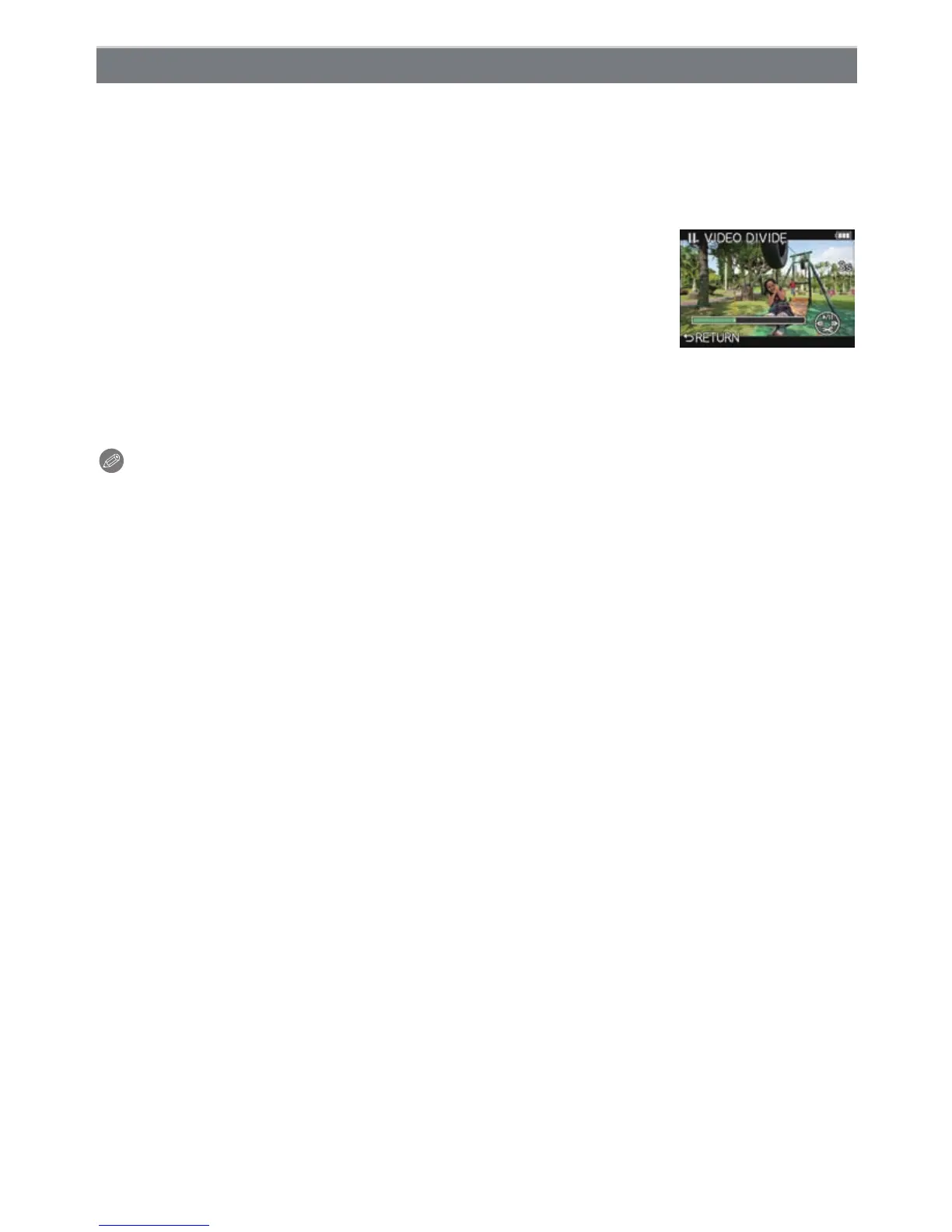
[VIDEO DIVIDE]
3
Press 3 at the location to divide.
•
Motion picture is played back from the same location when 3 is
pressed again.
• You can finely adjust the location for division by pressing 2/1
while the motion picture is paused.



 To Next Page
 Loading...











