Recording
- 146 -
Using the [MOTION PICTURE] Mode Menu
For details on [MOTION PICTURE] Mode menu settings, refer to P62.
•
[PHOTO STYLE], [METERING MODE], [I.RESOLUTION], [I.DYNAMIC] and [DIGITAL ZOOM]
are common to both the [REC] Mode menu and [MOTION PICTURE] Mode menu. Changing
these settings in one of these menus is reflected in other menu.
–For details, refer to the explanation for the corresponding setting in [REC] Mode menu.
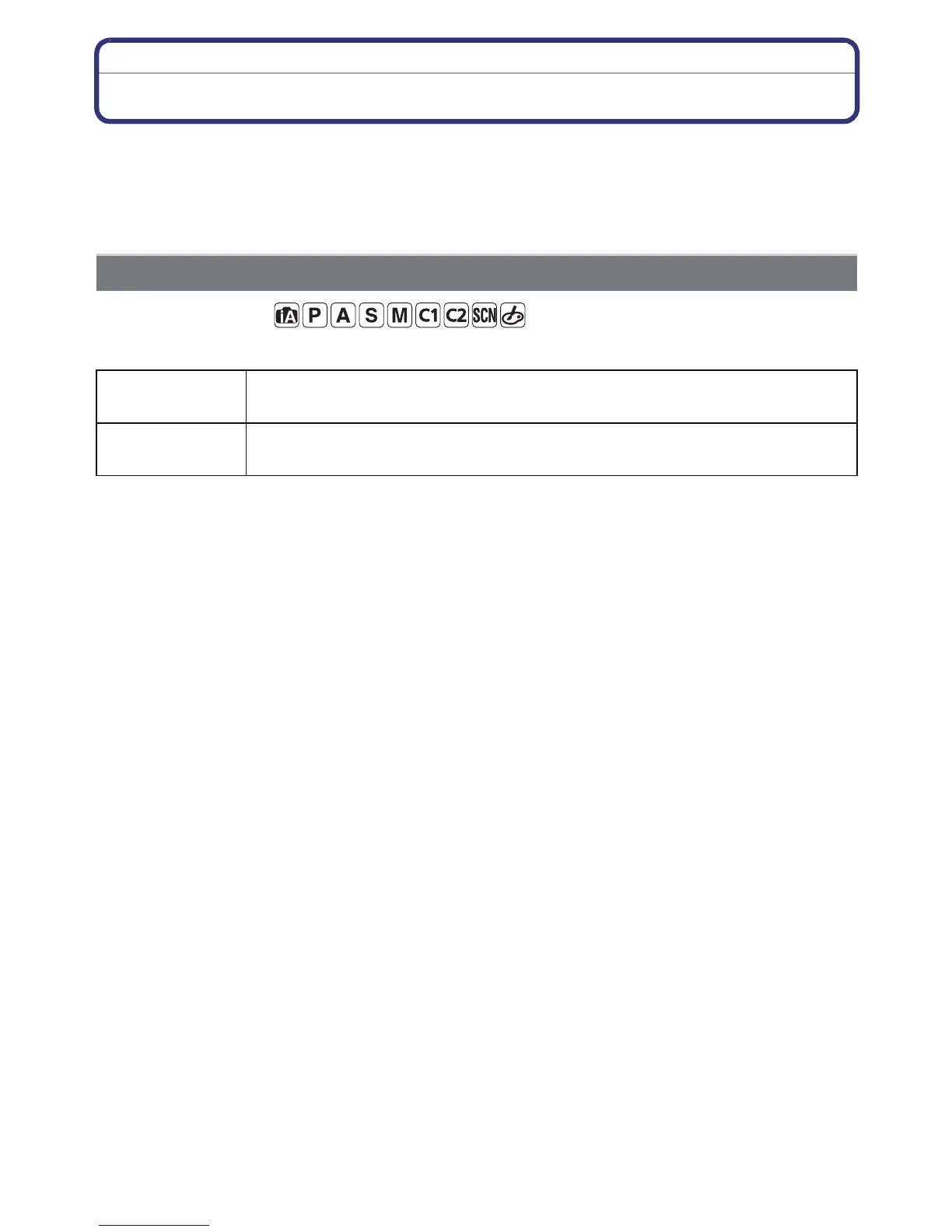
Applicable modes:
This sets up the data format of motion pictures.
[REC MODE]
[AVCHD] Select this format to record HD (high definition) video for playback on
your HDTV using an HDMI connection.
[MP4] Select this format to record standard definition video for playback on
your PC.



 To Next Page
 Loading...











