Recording
- 156 -
• Refer to P197 for details.
[REMAINING DISP.]
This will switch display between the number of recordable
pictures and available recording time.
[REMAINING SHOTS]:
This will display the number of recordable pictures for still
pictures.
[REMAINING TIME]:
This will display the available recording time for motion pictures.
[PLAY ON LCD] [OFF]/[ON]
[TOUCH SETTINGS]
Enables/disables the Touch operation.
When set to [OFF], no corresponding touch tab or touch icon is
displayed on the screen.
[TOUCH SCREEN]:
All touch operations. When set to [OFF], only button and dial
operations can be used.
[OFF]/[ON]
[TOUCH TAB]:
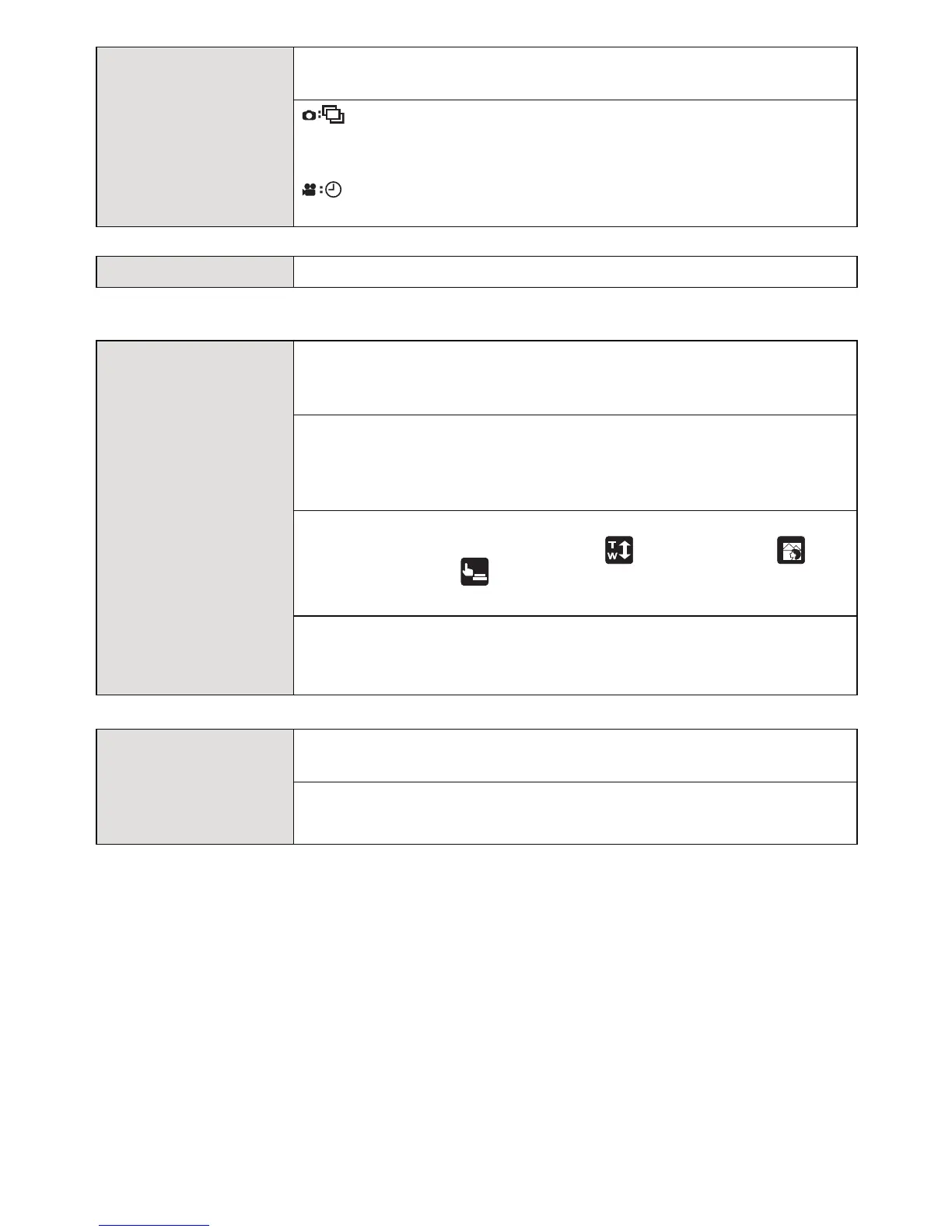
Touch tab operations for displaying [ ] (Touch zoom), [ ]
(Defocus control), [ ] (Touch shutter), [Fn3] and [Fn4] icons.
[OFF]/[ON]
[TOUCH AF]:
Operation to focus on the touched subject
[OFF]/[ON]
[TOUCH SCROLL]
This allows you to set the speed of continuously forwarding or
rewinding pictures using touch operation.
[
H]: High speed
[
L]: Low speed
×
×



 To Next Page
 Loading...











