EasyManua.ls Logo

Panasonic NCP500 - User Manual

Panasonic NCP500
218 pages
Print Icon
To Next Page IconTo Next Page
Loading...
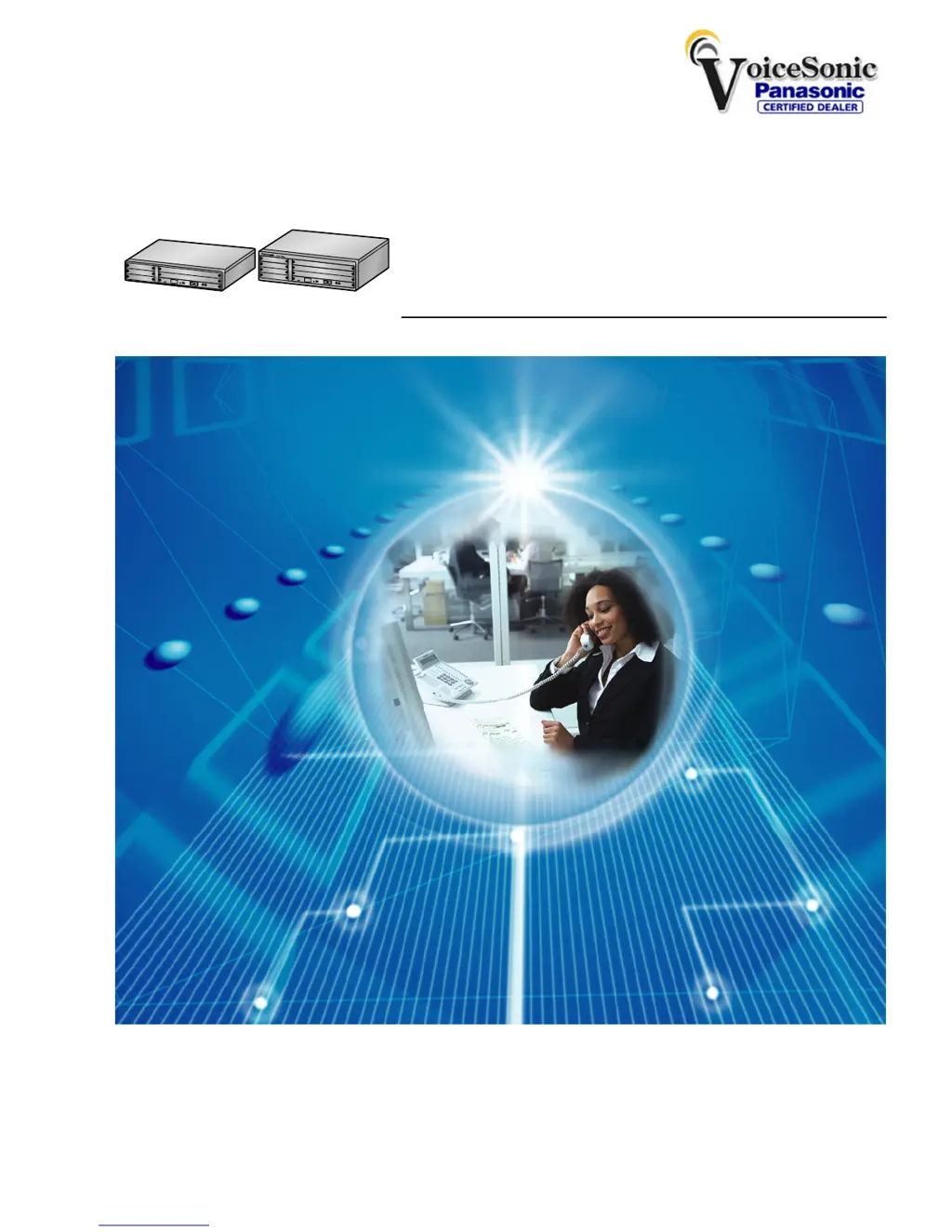
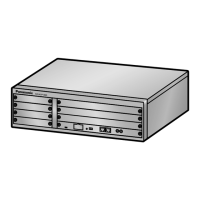
Pure IP-PBX
Operating Manual
Thank you for purchasing a Panasonic Pure IP-PBX.
Please read this manual carefully before using this product and save this manual for future use.
KX-NCP500/KX-NCP1000: PBMPR Software File Version 2.0200 or later
Document Version: 2009-11
KX-NCP500
KX-NCP1000
Panasonic Telephone Systems
www.voicesonic.com
Phone 877-289-2829
Panasonic KX-NCP500, KXNCP500, NCP500, KX-NCP1000, KXNCP1000, NCP1000

Table of Contents

Questions and Answers

  • T
    Tiffany FarleyAug 20, 2025
    Why does my Panasonic Telephone System display 'Restricted' or have a reorder tone?
    • C
      Craig AdamsAug 20, 2025
      If you are experiencing a reorder tone or see "Restricted" displayed on your Panasonic Telephone System, it could be due to the telephone being locked. In this case, unlock your telephone. Another reason could be that toll restriction is activated, so consult your manager or dealer. Finally, it might be that an account code is required.
  • R
    robert06Aug 22, 2025
    Why do some features not work on my Panasonic NCP500 Telephone System?
    • N
      Nancy NelsonAug 22, 2025
      If some features on your Panasonic Telephone System do not work, it may be because system management restricts certain features; consult your manager about this. Alternatively, the feature numbers may have changed, so confirm the revised number and try again.
  • K
    kimberlyjacksonAug 25, 2025
    What to do if I cannot make an outside call using One-touch Dialing on my Panasonic NCP500 Telephone System?
    • A
      Alexander SnyderAug 25, 2025
      If you cannot make an outside call using the One-touch Dialing button or speed dialing on your Panasonic Telephone System, it is likely because a line access number was not stored. A line access number is required for outside calls.
  • D
    david50Aug 26, 2025
    What to do if my Panasonic NCP500 telephone does not respond when buttons are pressed?
    • D
      david57Aug 27, 2025
      If your Panasonic Telephone System's telephone does not respond when buttons are pressed, it could be that the telephone is locked, so unlock your telephone. Another possibility is that your telephone is connected to an eXtra Device Port, in which case system programming is required, so consult your dealer.
  • S
    Sheri WhiteAug 27, 2025
    What to do if operations don't work on my Panasonic NCP500 proprietary telephone?
    • H
      Heather MurphyAug 27, 2025
      If, when using a proprietary telephone with your Panasonic Telephone System, none of the operations work even when following the manual instructions, it could be because the Intercom line was not seized. Press the INTERCOM or PDN button after going off-hook and follow the instructions. Alternatively, the seized line, when going off-hook, was changed by personal setting. In the manual, going off-hook means an Intercom line is seized.
  • S
    Susan HallAug 29, 2025
    What to do if my Panasonic NCP500 Telephone System telephone does not work with personal settings?
    • S
      singhamandaAug 29, 2025
      If your Panasonic Telephone System's telephone does not work using the personal settings or with other settings, the extension line may have been changed. Clear the settings and then program your desired settings again.
  • K
    Kelsey MyersAug 31, 2025
    How to fix Bluetooth headset issues with my Panasonic NCP500?
    • C
      Christine OliverAug 31, 2025
      If you cannot have a conversation using the Bluetooth headset with your Panasonic Telephone System, ensure that the headset is properly registered to the module and properly charged according to the headset's manual. Also, remove the wired headset from the headset jack, as priority is given to the wired headset when both are connected.
  • M
    Michelle SanchezSep 2, 2025
    What to do if my Panasonic NCP500 telephone doesn't have a feature button?
    • B
      Beth AliSep 2, 2025
      If your proprietary telephone on the Panasonic Telephone System does not have a feature button, it may be because some models do not have the feature button. In this case, change a flexible button to the desired button or enter the specified feature number instead of using the feature button.
  • R
    Rachael MccoySep 4, 2025
    What to do if paralleled telephones don't ring on Panasonic NCP500?
    • W
      Wendy HarrisSep 4, 2025
      If paralleled single line telephones do not ring on your Panasonic Telephone System, it may be because "No ring" is selected. Change the setting to ring.
  • J
    jonathanwatsonSep 6, 2025
    What to do if my Panasonic NCP500 Telephone System telephone does not work properly?
    • H
      Holly RitterSep 6, 2025
      If the telephone does not work properly with your Panasonic Telephone System, confirm with your manager that your settings are correct. If the problem persists, consult your dealer.

Panasonic NCP500 Specifications

General IconGeneral
Caller IDYes
Voice MailOptional
Music on HoldYes
Doorphone InterfaceYes
Power Failure TransferYes
Power SupplyAC 100-240 V, 50/60 Hz
Operating Temperature0°C to 40°C

Related product manuals