EasyManua.ls Logo

Panasonic NCP500 - User Manual

Panasonic NCP500
218 pages
Print Icon
To Next Page IconTo Next Page
Loading...
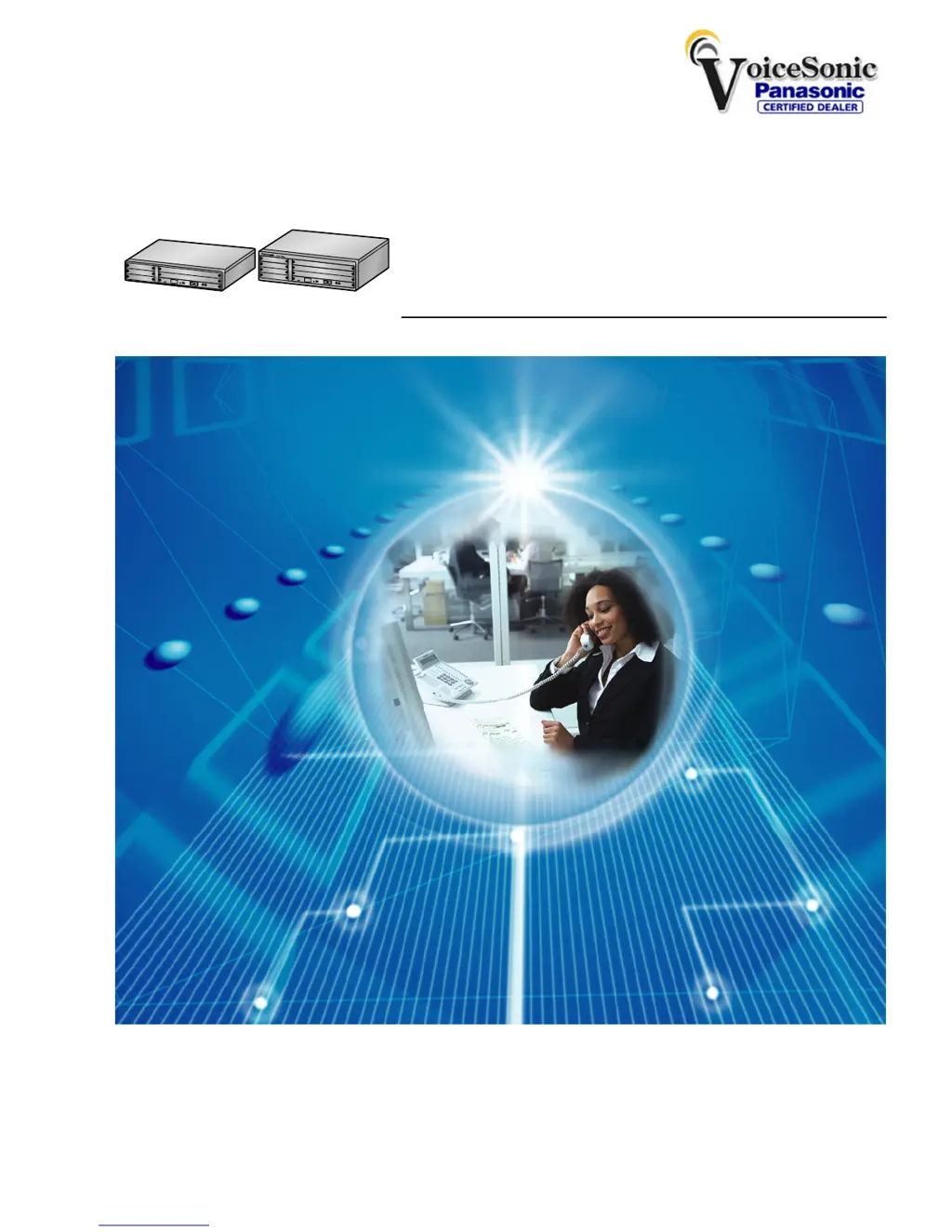
Pure IP-PBX
Operating Manual
Thank you for purchasing a Panasonic Pure IP-PBX.
Please read this manual carefully before using this product and save this manual for future use.
KX-NCP500/KX-NCP1000: PBMPR Software File Version 2.0200 or later
Document Version: 2009-11
KX-NCP500
KX-NCP1000
Panasonic Telephone Systems
www.voicesonic.com
Phone 877-289-2829
Panasonic KX-NCP500, KXNCP500, NCP500, KX-NCP1000, KXNCP1000, NCP1000

Table of Contents

Questions and Answers

  • S
    Stacy Patel DDSSep 8, 2025
    Why does my Panasonic Telephone System disconnect outside calls?
    • M
      mfordSep 8, 2025
      If the line is disconnected while talking to an outside party on your Panasonic Telephone System, the time limit may have run out. Consult your dealer to extend the time limit, if necessary.
  • T
    Thomas ChangSep 9, 2025
    Why does redialing not function on my Panasonic NCP500?
    • R
      Rachel KennedySep 10, 2025
      If redialing does not function on your Panasonic Telephone System, the stored number was more than 32 digits or an extension number.
  • E
    ebonyharmonSep 12, 2025
    How to fix Bluetooth registration issues with my Panasonic NCP500?
    • G
      Gary WadeSep 12, 2025
      If you cannot register, de-register, or confirm the ID of the Bluetooth headset on your Panasonic Telephone System, make sure that the module is properly installed in the IP-PT/DPT.
  • O
    Olivia AdamsSep 13, 2025
    Why did PC and fax communication fail on my Panasonic Telephone System?
    • T
      Tiffany ThomasSep 13, 2025
      If the PC and fax machine communication failed on your Panasonic Telephone System, an indication tone may have interrupted communication.
  • E
    Emily SinghSep 15, 2025
    How to fix a poorly shown display on my Panasonic NCP500?
    • V
      Vicki LeSep 15, 2025
      If the display is not shown well on your Panasonic Telephone System, change the Display contrast level.
  • T
    Tasha DavisSep 18, 2025
    Why doesn't my SDN button work on my Panasonic Telephone System?
    • W
      Wendy BaileySep 18, 2025
      If an SDN button on your extension does not work with your Panasonic Telephone System, a PDN button is not assigned on the extension corresponding to your SDN button. Create a PDN button on the desired extension.

Panasonic NCP500 Specifications

General IconGeneral
Caller IDYes
Voice MailOptional
Music on HoldYes
Doorphone InterfaceYes
Power Failure TransferYes
Power SupplyAC 100-240 V, 50/60 Hz
Operating Temperature0°C to 40°C

Related product manuals