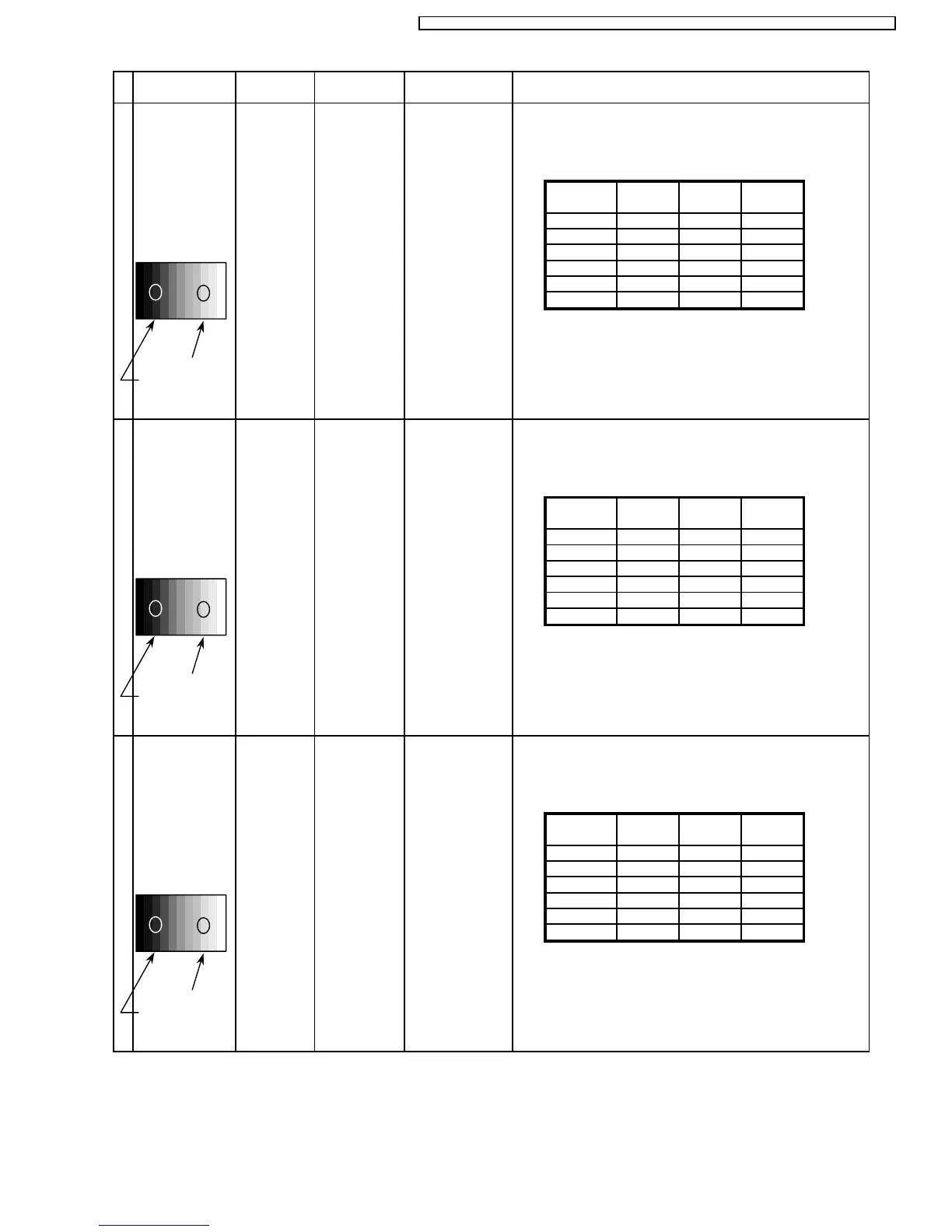
White balance:
White
Balance Cool Normal Warm
RGB
Cool R Drive
Gray Scale
Normal G Drive
Pattern
Warm B Drive
R Cut off
G Cut off
B Cut off
2)Change input signal to 525i and 525p.
High light 75%
Low light 15% 3) Copy HD drive and cut off data of each white
balance mode to each signals position.
INPUT Alignment menu ProcedureEquipment Setting
5 Picture: 1) Write down each color temaparature of R,G,B drive and
Normal Cut off data as follows.
Aspect:
16:9
White balance:
White
Balance Cool Normal Warm
RGB
Cool R Drive
Gray Scale
Normal G Drive
Pattern
Warm B Drive
R Cut off
G Cut off
B Cut off
2)Change input signal to 525p and 625i.
High light 75%
Low light 15% 3) Copy HD drive and cut off data of each white
balance mode to each signals position.
6 Picture: 1) Write down each color temaparature of R,G,B drive and
Normal Cut off data as follows.
Aspect:
16:9
White balance:
White
Balance Cool Normal Warm
RGB
Cool R Drive
Gray Scale
Normal G Drive
Pattern
Warm B Drive
R Cut off
G Cut off
B Cut off
2)Change input signal to 625i and 625p.
High light 75%
Low light 15% 3) Copy HD drive and cut off data of each white
balance mode to each signals position.
7 Picture: 1) Write down each color temaparature of R,G,B drive and
Normal Cut off data as follows.
Aspect:
16:9
27
TH-50PHW7BX / TH-50PHW7EX / TH-50PHD7EK / TH-50PHD7ES / TH-50PHD7BK / TH-50PHD7BS / TH-50PHD7UY







 To Next Page