13.2. Contents of Open Menu
Hidden Option Menu for GPH7D2 series
GPH7D2 chassis series have special function and operation setting facility called Option Menu. This Option Menu is useful for
special function required customers. This should be set at the installation stage. The end user could not set or change these
because of hidden On screen menu.
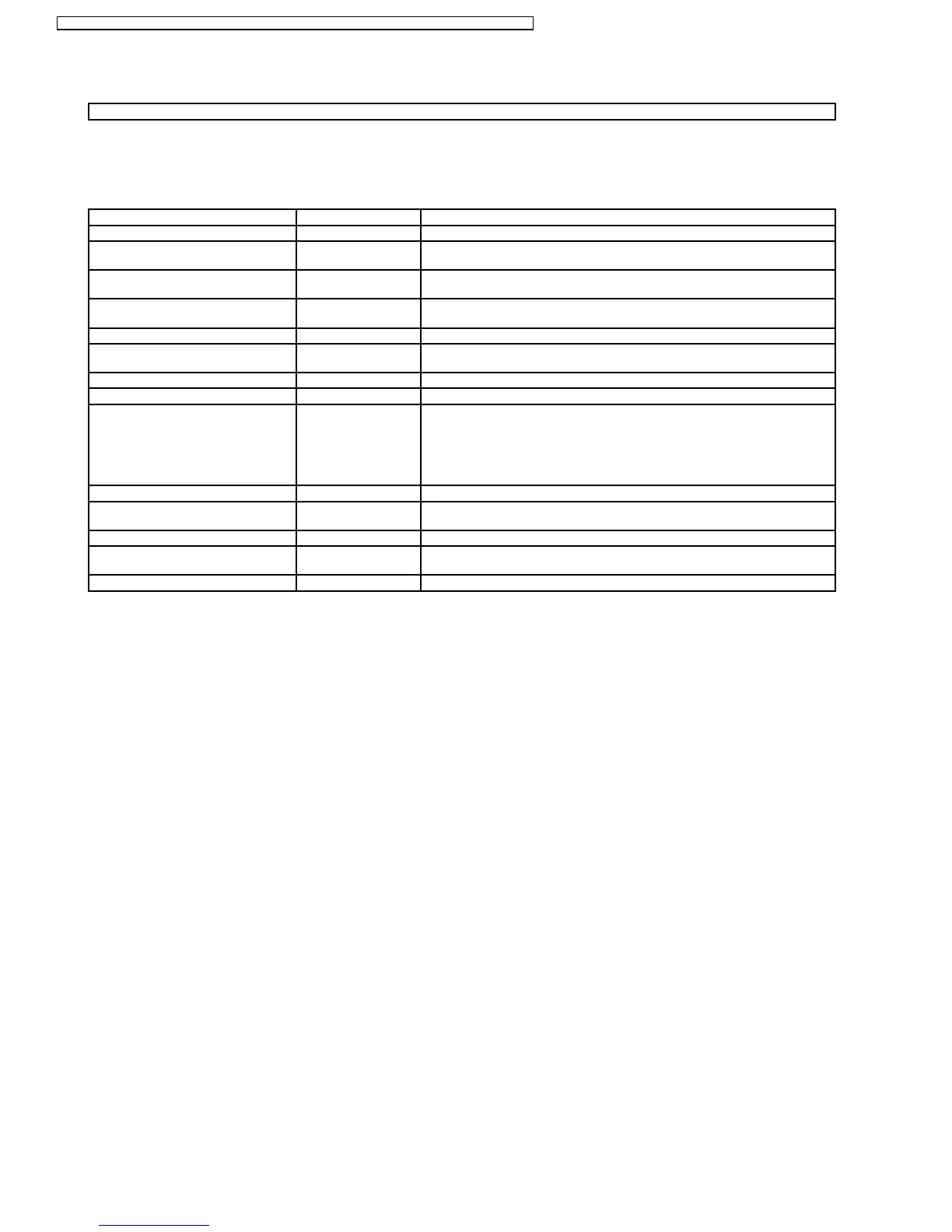
Option menus default setting Contents
Off-timer function Enable Off-timer operation Enable/Disable.
On Screen display On Enable/Disable to display input mode indication after power on and no signal
indication.
Initial INPUT Off Sets the initial input mode when the power is turned on . Allow input mode
selection while power is on.
Initial VOL. level Off Sets the initial volume level when the power is turned on. Allow Volume control
while power is on.
Maximum VOL. Level Off Sets the maximum volume to desired level. Volume cannot exceed this level.
INPUT lock Off Fixes the input mode to AV, Component/RGB or PC. Can not change input
mode by input selection key.
Button lock Off Enable/Disable front operation buttons (Input and/or volume up/down)
Studio W/B Off Set warm mode color temperature to 3,200 Kelvin.
Remocon User Level Off Remote key invalidation.
Off : Valid key is all key of remote.
User1 : Valid key are only Stand-by (ON/OFF), Input, Status, Surround, Sound
mute On/Off, and volume adjustment.
User2 : Valid key is only Stand-by (ON/OFF).
User3 : All keys are null and void
ID Select 0to100 Set ID number from 001 to 100.
Remote ID Off Remote ID function On/Off.
(While the Remote ID on, standard remote function can not control the unit.)
Serial ID Off Serial ID function On/Off
Slot power Off Sets the slot power mode the power is turned on.
Allow Optional Terminal Board insert Slots while power is on.
V. Installation Off V. Installation function On/Off (Not used)
Note :
How to set Remocon User Level and Remote ID off
1. Access service mode (CAT-mode) and press SET UP key on remote.
2. Accsess Hidden option menu.
3. Change Remocon User Level and/ or Remote ID set to Off.
32
TH-50PHW7BX / TH-50PHW7EX / TH-50PHD7EK / TH-50PHD7ES / TH-50PHD7BK / TH-50PHD7BS / TH-50PHD7UY







 To Next Page